Problem with generating reports
I am having problems with the new version of Quicken checkbook. The reports I could generate with the old version don't seem to work with the new online version. I get a "Quicken cannot find any transactions to include in this report" I think I have all the settings right. Any help appreciated. [personal info redacted]
Answers
-
Hello @Dr. Pinnell,
Thanks for posting your question.
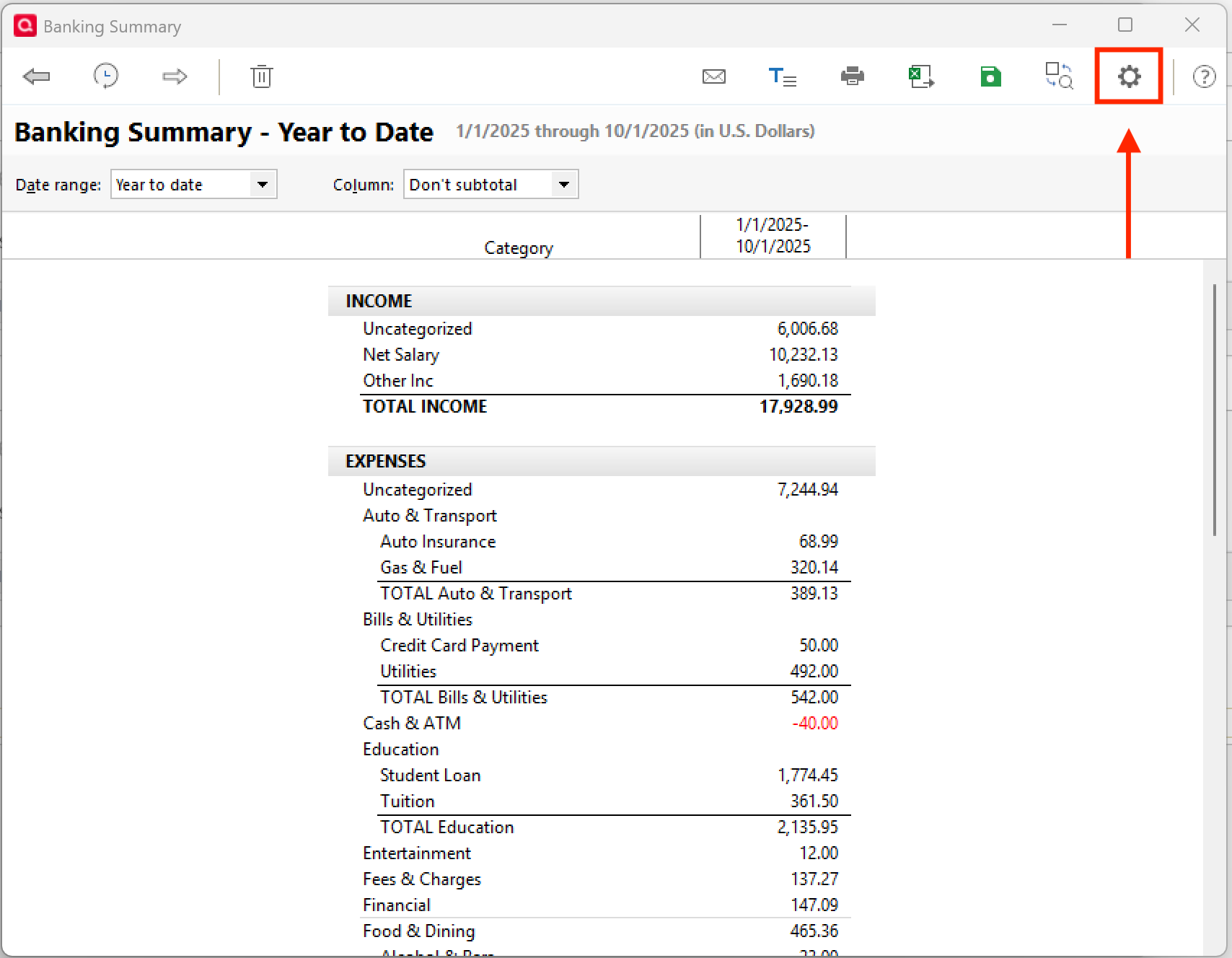
You’ll want to make sure you’re running a fresh report rather than using a saved one. Once the report is generated, click the gear icon in the top right of the report window to customize it.
From there, go through each of the tabs and make sure:
- All the accounts you want are selected
- All the categories (or tags) you want are included
- The date range is set correctly
If you go through those settings and still don’t see what you expect, let me know, and I’ll help you troubleshoot.
Thank you!
Quicken Alyssa
Make sure to sign up for the email digest to see a round up of your top posts.
0
Categories
- All Categories
- 56 Product Ideas
- 36 Announcements
- 225 Alerts, Online Banking & Known Product Issues
- 22 Product Alerts
- 703 Welcome to the Community!
- 671 Before you Buy
- 1.2K Product Ideas
- 53.7K Quicken Classic for Windows
- 16.3K Quicken Classic for Mac
- 1K Quicken Mobile
- 812 Quicken on the Web
- 111 Quicken LifeHub