Quicken Classic Business and Personal R64.30 update removed past due reminders
I don't run Quicken Classic often, just a few times a month.
I have 3 different monthly scheduled income deposits with reminders. When I run Quicken, it previously showed me the reminders for the past due income deposits, which I can click on to enter into the register.
I recently launched Quicken, and it auto-updated to version R64.30. When the update completed and Quicken started, I noticed that none of my past due reminders for income deposits were listed. When I run the Manage Bills & Income function, it correctly shows my scheduled income deposits for the future …. but nothing pending or past due.
It looks like I can select one of the upcoming deposits and change the date back a month and enter it, but I'm not sure how that affects the sequence going forward. I don't want to mess things up.
I need to enter the missing deposits, not re-date a future deposit.
I have already done a file VALIDATE and SUPER VALIDATE that has been posted elsewhere in the forum. There was a mention on the Super Validate DATA_LOG.TXT file that in the QDF file, a damaged scheduled reminder was found and removed.
It looks like the R64.30 update somehow damaged 3 different scheduled reminders that were past due. They were for 9/27, and two for 10/1. The Quicken update was performed on 10/5. The upcoming reminders seem OK.
In my case, it is relatively easy for me to manually enter the three missing monthly income deposits. I can just select the registry entry for last month's deposit and duplicate it. Then, just manually edit the copy and change the date to this month's date. All the split information is in this re-dated copy and I can verify all the splits and the total.
Does this seem like a good plan to re-enter the missing past-due income reminders?
A possible downside is that these three manual entries will not likely show up as past transactions under Manage Bills & Income screens and logs.
I have NOT yet made any changes related to these missing past-due income reminders in case a better solution exists to restore these missing past-due entries.
What do you advise?
Dave B
[Edited-Readability]
Comments
-
Hello @db808,
Thanks for your detailed post — I’m sorry you’re dealing with missing past‑due reminders after the update.
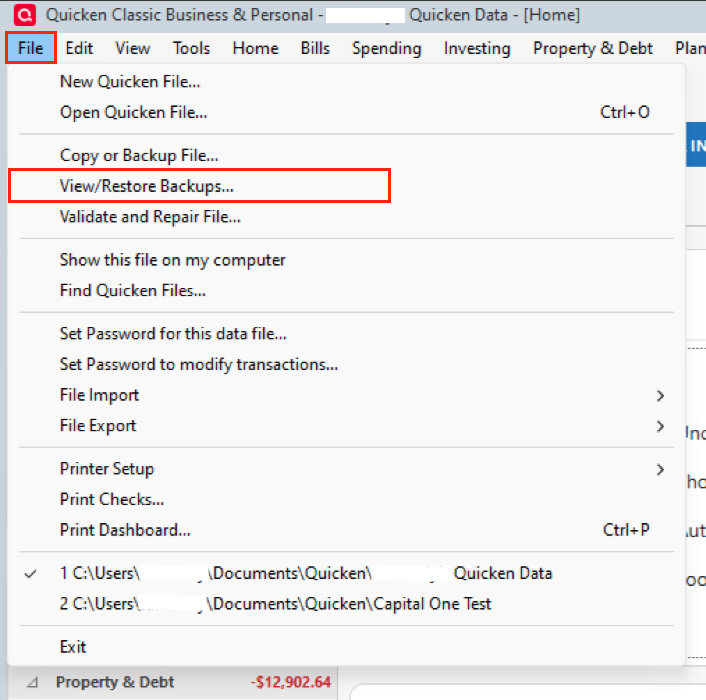
One option to resolve this is to restore a backup from before the October 5 update. This one seems the easiest to me.
Manually entering the lost reminders, like you had suggested, is also a valid approach.
Let me know if you have any other questions or concerns.
Thank you!
Quicken Alyssa
Make sure to sign up for the email digest to see a round up of your top posts.
0 -
Thank you Alyssa for the quick reply.
I don't think that the restore option is a good one for me for two reasons.
- If I restore the data to before the Quicken update, the past due reminders are likely to be present. However, I will then need to reinstall the update … which would likely remove the reminders again. However, if I immediately process the past-due reminders before reinstalling the update, I "should" be ok.
- I have done a reasonable amount of work in Quicken since the pre-update backup. If I restore this pre-update backup, I will need to re-enter all the transactions that were performed. Some of these transactions were downloads of external financial institutions (banking, investments, etc) which would need to be re-downloaded … manually using specific dates (since all the monthly transactions were already downloaded once (but are not reflected in the pre-update backup file).
I would also need to make sure to print out all the recent transactions before the pre-update restore, so I can ensure that I properly re-entered and re-downloaded all the transactions correctly to bring the system current.
I believe the effort to re-enter and re-download the transactions since the pre-update backup is larger than just duplicating the 3 missing reminder items, and editing the date, moving it forward by one month.
I will perform the duplicate/and edit date tasks to create the 3 missing reminders.
Thank you for your help.
Dave B
[Edited-Readability]
0 -
Another thought …
Is it a worthwhile Quicken enhancement to NOT perform an auto-update on startup if there are past-due reminders present?
Quicken would then display a warning … and recommend that all past-due reminders be processed. Quicken would then start … without the auto-update, and you could process the past-due reminders, clearing them out.
Then, you could manually invoke the Quicken update, or just close Quicken and restart. On the restart, there would be no outstanding past-due reminders, and the auto-update could be done without risk of corrupting the past-due reminders.
[Edited-Readability]
0 -
Given this risk of Quicken auto-update possibly corrupting outstanding past-due reminders, I may disable auto-update to avoid the risk. If I am manually invoking the update, I can ensure that there are no outstanding past-due reminders before the update is done.
[Edited-Readability]
0 -
Hello @db808,
Thank you for following up.
I totally empathize with your concern about auto updates — the idea that an update could silently remove or corrupt something like past-due reminders is disconcerting.
I am happy you have found a way to make this work for you.
If you need more help, don't hesitate to reach out.
Quicken Alyssa
Make sure to sign up for the email digest to see a round up of your top posts.
0
Categories
- All Categories
- 56 Product Ideas
- 36 Announcements
- 223 Alerts, Online Banking & Known Product Issues
- 22 Product Alerts
- 701 Welcome to the Community!
- 671 Before you Buy
- 1.2K Product Ideas
- 53.7K Quicken Classic for Windows
- 16.3K Quicken Classic for Mac
- 1K Quicken Mobile
- 813 Quicken on the Web
- 111 Quicken LifeHub