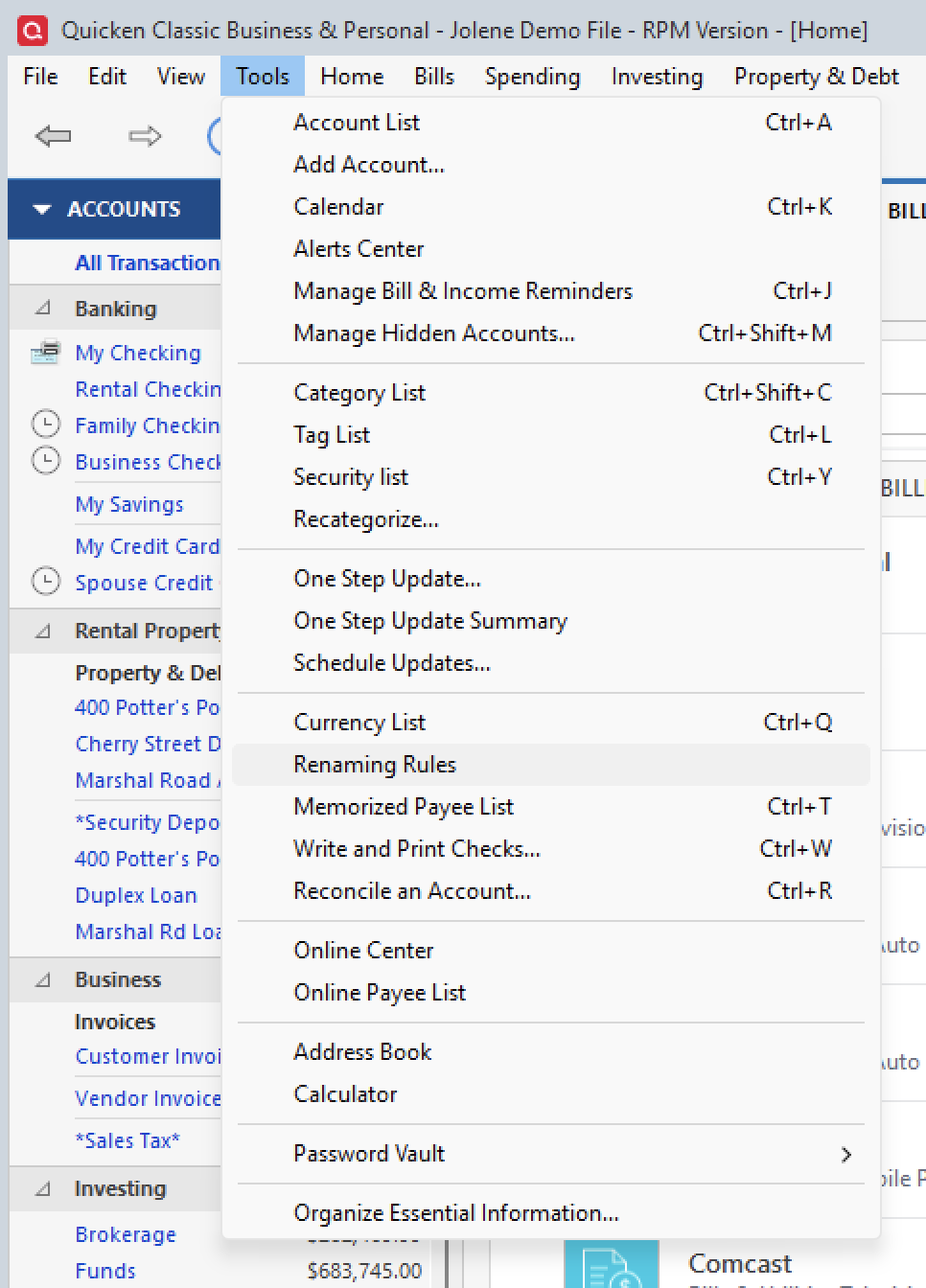
When I download my account information from the bank for my checking account, a lot of the payees are not correct. I have no renaming rules set up so I don't know why it is doing this.
Hello @Jansch,
Thank you for sharing your experience with us. I am happy to help get to the bottom of this with you.
I do have some follow-up questions for you if that's ok.
Let's start with those, and then we can go from there.
Thank you!
Hi Alyssa,
I started noticing this a couple of months ago. Before that, it worked fine.
This is all from one bank.
The payees are completley wrong. One from Kirbyville Farm listed as from CVS. Another from Parking Lot listed as CVS. And it puts the catergory as "other Income" when it is a debit.
My file is on my laptop. It is backed up on Backblaze and every 6 months I back up to a portable hard drive.
Thank you for following up with those additional details.
If you have Backblaze doing an automatic backup, and your Quicken file is part of that, I recommend excluding your file from it. You can still save backups to these locations, but having third-party applications access your Quicken file can cause data file damage.
Once you have excluded the file from that backup, let's validate your Quicken file to see if that will clear this up.
To do this:
Once that is done, a box will open with a summary of what was found/fixed. Take note of what is mentioned there. Update your accounts again, and let me know if the payees are still getting mixed up.
Looking forward to your response.
The box with the summary only noted an account that I don't use anymore at a bank that I don't use anymore. I did download from my bank again, but I can't tell if it is fixed because I didn't have many transactions to download. I will check again when I have more transactions and will get back to you.
[Edited-Readability]
@Jansch,
Sounds good, and look forward to hearing from you then.
Same thing happens to me and has for some time. Safeco Insurance Co downloads as Amazon Market Place, AAA Life Insurance downloads as Consumer Cellular, Comcast downloads as Amazon Market Place, Fruitland Mutual Water downloads as Amazon Market Place, Social Security Deposit downloads as Consumer Cellular. The list goes on. Every month I have to go through and correct each incorrect entry. Frustrating at the very least.
Hello @hookkd,
Thank you for adding to this discussion with your experience.
Have you checked to see if you have renaming rules that could be causing this issue?
Once you have done that, try updating your account and see if the problem still exists.
I just downloaded updates and it is still not labeling things correctly. A Wegmans purchase listed as CVS.
Thank you for following up.
I know you mentioned in your first post that you have no renaming rules. Is that still true? If so, I think the next steps would be some advanced file troubleshooting. Please check out this Support Article and follow the steps therein.
Something to note: When you copy your file, you will have to reconnect all of your accounts. If anything goes wrong along the way, don't panic. You can always go back to the original file.
Once you are in the new file and have everything reconnected, watch to see if the issue still occurs.
Let me know how it goes!