I have tried clicking on the desktop shortcut, and have also gone directly to the QDF file and tried to right click and "open". It does nothing and doesn't give an error message?
Where is that file stored? And what version of Windows are you running?
And, are you really running Q2017, as your profile states? If not, you'll get better answers (more pertinent to your Q product) if you update that.
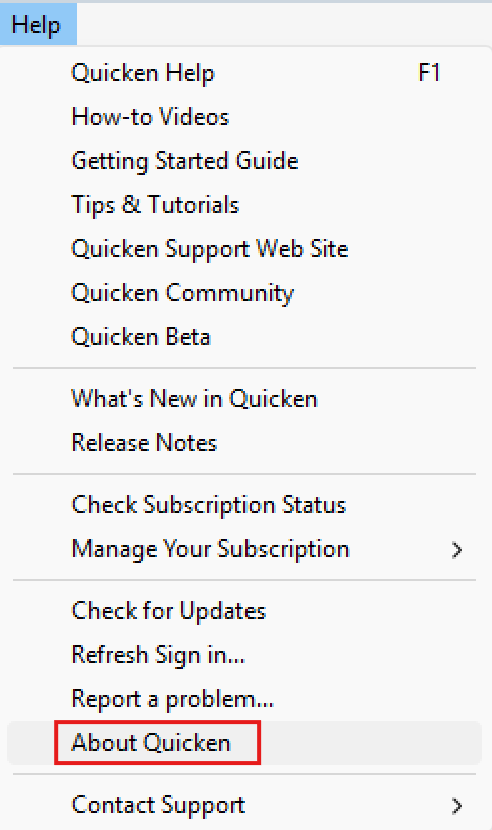
Thanks for your input! I'm not sure what version I'm running, or even where to find that info!
Hi @jpm1000,
Thank you for reaching out! I was able to check your account internally and can confirm that you currently have an active Quicken Premier subscription and are running the latest release (R64.30). If you’d like to verify this yourself, you can do so by opening Quicken and navigating to Help > About Quicken—this will show your current version and release number.
As for the issue with your file not opening, we’ll need a bit more information to help narrow it down:
To start with the basics, please go ahead and restart your computer, then try opening Quicken again directly from the program (not from the QDF shortcut) to see if the issue persists.
Once we have a few of those details, we can guide you through the next best steps.
Thank you!