Morgan Stanley transactions are not downloading into Quicken for Mac

I am running Quicken for Mac, and my transactions from Morgan Stanley were automatically downloading. These stopped downloading the last few days.
I did update from Mac Sequoia to Mac Tahoe the last few days.
How can I amend to have all the transactions from Morgan Stanley download automatically?
[Edited-Readability]
Answers
-
Hello @jjrichards,
Thank you for sharing a detailed account of your experience.
Sometimes updates can cause issues like this. Are you seeing any errors at all?
One thing you could try is restoring a backup from before you did updates/before this issue happened, and see if your accounts still download fine in the backup file.
To do this:
- Go to File.
- Select View/Restore Backups…
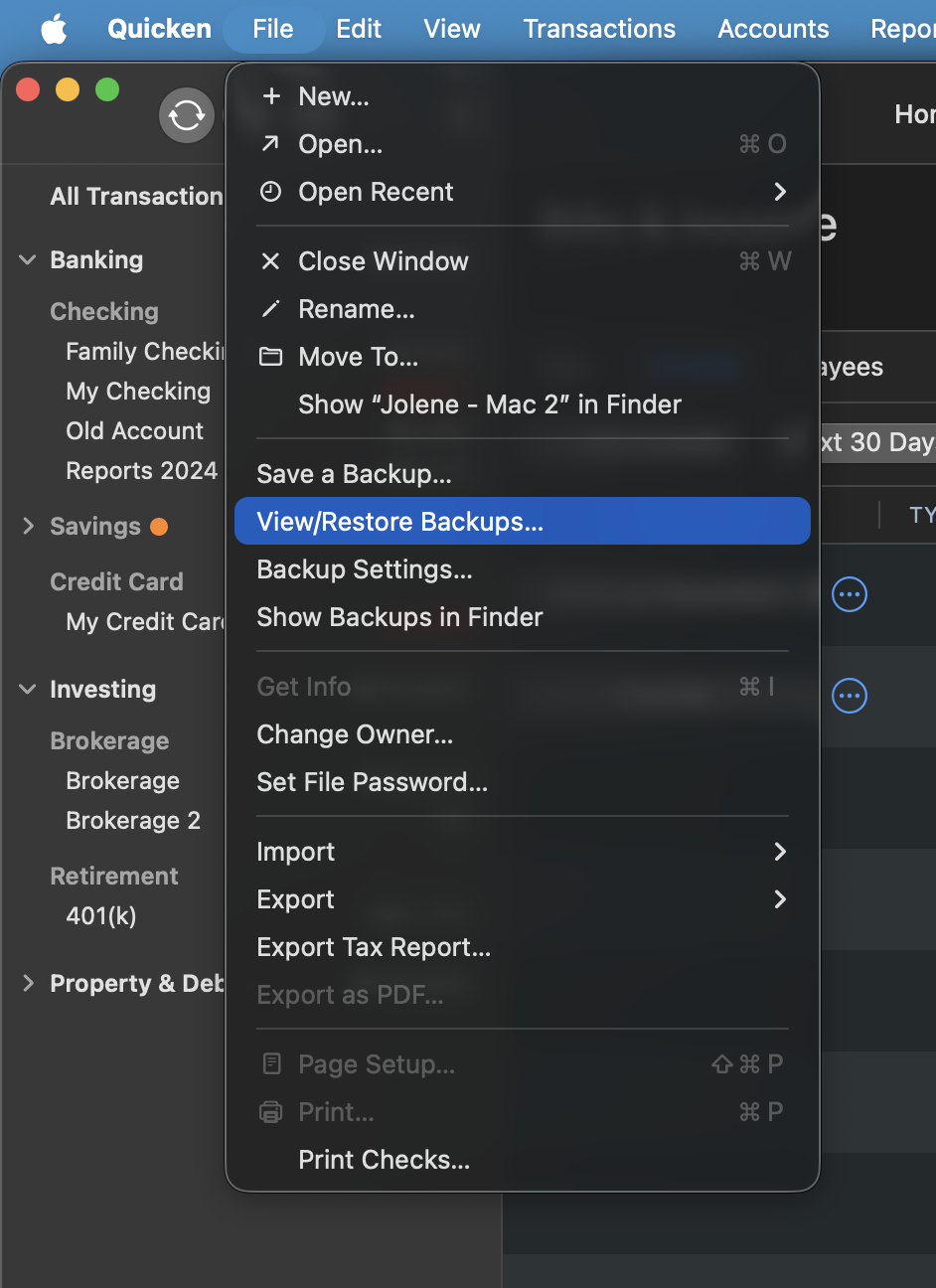
- Select a backup that predates the issue.
- Click Restore Selected Backup.
Let me know if the issue is still present.
Thank you!
Quicken Alyssa
Make sure to sign up for the email digest to see a round up of your top posts.
0
