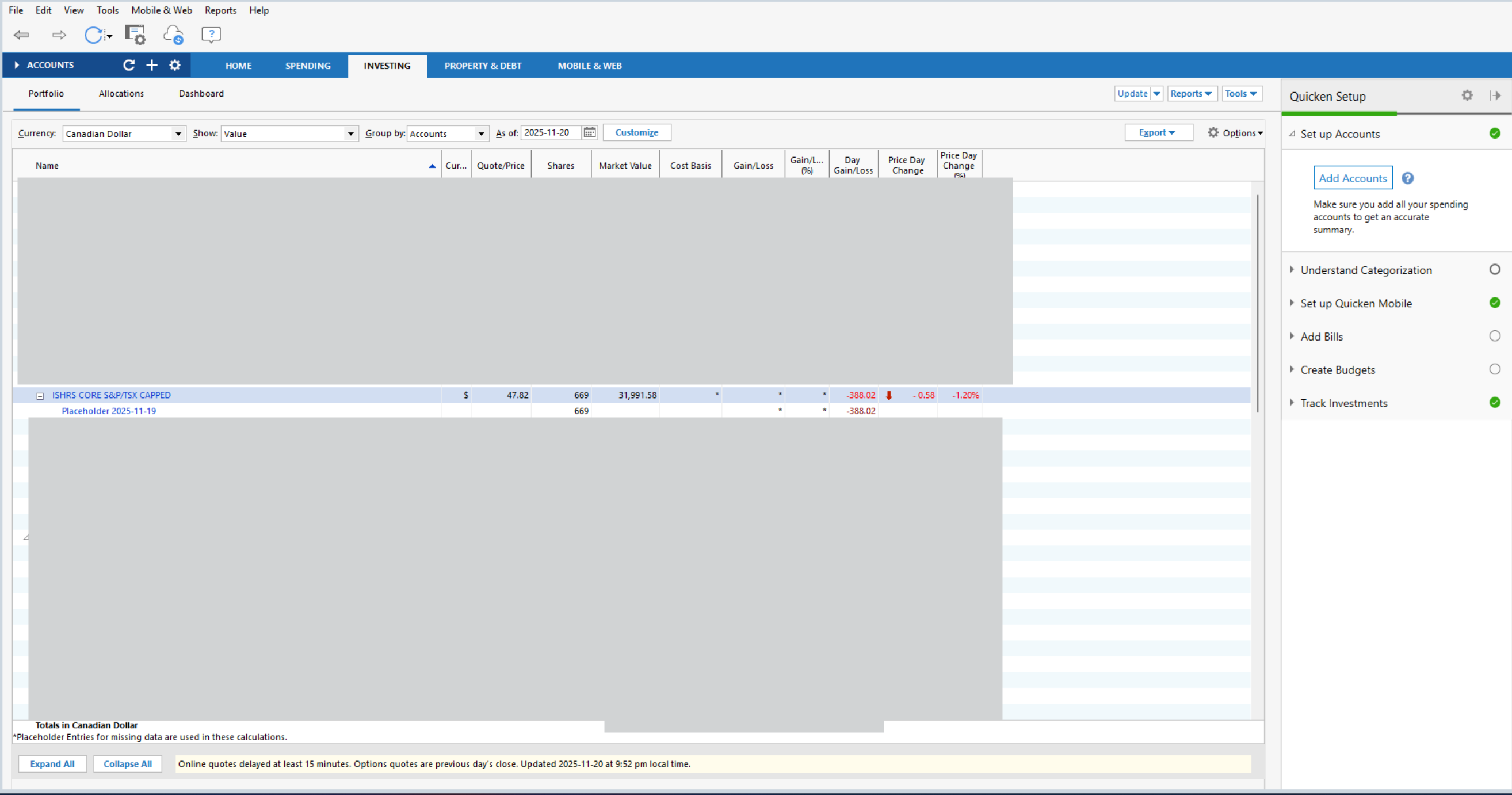
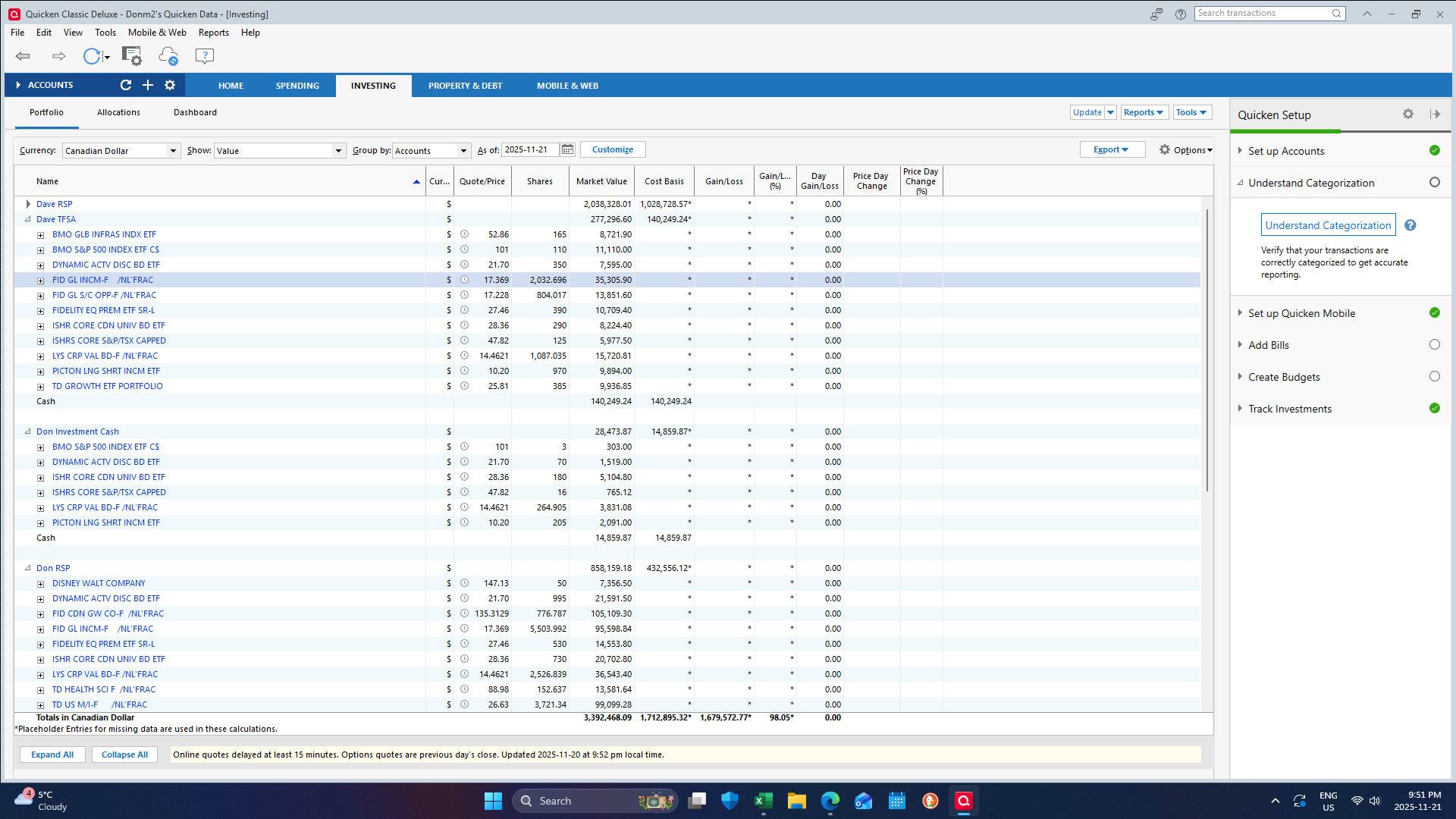
See screen shot Cash line doubles up.
[Edited Screenshot to Remove Sensitive Info]
What's shown doesn't demonstrate what you've written. SO, explain.
Also, that Placeholder could be the reason for any discrepancies.
Since you're new to Q, how did you input securities to the account(s)? Via the "Add Shares" or "Buy" actions?
I downloaded the data from TD Investments.
Not sure what happened to the picture. I'll try again.
Why is that cash line there. I have no cash
I think one of the moderators might have edited your original screenshot to protect your privacy on all your holdings.
The functionality for downloading investment transaction data in the Canadian Quicken is extremely limited and is available from a very small number of financial institutions. I use RBC DI and CI as brokers and neither of those financial institutions support any downloading of investment transactions so - to be fully transparent - I have zero experience with downloading investment transctions into Quicken, despite having used Quicken to track investments for decades.
If I were to guess - without having visilibity of the security registers - my guess would be that this is an opening balance issue or the use of add shares instead of buy shares… but those are just guesses. If you really want to use the investement transaction download ability in the Canadian version, I expect you will have to be prepare to sort through the register from time to time and be able to root cause and solve issues like this. Obviously, in this case, you'll want to pay attention to all transactions that involve cash.
I've occasionally seen other Canadian who use this functionality post here… maybe someone will be able to help you?? but you are trying to draw from a small pool of peer users for that kind of support.
I do download my banking transactions into Quicken, but I enter all my investment transactions manually… and that might be the more reliable option for you as well. On the other hand, if you do get the investment transaction download working well, I will be interested in hearing more about that!