For each of my accounts here:
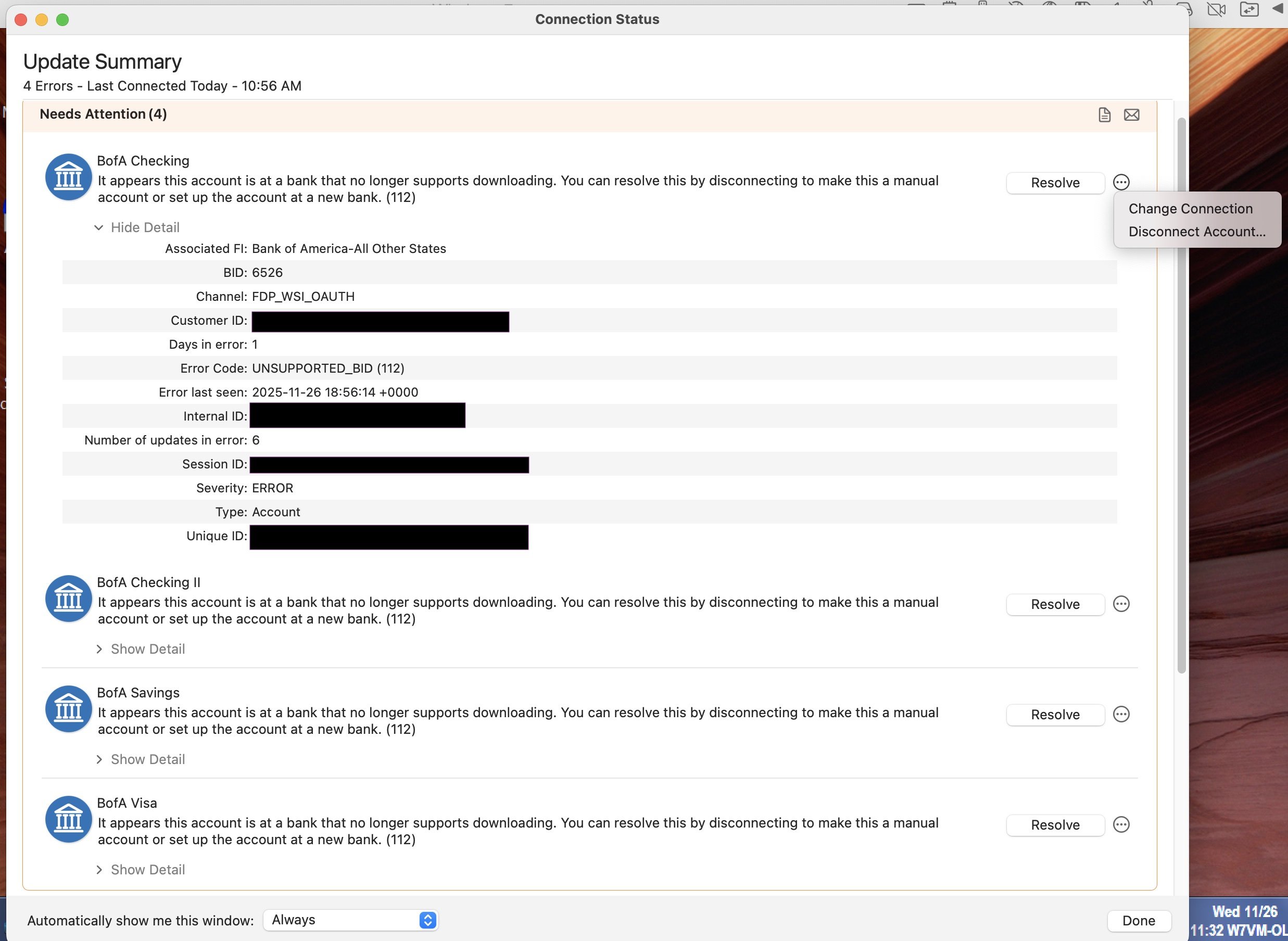
"It appears this account is at a bank that no longer supports downloading. You can resolve this by disconnecting to make this a manual account or set up the account at a new bank. (112)"
BID: 6526
Error Code: UNSUPPORTED_BID (112)
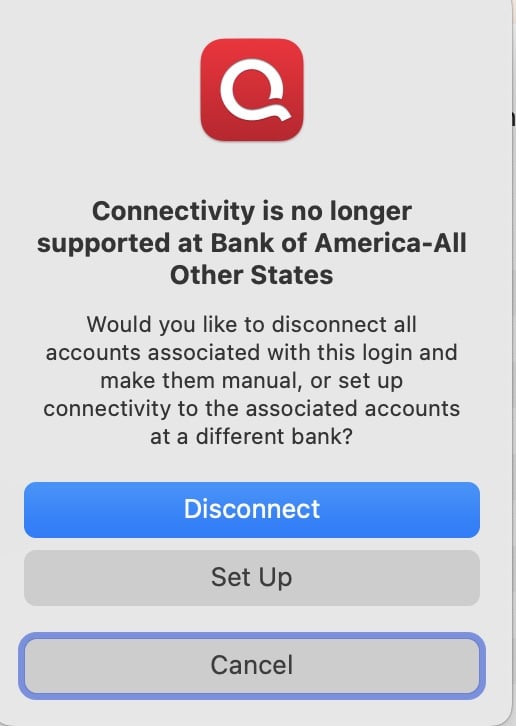
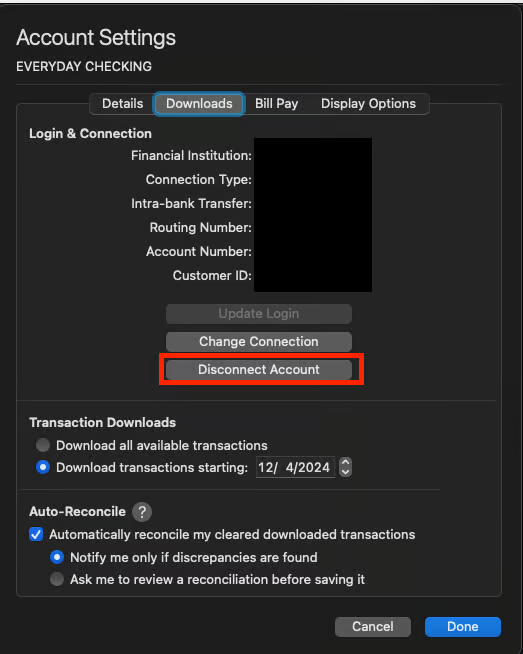
Next to each error, there is a Resolve button, and next to that a little menu (3 dots in a circle) that offers Change Connection and Disconnect Account as choices. There's no indication of what clicking the Resolve button would do vs. using the other options.
Meanwhile, downloading from BofA is working fine from Quicken for Windows.