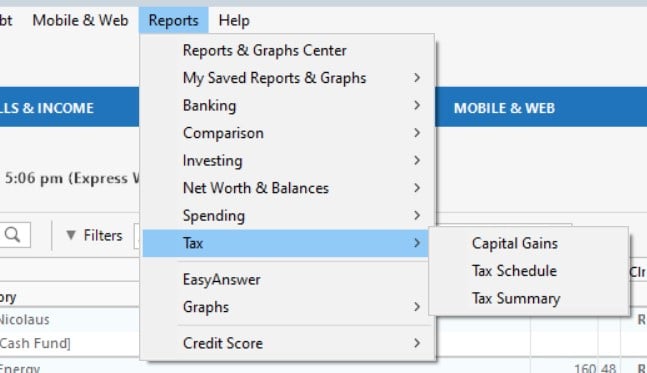
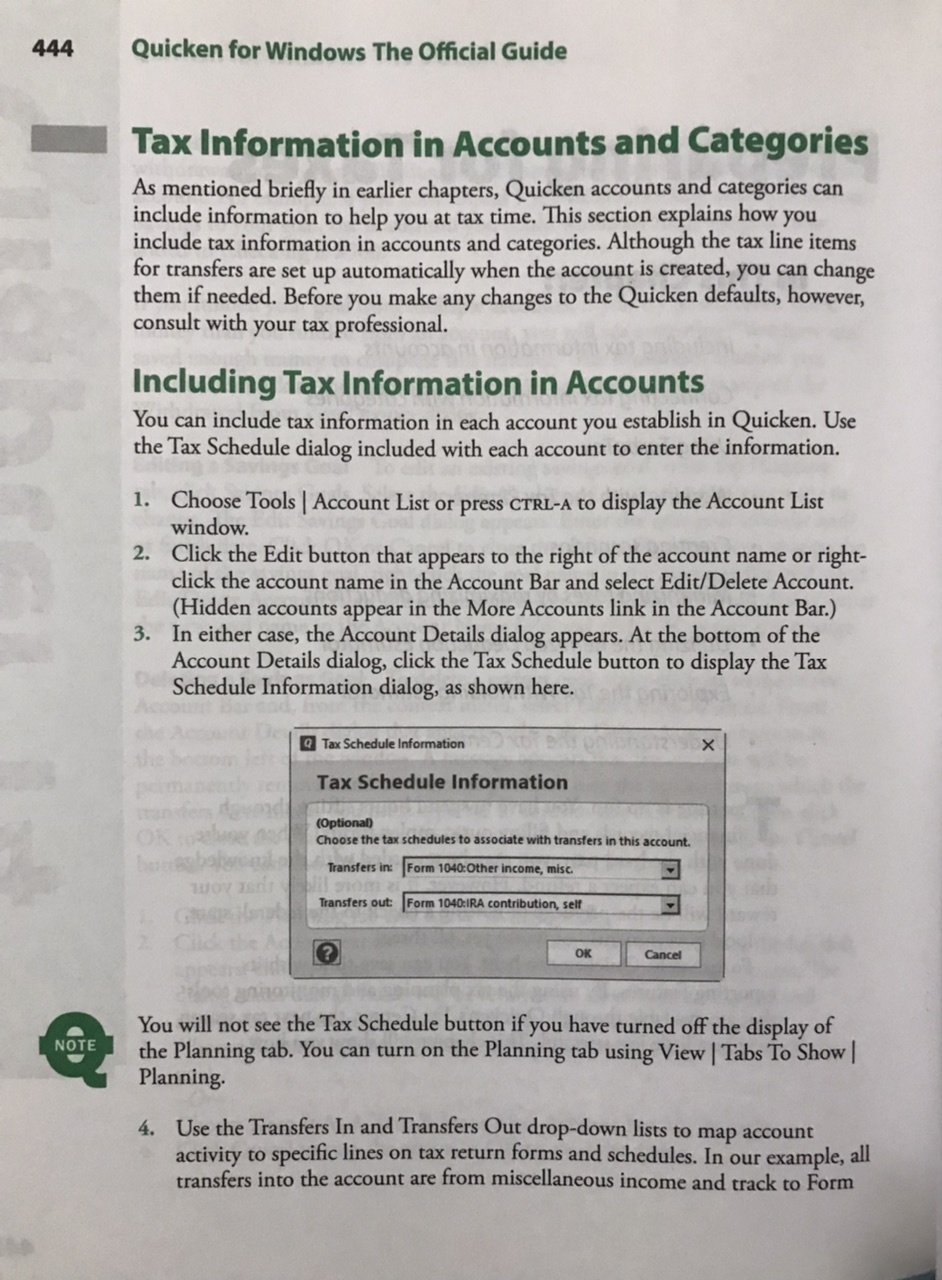
If you select View -> Tabs To Show, and de-select Planning, then the Tax Schedule button in the Account Details dialog disappears.
According to the following comments, the Tax Schedule button is still necessary whether the Planning tab is visible or not:
There was also a further comment that a developer acknowledged that it shouldn't be hidden and that it might be an easy fix, but it was either forgotten about or perhaps not such an easy fix. Either way, it still happens.
I might also add that there is nothing in the dialog's help screen to explain this button's disappearance. All it says about the button is "To change the tax information for this account, click Tax Schedule." In another help screen titled "How do I set tax attributes for an account?", it says to open the Account Details dialog and "Click Tax Schedule Info" (here it even misnames the button). In neither case does it say what to do if there is no such button.