Oakmark Funds Transaction Download - Issues with Password

Twice in the last 3 days, I've had issues downloading transactions from Oakmark Funds in Quicken Classic (Version R65.17, Build 27.1.65.17, Windows 11 Home).
When I run One Step Update, I don't get an error, just a dialog box asking me to enter the password for Oakmark Funds. I've verified the password on the Oakmark website, and when I try to change or reset the password in the password manager in quicken, I get an error that Oakmark cannot use my password.
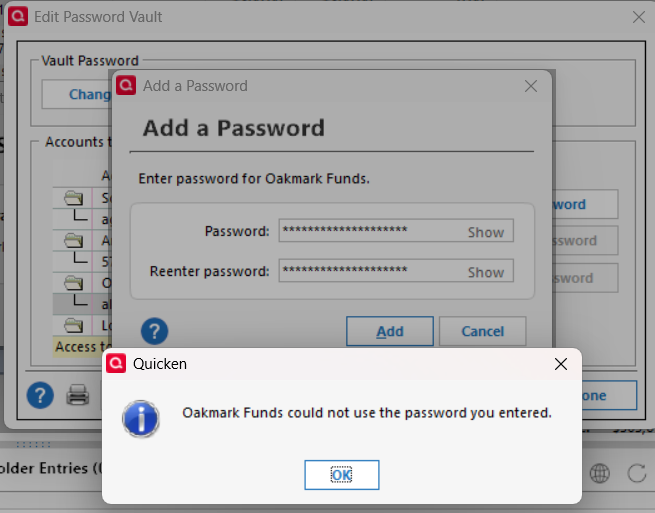
If I deactivate and reactivate the online services for the Oakmark account in Quicken, using the exact same password that Quicken rejected in the password manager when I tried to save it, Quicken gets the fund information from Oakmark and I can link it to my quicken account.
Problem is that I've had to do this twice in the last 3 days.
Hope someone has some insight. Thanks!
Comments
-
Hello @algee99,
Thank you for reaching out. To help troubleshoot, please provide more information. You mentioned this started about 3 days ago. Was there anything else that happened around the same time, such as a program/computer update or a program/computer crash? Do you keep your Quicken file directly on your local hard drive? Is the file synced with any cloud service, such as OneDrive, iCloud, or Dropbox? Does this happen only when using the credentials saved in the password vault? If not, what else triggers it?
I look forward to your reply!
Quicken Kristina
Make sure to sign up for the email digest to see a round up of your top posts.
0 -
I don't recall anything happening around that time. No program crashes, etc. Quicken did update recently, but I can't recall exactly when that happened in relation to the problem with Oakmark transaction downloads.
I keep my quicken file on my local drive and it is not synced with a cloud service. I always keep my passwords in the password vault in Quicken, have done so for many years.
If I remove the Oakmark password from the quicken password vault and then try to do a transaction download, Quicken prompts me for a password for Oakmark. When I enter it, I get this error, even though I typed in the correct password.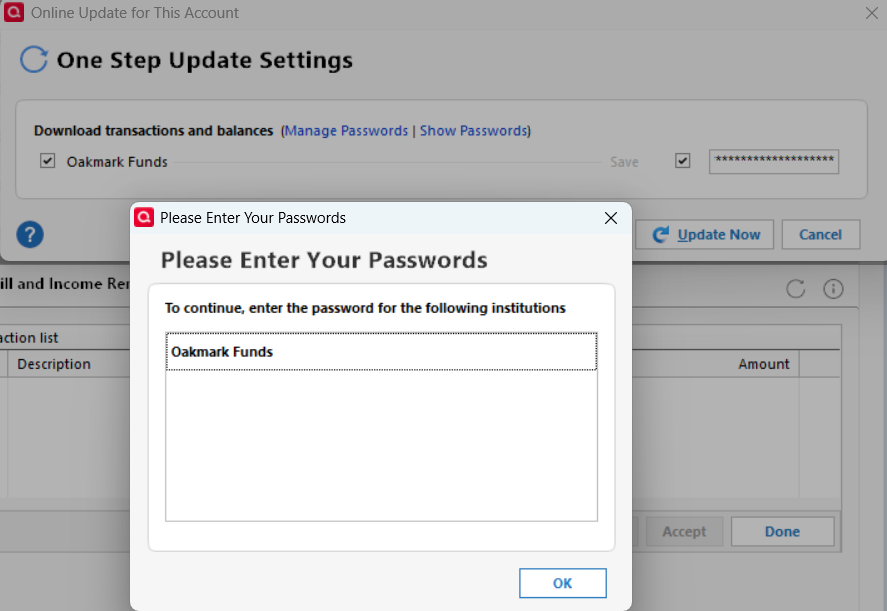
If I edit the account, and reset the online services, typing in the same password used above, Quicken is able to communicate with Oakmark and retrieve the info for my account.
I didn't get screen shots of the following: After the reset, I try to download transactions and get a similar dialog asking me to 'Please enter your passwords'. Click OK and the one step update screen shows for a few seconds, but doesn't show any financial institution data. After it goes away, I try to update the Oakmark account again. The dialog opens asking me to enter my password for Oakmark, which I do and then click the 'Update Now' button, and the transaction update succeeds with no errors.
When I try to update the password in the Quicken password vault, I get an error saying that I can't have a password longer than 8 characters, which seems a bit insecure, since my longer password workes fine for logging into the Oakmark website.
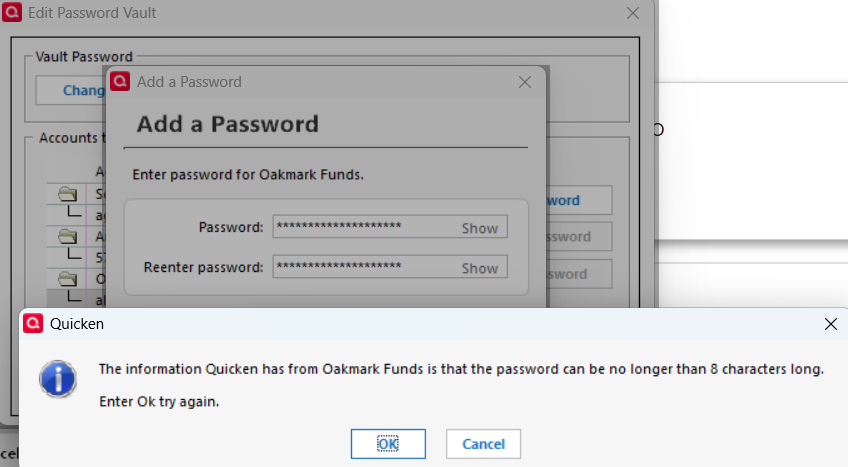
I'd try a shorter password, but the Oakmark website says my password must be 10 characters or longer. This is a problem, since they insist on 10 chars, but Quicken says they insist on 8 chars.
0 -
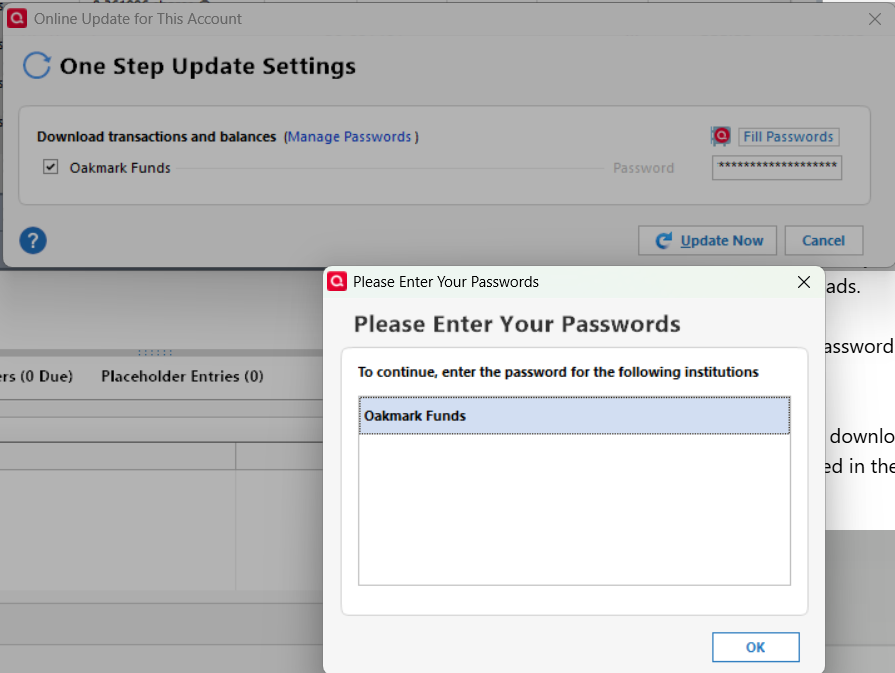
Adding a follow-up: Today, I removed the password from Quicken's password vault and then tried downloading transactions from Oakmark by itself. Quicken asks for Oakmark's password and then gives me this error (as if I didn't enter a password?)
 0
0 -
I'm posting this because I'm really frustrated. Ever since the update last week, whenever I've attempted to update my accounts, Quicken has asked for the password for Oakmark Funds. This is ridiculous — when I go into my personal vault, the stored password for Oakmark is right there. But I can't proceed. I suppose my easiest option is to import a backup copy of Quicken made before the update - but annoying to say the least to have this glitch!!
0 -
Thank you for your replies,
The behavior you describe makes me suspect this may be a file specific error. I suggest that you try validating your data file. Please save a backup file prior to performing these steps.
Validate:
- File
- Validate and Repair File...
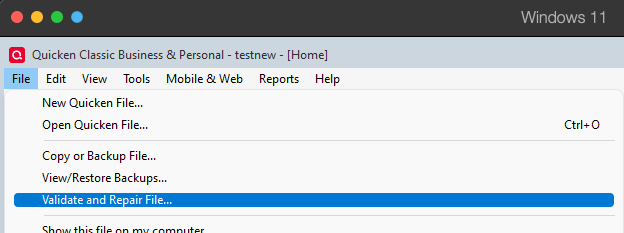
- Validate File
- Click OK
- Close the Data Log
- Close Quicken (leave it closed for at least 5 secs)
- Reopen Quicken and see if the issue persists.
Thank you for letting us know you're encountering this issue also. Please let us know if restoring the backup file corrects the issue!
Please let me know how it goes!
Quicken Kristina
Make sure to sign up for the email digest to see a round up of your top posts.
0 -
I validated and super validated my data file. There were no errors in the validation logs.
I did not close quicken and restart after the validation as you suggested because I missed that step. When I tried to update transactions for Oakmark, I got the same password errors as before.
What has worked for me the past few days (temporarily) is to reset the online account in the 'Edit Account' dialog.
After I do that, I try to update transactions and see this error dialog:
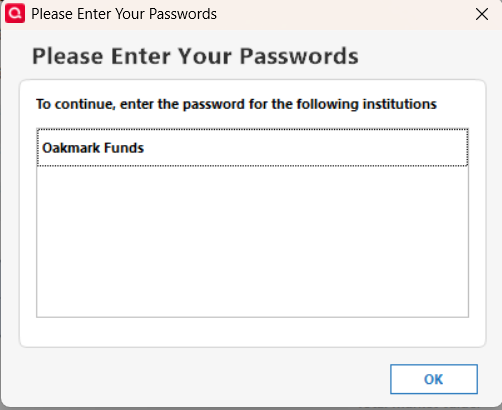
If I click OK, I see the standard transaction update window, where Quicken is attempting to update, but there is no named financial institution. After a few moments, the windows closes with no message or error indications.
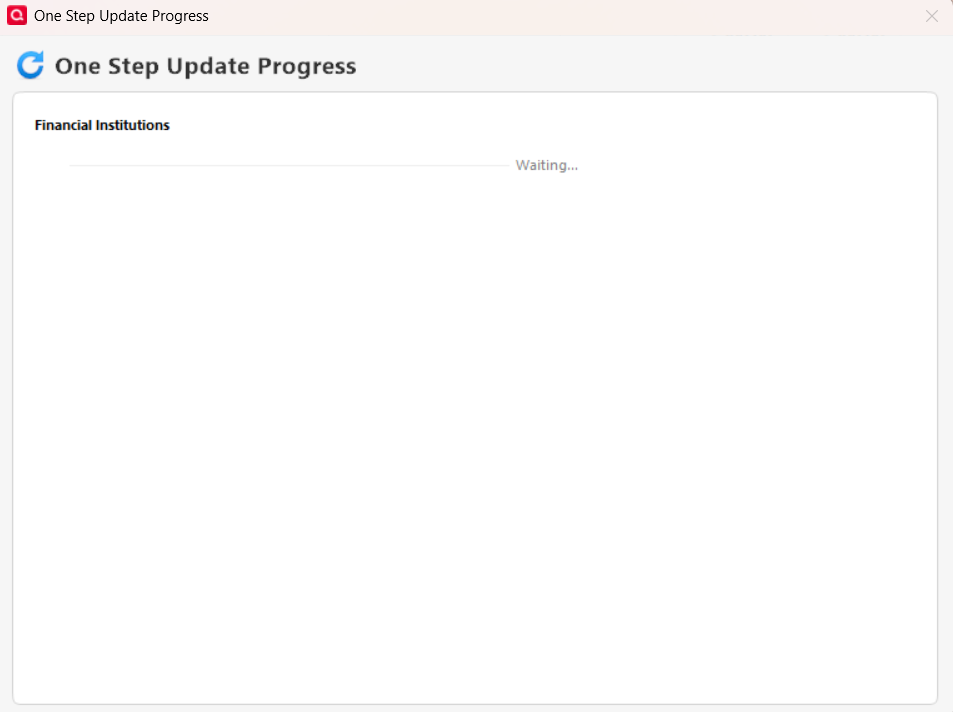
If I update transactions again, it appears to work, with no errors.
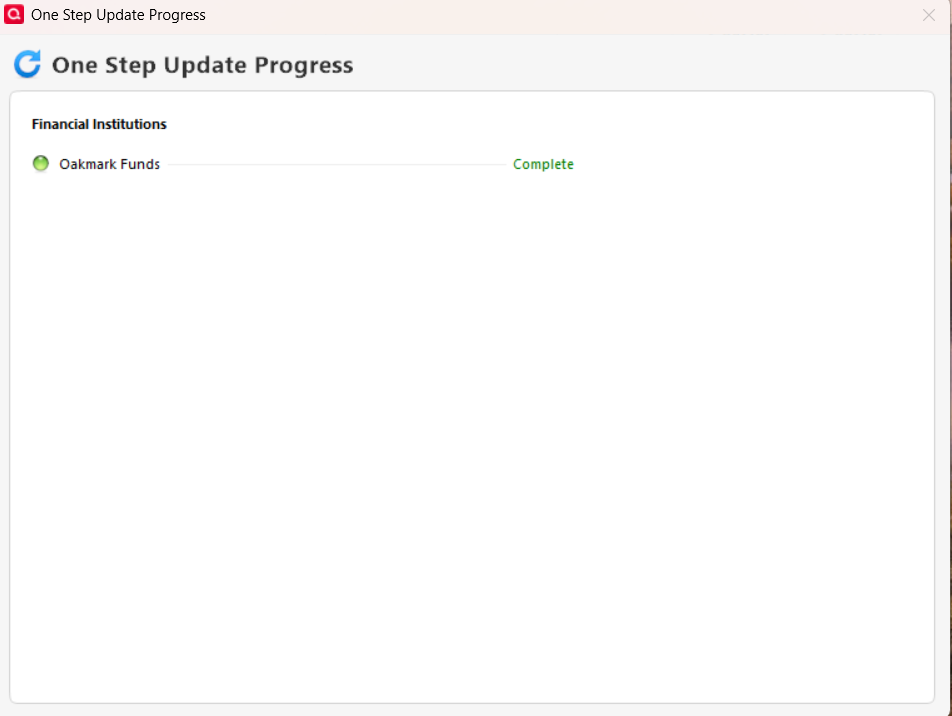
I have since shut down quicken and an hour or so later tried the transaction download again, and it still works.
I'll see what happens this evening and tomorrow after a system reboot, see if it stays fixed or not. In the past, it was fixed until the next day, but I never ran file validation before resetting the online account. So, that's something different, maybe a fix? We'll see.
Thanks for your help so far.
0 -
It is failing again this morning. Same issue, try to do one step update and get the dialog that I need to enter the password for Oakmark.
Once I do a reset of the online services for Oakmark in Quicken, and help Quicken link the account to the correct Oakmark account, things work fine for one step update. It'll probably work fine all day, like it did yesterday, and then I'll have to do the online reset again tomorrow.
0 -
I have the same issue and Quicken behavior with Oakmark Funds beginning in the same time period. I did the same account reset several times and got the same result.
This is the only account with the password issue, all other accounts update without issue.
Quicken Classic Premier, last update to R65.17 on 11/25/2025
Windows 11 version 24H2 installed 1/20/2025
Last windows updates
2025-11 Security Update (KB5068861) (26100.7171) installed 11/12/2025
Windows Malicious Software Removal Tool x64 - v5.137 (KB890830) 11/11/2025
1 -
Same issue here as algee99 and NZP7294 with Quicken behavior during the same time period with Janus password in my case.
1

Categories
- All Categories
- 56 Product Ideas
- 36 Announcements
- 224 Alerts, Online Banking & Known Product Issues
- 22 Product Alerts
- 702 Welcome to the Community!
- 671 Before you Buy
- 1.2K Product Ideas
- 53.7K Quicken Classic for Windows
- 16.3K Quicken Classic for Mac
- 1K Quicken Mobile
- 812 Quicken on the Web
- 111 Quicken LifeHub