Quicken R65.17 update enabled Quick Pay for some accounts[Edited]
I run Windows 11 and Quicken Desktop Subscription (R65.17) app. I always pay my bills manually and use the Bills & Income planner as a reminder as to when my bills are due. After the most recent update to Quicken, my USAA credit card accounts now show Quick Pay in the Actions button.

I do not want Quick Pay enabled. I looked at previous posts, but none of the actions mirror my current issue. Yes, I use Express Web Connect+ to connect to USAA and have been using this method for a number of years. Nevertheless, I have always paid my bills manually and have no desire to do it any other way.
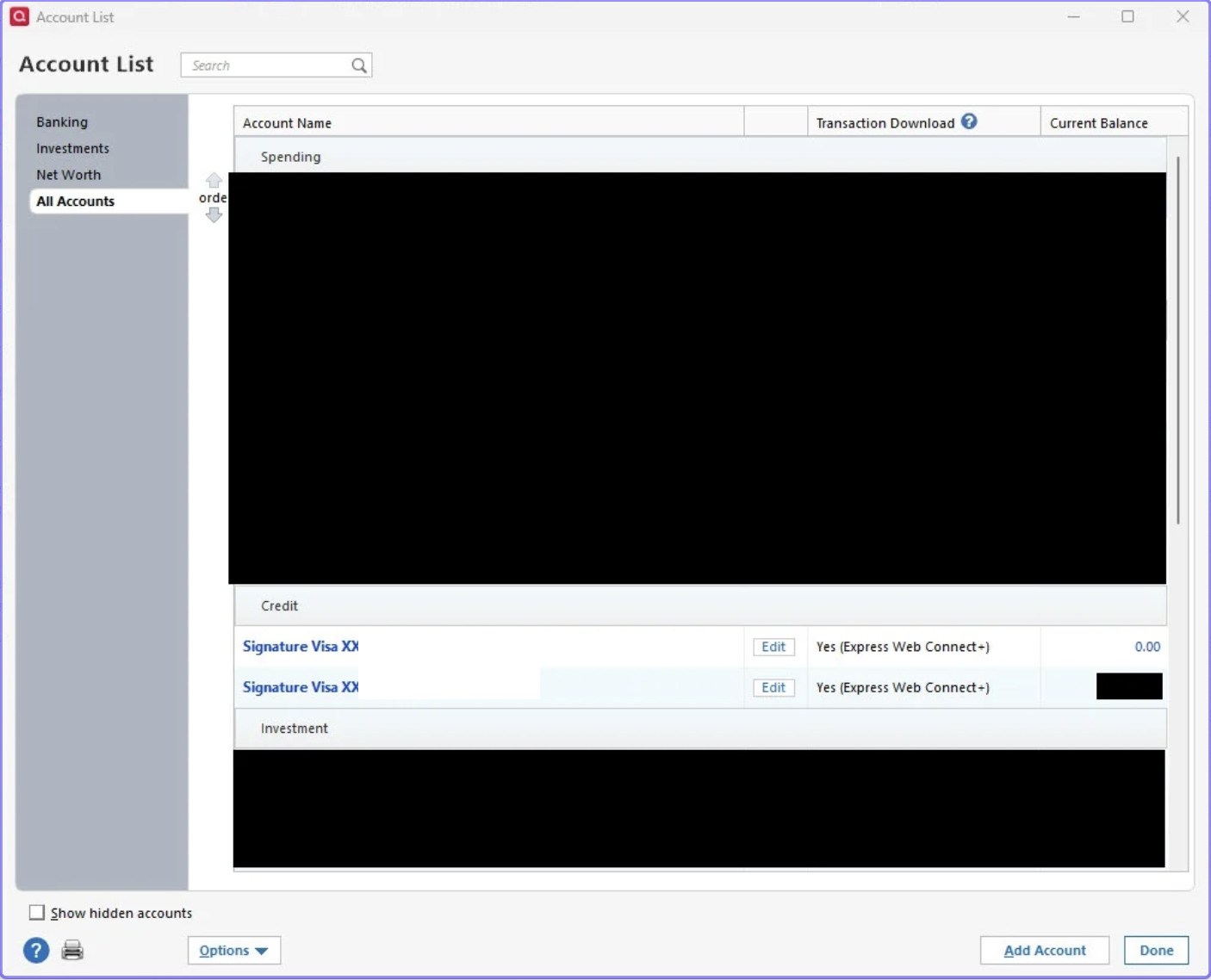
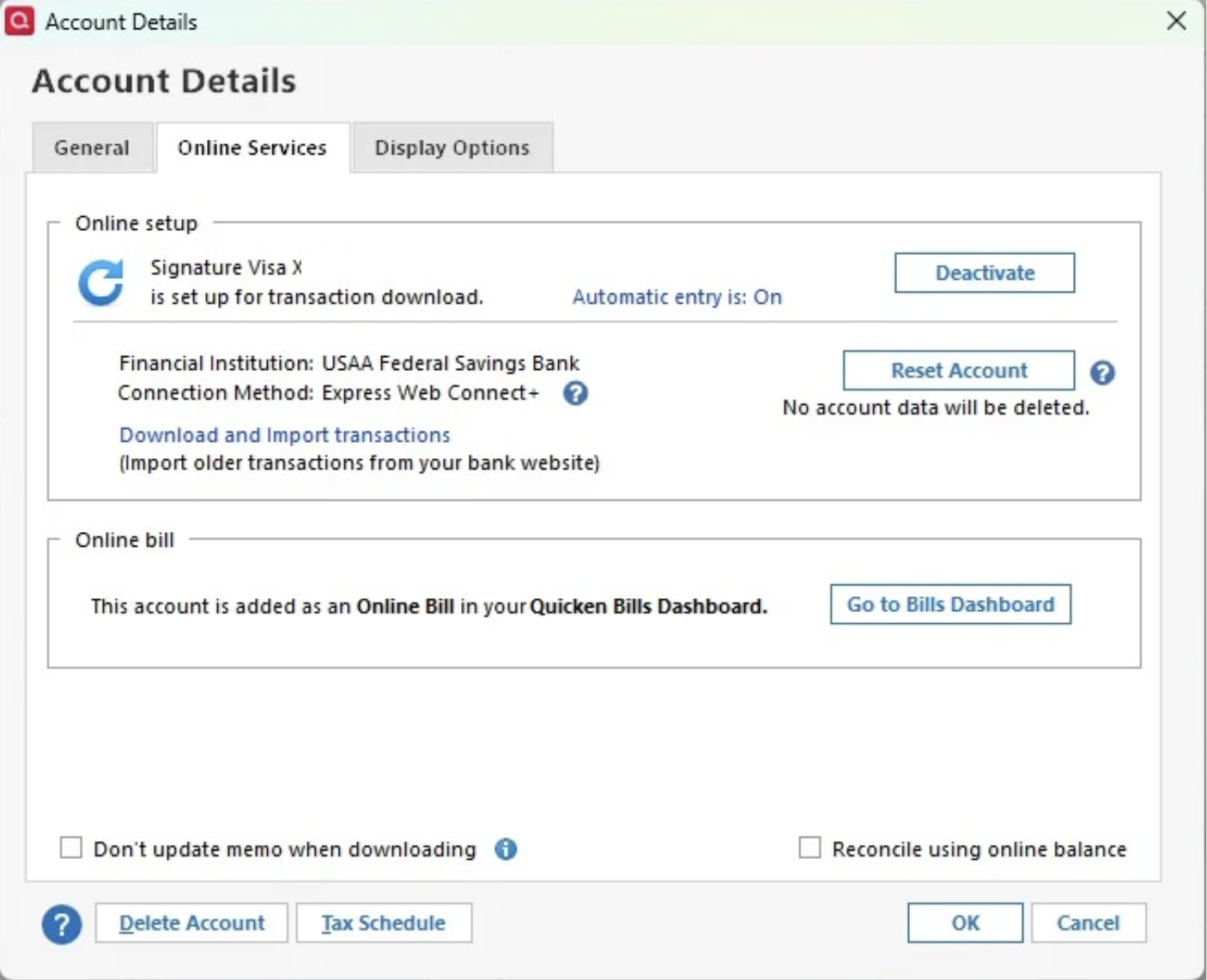
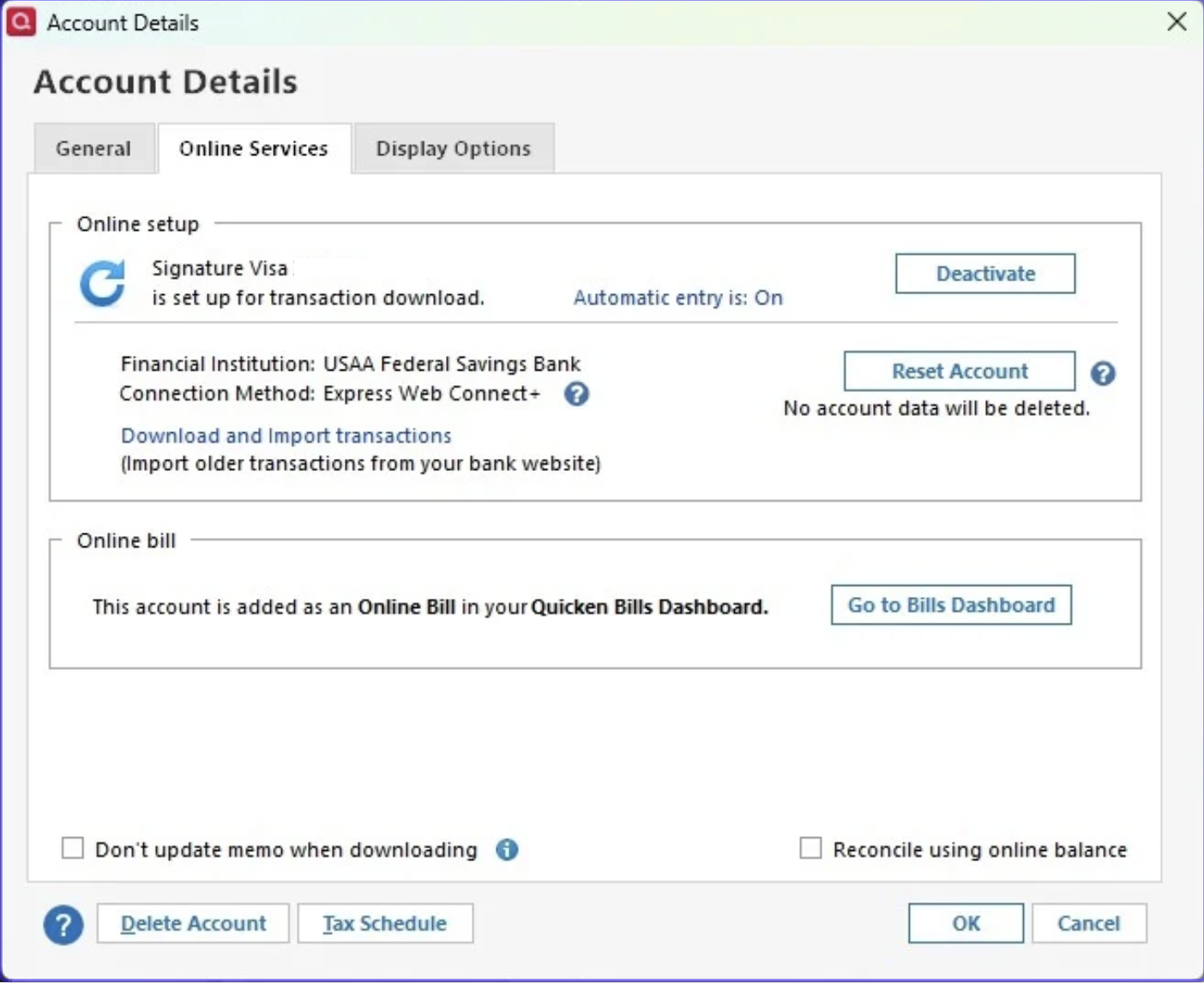
As you can see below in the two Account Details windows, I do not have any automatic bill pays nor bank pays set up for these accounts.
So my question is this, how do I stop the Quick Pay option for these accounts? They are screwing up my checkbook.
Thank you for your time and effort.
[Edited-Screenshots]
Answers
-
Hello @dfkent,
Thank you for sharing your experience. Definitely a strange thing to have happened. I have never seen this happen before.
I have some follow-up questions.
- Had you set up Quicken Bill Manager in the past?
- After the update, did you receive any prompts about these accounts/bills?
- Did you have these added as online bills before the update, or were they manual bill reminders?
- If you click the little dropdown arrow next to the Quick Pay button, are you able to select an option to unlink?
Looking forward to your response.
Quicken Alyssa
Make sure to sign up for the email digest to see a round up of your top posts.
0
Categories
- All Categories
- 56 Product Ideas
- 36 Announcements
- 223 Alerts, Online Banking & Known Product Issues
- 22 Product Alerts
- 701 Welcome to the Community!
- 671 Before you Buy
- 1.2K Product Ideas
- 53.7K Quicken Classic for Windows
- 16.3K Quicken Classic for Mac
- 1K Quicken Mobile
- 813 Quicken on the Web
- 111 Quicken LifeHub