Bank of America mess

kaleggs
kaleggs Quicken Windows Subscription Member

I have had issues with my Bank of America accounts (one checking, two savings) for over a year. Last year in July suddenly all transactions from my checking account for the previous 12 months disappeared! I redownloaded from the bank, reconciled each month (again) and everything looked ok. Then about a month later, the opening balance was off by $1600. Everything is reconciled, don't know why this happened, but I've lived with it for the past year or so. Now, with no notification, Bank of America and Quicken have changed their relationship! I have looked at the support pages and the first direction throws me. "Click Deactivate" does not show up as an option AT ALL. My only option is DELETE ACCOUNT. I am loathe to do so, but is that my only choice? If I loose everything, Quicken looses a customer. I have been a Quicken user for over 35 years!!

Answers

  • Tom Young
    Tom Young Quicken Windows Subscription SuperUser ✭✭✭✭✭

    That "'Click Deactivate' does not show up as an option AT ALL" statement suggests that when you go to the "Account Details" screen you don't even see an "Online Services" tab. Is that in fact the case? Or is the Online Services tab there, but you're not seeing the Click Deactivate prompt?

    If the Online Services tab isn't even there that would suggest that the Account was setup as a manual Account, and that doesn't make sense given what you've posted.

    Could you post some screen shots of the tabs you do see when you pull up the Account Details screen.

    One thing you might try here is to make a backup up, then go through the Tools > Add Account… process, specifying BofA as the Financial Institution, after entering your user ID and password Quicken should go to the BoA site and find all 3 of your accounts. Then you'd carefully LINK, not ADD each account at BoA to its related Quicken Account.

  • Ltquin
    Ltquin Quicken Windows Subscription Member

    I also am having this problem. I tried the "add Account" option. When I click on "link to existing account", my bank of america doesn't even show up as an option.

  • JEP
    JEP Quicken Windows Subscription Member

    My Bank of America checking account in Quicken is totally messed up now. It all started in October when I was no longer able to download QFX files directly from B of A. The "Update Now" that I'm now forced to use is the culprit. Now every time I use it I'm forced to accept a balance adjustment to reconcile my account. I have no idea how to unscramble this. I've been on the phone with Quicken support three times and they're zero help. The last guy said to accept the balance adjustment and I would be fine going forward. I updated my account today and again was forced to accept a balance adjustment to reconcile my account. I've had it and am now looking for an alternative to Quicken. Any suggestions?

  • QuickTalker
    QuickTalker Quicken Windows Subscription Member ✭✭

    Thank you for your updates. Unfortunately, I have joined this club. Having the same issues with my BofA accounts. I've been a Quicken user for many years, but this is unacceptable. Unless I can unravel this mess, I will be looking for an alternative to Quicken.

  • kaleggs
    kaleggs Quicken Windows Subscription Member

    Ok. It's kaleggs back again. I submitted my problem but then had no idea how/when I'd get an answer (if any). Maybe you can guess, but I am a senior citizen who is not tech savvy. "Web connect", "online Services," then people were talking about QFX files - I don't know what any of that means. I get on Quicken, I get on my bank website (I have two monitors), I download bank transactions to quicken - well, used to. Take a screen shot??!! I have not idea how. I did see one young lady's post that looked very much like my problem (no deactivate button only delete). I thought I found the answer! Nope. The proposed answer she got was that if the deactivate isn't there, quicken already recogizes you as disconnected from the bank. Re-connect. Nope. I tried that and got as far as authorized from bank but then the account options were "add to quicken" or "do not add to quicken." When I selected "add" I got a prompt saying an account with this name already exists. (The proposed solution stated to make sure your account nicknames matched.) Currently, I go on the bank website and compare cleared transactions to what I have entered in quicken. I need to pay for this!!?? I wish I know of another financial program to which I could switch. Any body I ask says they just use Excel. I am NOT comfortable with that!

  • Tom Young
    Tom Young Quicken Windows Subscription SuperUser ✭✭✭✭✭

    @kaleggs

    Pick a time when you can sit in front of your computer for an hour or so uninterrupted. Pick up the phone and call Official Quicken Support . (Click the blue link I've provided, scroll down the page you land on until you see this:

    image.png

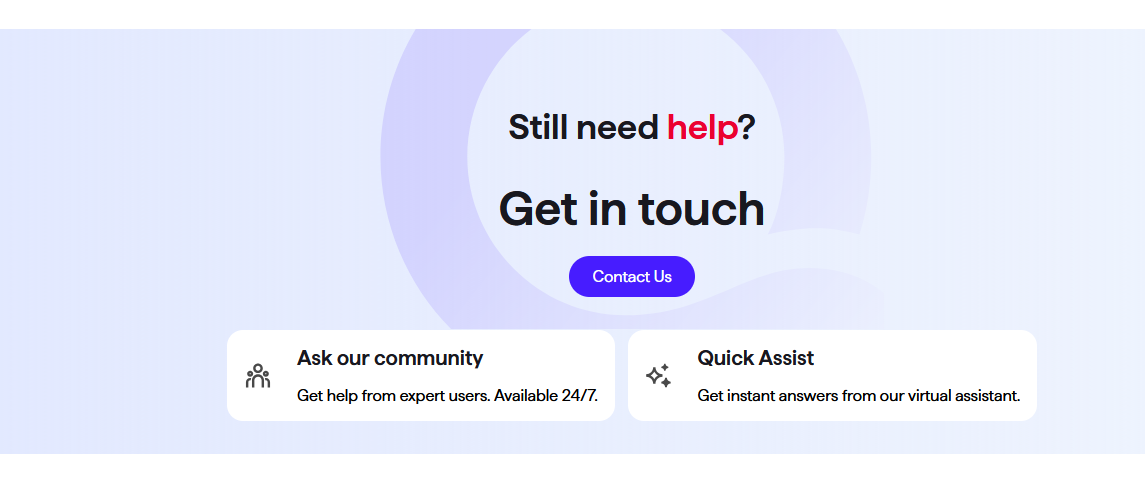
    click the "Contact Us" button which will move you here:

    image.png

    and call them.)

    When you get connected, allow for "screen sharing." That will allow the Quicken rep to actually see what you're seeing, but you still have complete control over your file. They should be able to diagnose the problem and walk you through the "fix" process.