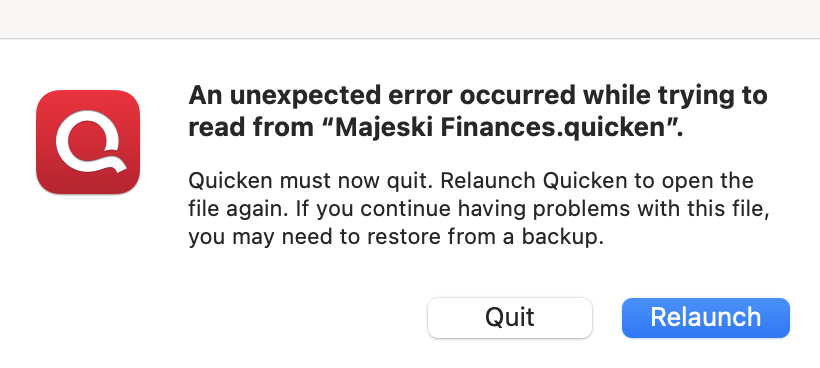
Unexpected Error

Comments
-
Hello @markmajeski,
Thank you for sharing your experience with us.
This is a new one for me. I am not sure if I have seen this specific error before. However, I do have some follow-up questions to help determine what could be causing this.
- How long has this issue been happening?
- Were there any significant changes that occurred around the same time this issue surfaced?
- Like Mac updates, Quicken updates, computer issues, etc…
- Where is your data file located?
- Is your data file being synced/backed up by any third-party services like iCloud, Norton, or Dropbox?
Looking forward to your response!
Quicken Alyssa
Make sure to sign up for the email digest to see a round up of your top posts.
0 -
It started about two weeks ago, 12/01/2025.
No changes that I know of, unless something was completed in the background automatically.
Data files are stored locally on the hard drive and on a separate backup disk for safety.
I was thinking that I may uninstall and reinstall Quicken to see if that helps, since I have a recent backup.
1 -
Thank you for following up with those additional details.
Did you try the uninstall/reinstall, and did it work? If it did not help to resolve the issue, I would suggest restoring a backup from before the issue started.
To do this:
- In Quicken, select File > View/Restore Backups...
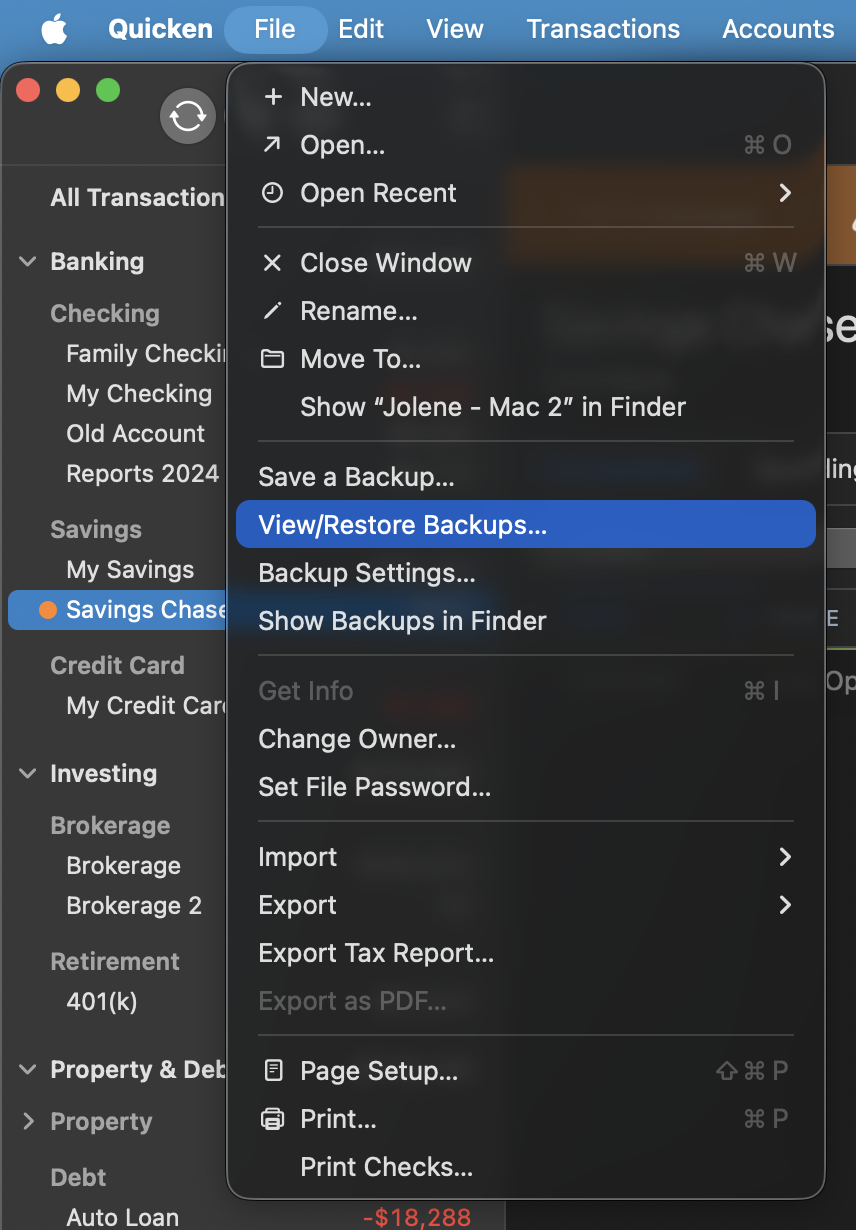
- Browse your computer or external media to find the backup file you want to restore. The Quicken backup file has the extension .quicken2017backup or .quickenbackup.
- Select the file to restore.
- Click Choose.
Let me know if the issue continues happening once you have restored a backup.
Thank you!
Quicken Alyssa
Make sure to sign up for the email digest to see a round up of your top posts.
0 - In Quicken, select File > View/Restore Backups...

Categories
- All Categories
- 60 Product Ideas
- 36 Announcements
- 219 Alerts, Online Banking & Known Product Issues
- 21 Product Alerts
- 704 Welcome to the Community!
- 671 Before you Buy
- 1.2K Product Ideas
- 53.9K Quicken Classic for Windows
- 16.4K Quicken Classic for Mac
- 1K Quicken Mobile
- 812 Quicken on the Web
- 115 Quicken LifeHub