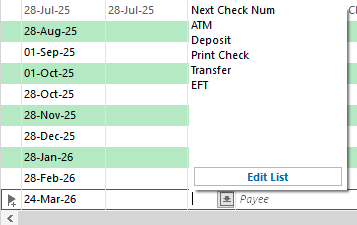
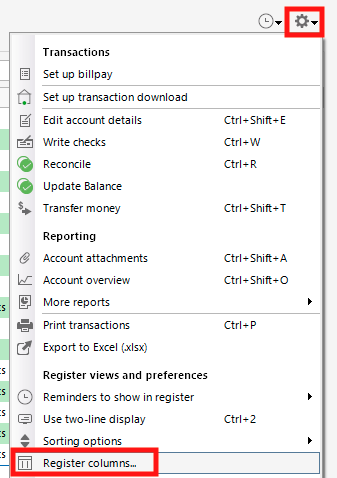
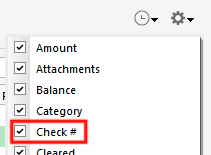
Dropdown to choose to add Check # or Transaction Type in Write Check window [Edited]

JerryBSr
JerryBSr Quicken Windows Subscription Member ✭✭
edited December 15 in Display/UI

There is no way to enter my check number or type of payment used for my transaction. Can you add a dropdown so I can either use Check number, Debit, Credit Card, Payment Method, or Type in this window? See my Screenshot of my "Write Check" window:
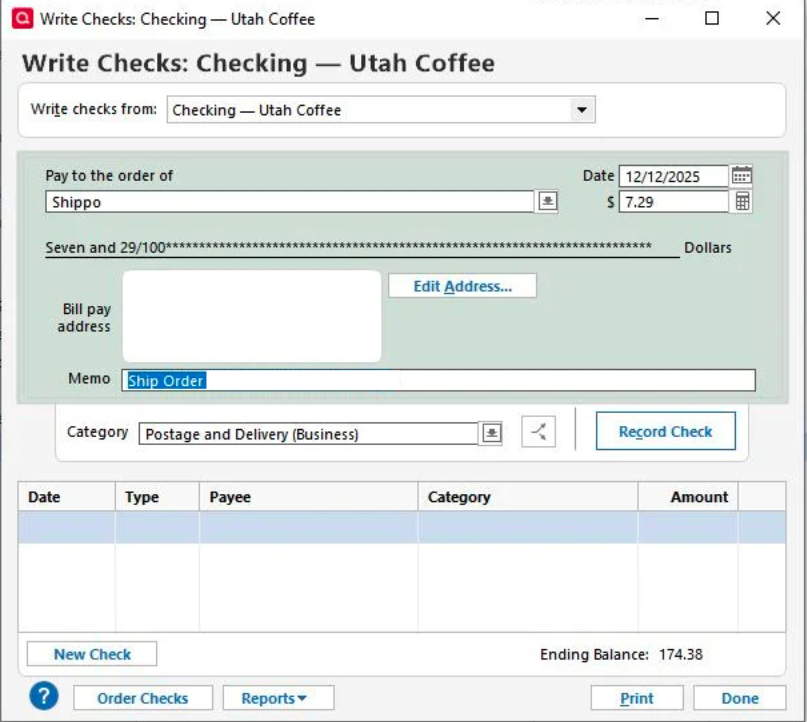
Screenshot 2025-12-15 at 3.00.56 PM.png

[Edit - Removed Personal Information]

1
1 votes

Reviewed · Last Updated

Comments

  • NotACPA
    NotACPA Quicken Windows Subscription SuperUser ✭✭✭✭✭

    Don't use the "Write Checks" dialog unless you're actually writing a physical check … for which Q will use the "Next" check number in that account.

    For debit and EFT transactions in your checking account, just input the transaction directly into the checking account register.

    And, WHY would you be recording credit card transactions into your checking account that aren't the payment from checking to the card? Credit card transactions should be recorded in a Credit card account that you've created in Q.

    If you're also recording credit card transactions in the checking account, you'll NEVER be able to reconcile your checking account, and reconciling is a strongly advised practice.

    Q user since February, 1990. DOS Version 4
    Now running Quicken Windows Subscription, Business & Personal
    Retired "Certified Information Systems Auditor" & Bank Audit VP