Hi,
I have been using this Quicken 2007 on Windows 10 and now Windows 11 for a while. The Quicken is installed on the C: drive, but I have the data files on a separate E: drive.
Yesterday, I wanted to change the E: drive to a new NVME, so I copied all files from the original E: hard drive to a new NVME and then added the new NVME to my system, and removed the original E: drive, and then, I changed the drive letter of the new NVME to E:.
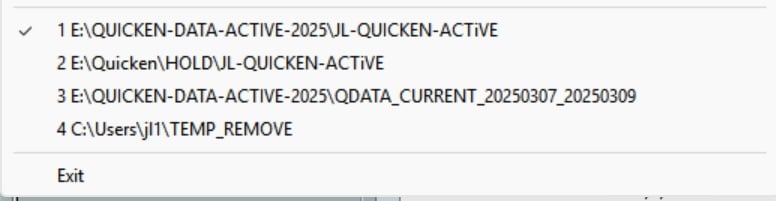
However this morning, when I started Quicken, it is asking for the data file, so I pointed it to the folder on the new E: drive, and everything looked ok, then I exited Quicken.
HOWEVER, when I tried to start Quicken again after that, it keeps asking for the data files, every time.
How can I get Quicken to persist the the data files on the new NVME drive?
Thanks, and also Happy New Year to everyone!
Jim