Bug in Quicken Investing Dashboard - account value/shares doubled in only one account

akaisth
akaisth Quicken Windows Subscription Member ✭✭
edited January 5 in Investing (Windows)

Hello - this issue has been reported earlier (since 2022/23). Is Quicken planning to fix the software bug? In the Investing Dashboard only one of several accounts has a value that is double (due to number of shares being doubled). The Total Value widget INCORRECTLY shows a value of 2X the CORRECT value in the "Portfolio by Security" widget. 8 accounts. This incorrect is #7 of 8 accounts and is the only one reflecting a transfer between 2 custodians. Other areas of Quicken show the correct value of the account. Quicken Bus & Pers VR65.29 Build 27.1.65.29

Quicken Error Screenshot 2026-01-05 064940.png

Comments

  • Quicken Kristina
    Quicken Kristina Quicken Windows Subscription Moderator mod

    Hello @akaisth,

    Thank you for letting us know you're seeing this issue. To help troubleshoot, please provide more information. When did you first notice this issue? Do you keep your Quicken file directly on your local hard drive? Is the file synced with any cloud services, such as OneDrive, iCloud, or Dropbox?

    If you haven't already done so, I suggest that you try validating your data file.  Please save a backup file prior to performing these steps.

    Validate: 

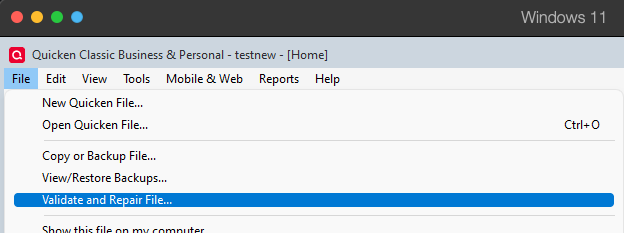
    1. File
    2. Validate and Repair File... Validate and repair.png
    3. Validate File
    4. Click OK
    5. Close the Data Log
    6. Close Quicken (leave it closed for at least 5 secs)
    7. Reopen Quicken and see if the issue persists.

    Please let me know how it goes!

    Quicken Kristina

    Make sure to sign up for the email digest to see a round up of your top posts.

  • akaisth
    akaisth Quicken Windows Subscription Member ✭✭

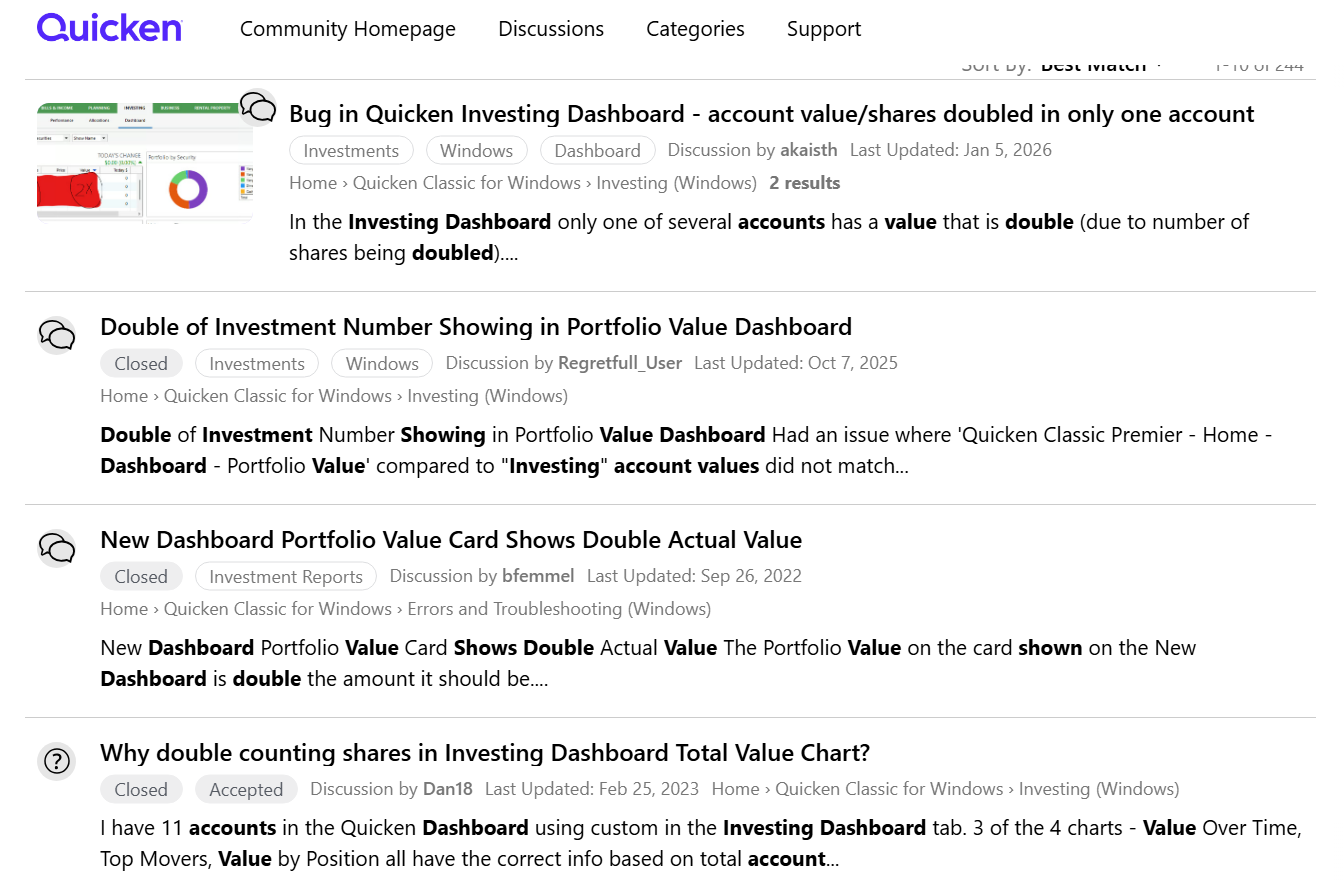
    Thanks @Quicken Kristina. Validated file but discrepancy/error/bug persists. Noticed when I posted above - have not used/checked this feature earlier. Data file on Onedrive. Please see prior reports (2022, 2023, 2025) on the forum - pic posted.

    Quicken Error 2 Screenshot 2026-01-05 064940.png
  • NotACPA
    NotACPA Quicken Windows Subscription SuperUser ✭✭✭✭✭

    @akaisth With your Q data file on OneDrive, all bets are off. OneDrive doesn't play well with Q's repeated writing to the data file and frequent opening/closing of the data file to force a 'write" action.

    Instead, move your data file to your C: drive and direct the backups to OneDrive.

    Q user since February, 1990. DOS Version 4
    Now running Quicken Windows Subscription, Business & Personal
    Retired "Certified Information Systems Auditor" & Bank Audit VP