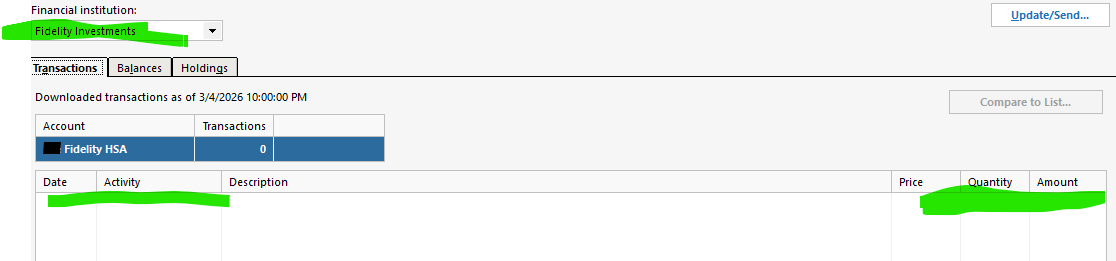
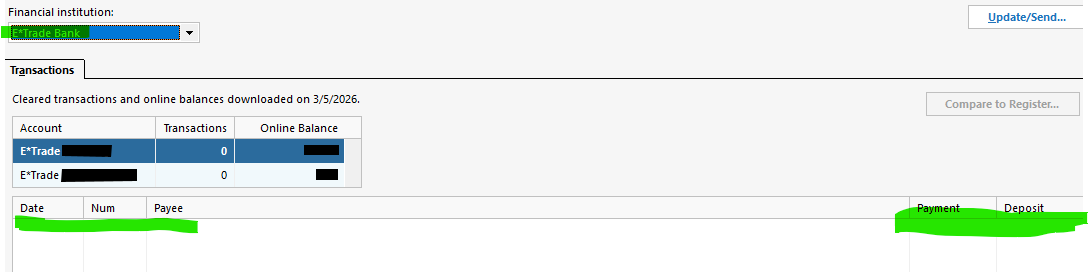
First, note that this discussion started from troubleshooting Fidelity HSA transactions not being downloaded, as discussed here. This issue includes the infamous Quicken red flag coming up indicating "You have transactions to review". For my issue, since I was seeing no downloaded transactions in the Fidelity account, this adds on further question as to 'how can I have transactions to review when I don't even see a single transaction?'.
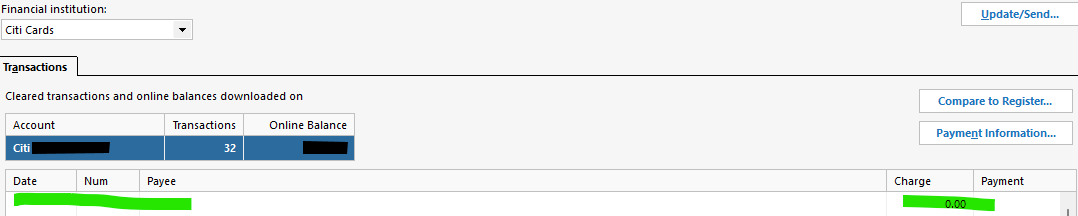
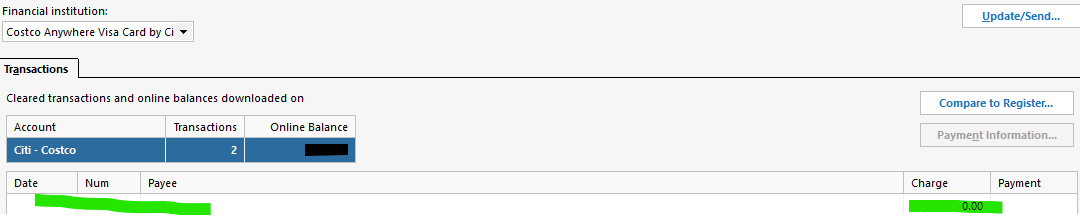
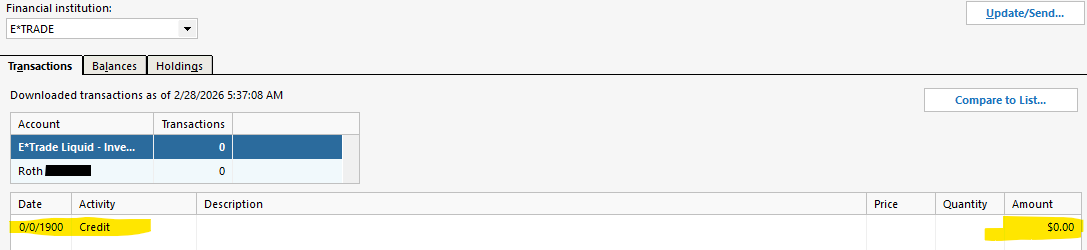
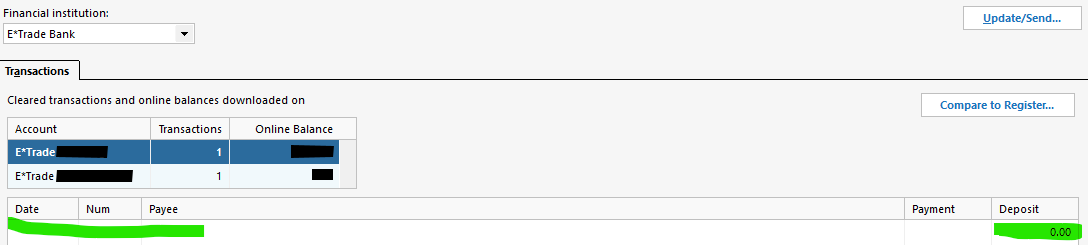
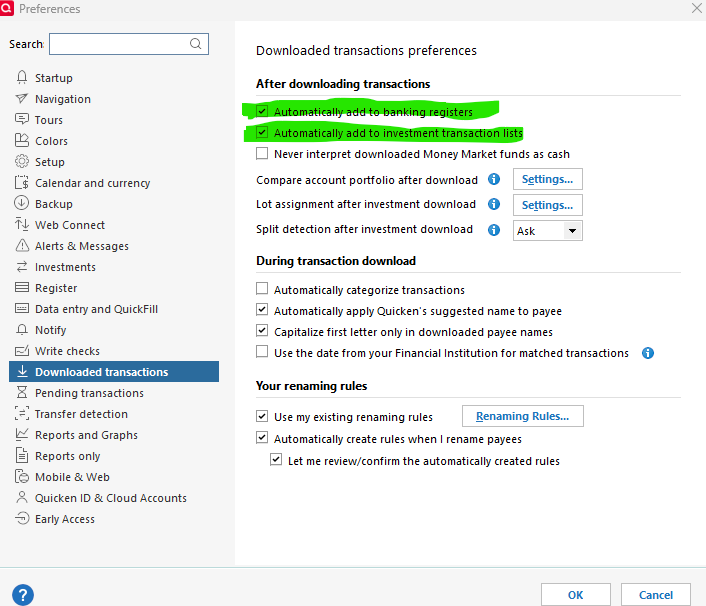
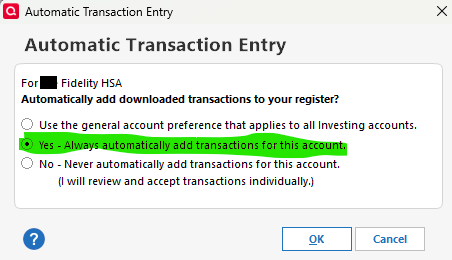
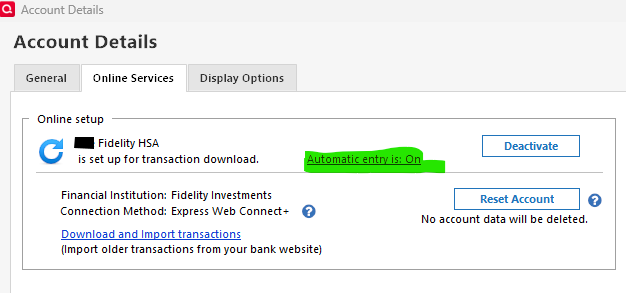
After doing some testing, changing "Automatic Entry" from OFF to ON and doing so repeatedly, I have compiled the attached Word document summary. I used the info from Tools…Online Center… for most of these screen shots.
Below is summary of my questions:
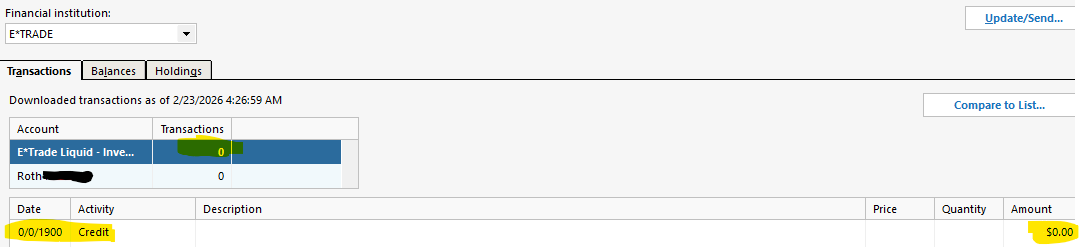
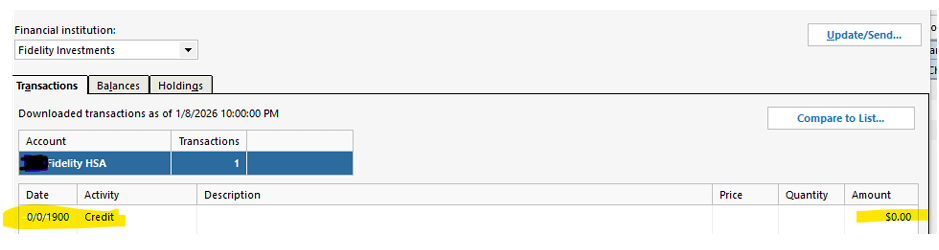
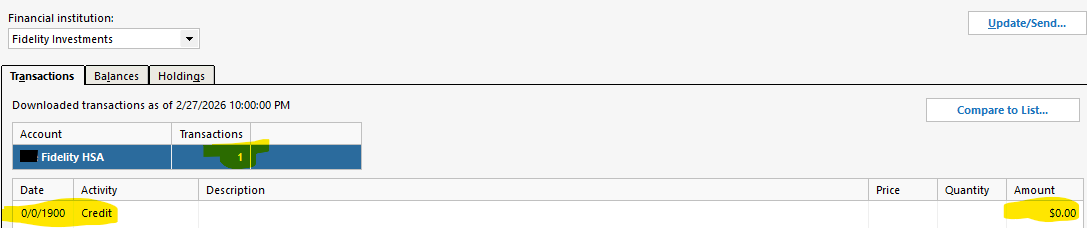
(1) Are $0.00 transaction(s) expected to show in the Tools…Online Center… detail, either with a blank date, or an illegitimate date, such as "0/0/1900"? In both of my examples, this "0/0/1900" date is accompanied by "Activity" of "Credit" - what does this mean?
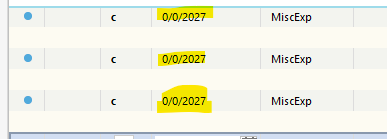
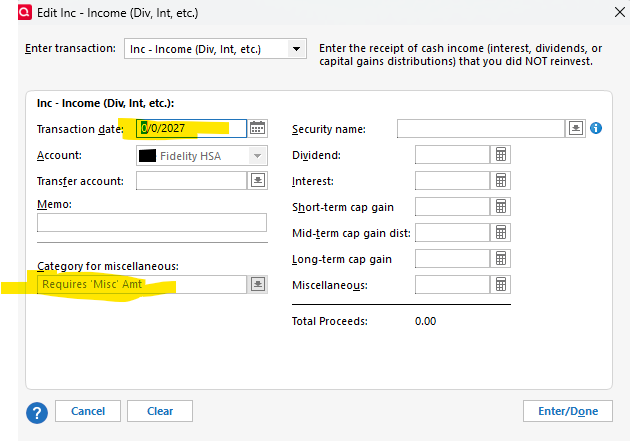
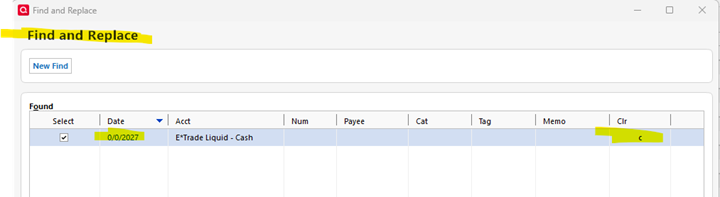
(2) Are there any "Quicken by design" expectations for "0/0/2027" transactions to be entered into the register under ANY known specific conditions, like shown in some of the screen shots? If not, why are these occurring?
(3) There are some examples where the "Transaction count" for these $0.00 entries are 0, some that are 1. Are there known Quicken design reasons when this count should be 0 vs. 1 and is my data showing unexpected irregularities for either/both of these cases?
(4) There are several transactions showing $0.00 with no date. Is this normal? Some of these transactions have a transaction count of 0, some of 1. Is either/both normal?
(5) Are any of these findings related to why the Fidelity HSA transactions are not being displayed in Quicken, helpful to obtain a permanent resolution to this problem?