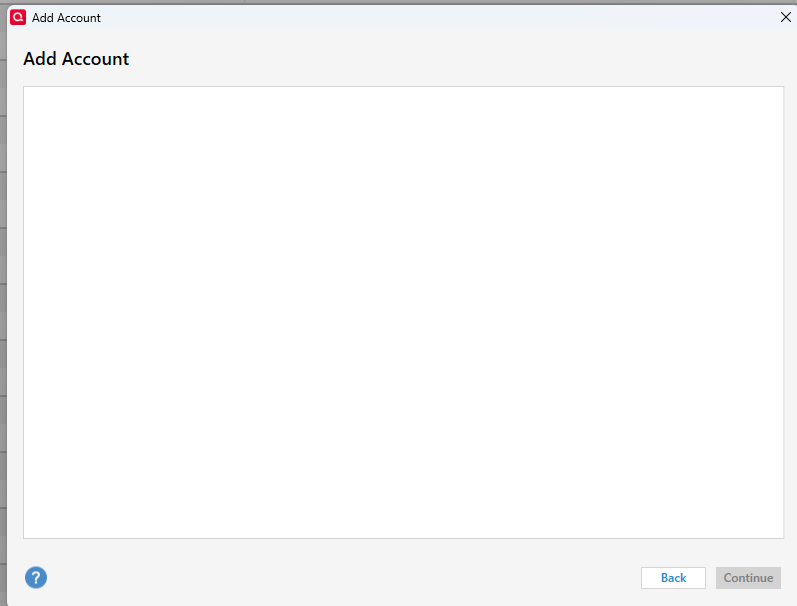
I try to add a new account with Chase and click to add online, but the screen just comes up blank. I tried for other banks and the same thing occurs. It has been happening all day today 1/10/26
I started the "Add Account" just now (5:20pm CST) and it worked.
Hello @nhttip,
Thank you for letting us know you're seeing this issue. To troubleshoot this issue, I recommend you start by closing and reopening your Quicken program (if you haven't already done so).
If the issue persists after you've restarted Quicken, please provide more information. Was there anything that happened just before this issue started, such as a program/computer update or unexpected program/computer shut down? Do you keep your Quicken file directly on your local hard drive? Is it synced with any cloud service, such as OneDrive, iCloud, or Dropbox? Do you sync your file with the Quicken cloud?
I look forward to your response!
Yes, restarted Q. No major issues, file stored on my local hard drive, no syncing.
Thank you for your reply,
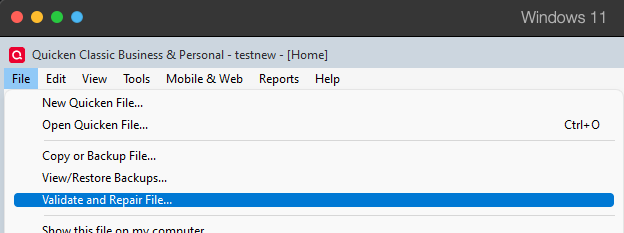
To check for file-specific issues which may be causing this, I suggest that you try validating your data file. Please save a backup file prior to performing these steps.
Validate:
Please let me know how it goes!