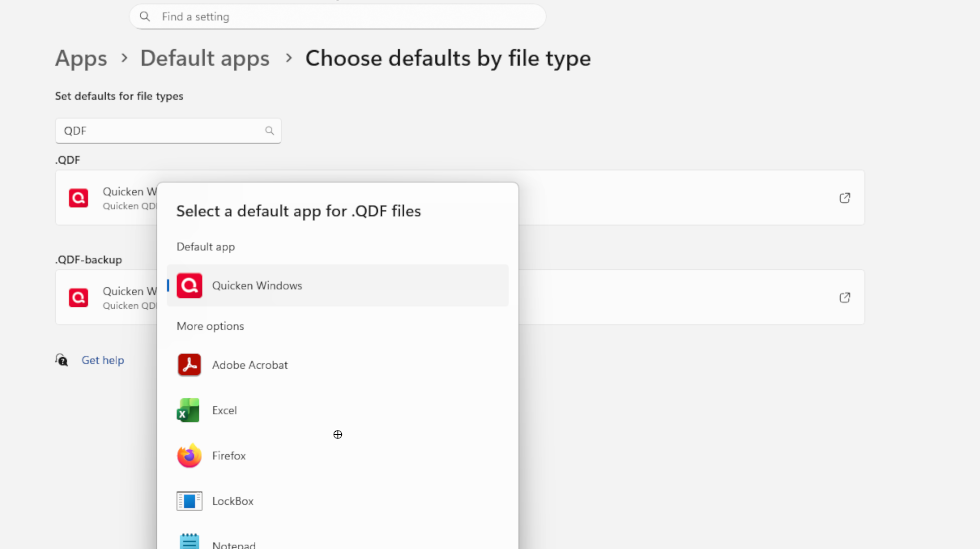
Since I was updated to Windows 11, I am having a problem with Quicken, along with several others.
- The actual program runs fine as long as I start by clicking the QW.exe program or its icon directly.
- When I try to start the program by clicking on one of the QDF files, my normal approach, I get a prompt saying I must install the program.
- When I right-click one of the QDF files, I can select which program to use to open the file and Quicken is shown as one of the choices. When I select that, I am back to the must-install screen.
Like I said up front, the actual program works exactly as always when I start from the QW.exe file or icon.
I appreciate any suggestions as to how to fix this.