I cannot setup One Step Update on my Three Bank of America Accounts
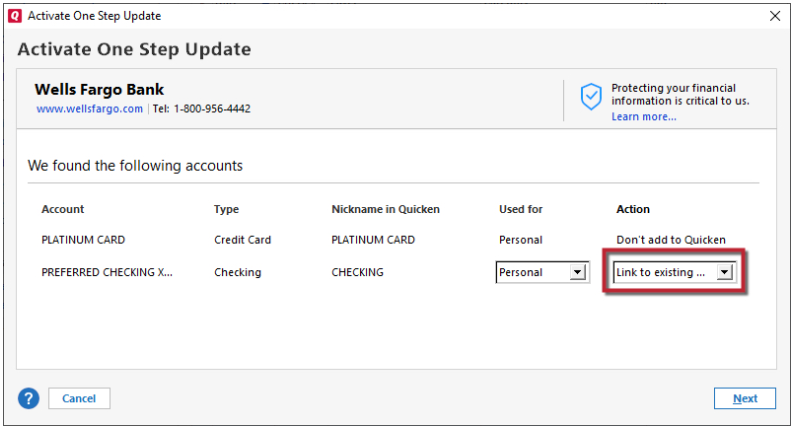
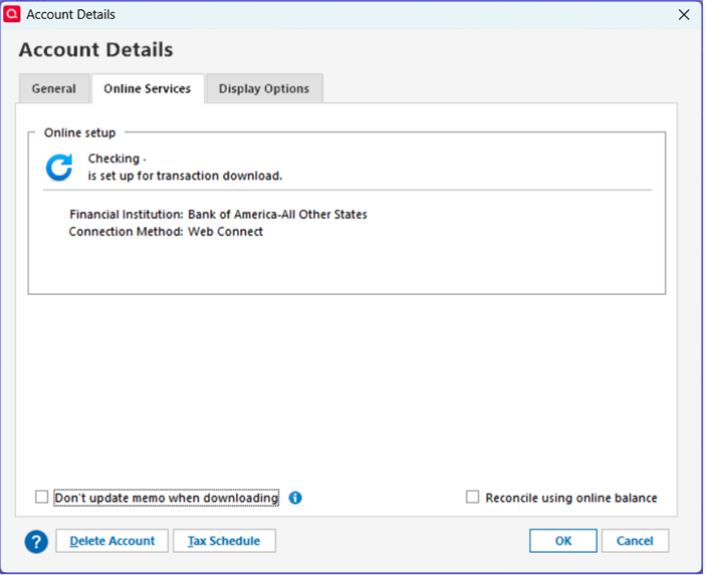
I just learned that Bank of America will not allow us to download OFX files anymore. I read all of the troubleshooting articles on the Quicken Support page and I still cannot find a solution for my three Bank of America accounts. It's frustrating because all of my other bank accounts, i.e., Chase, American Express, Citibank have no problems. The problem is when I go to the Edit my account section and select the "Online" tab, there is no option to select One Step Update. I tried going to the One Step Update tab to see if it would allow me to add my Bank of America accounts and there is no option to add accounts.
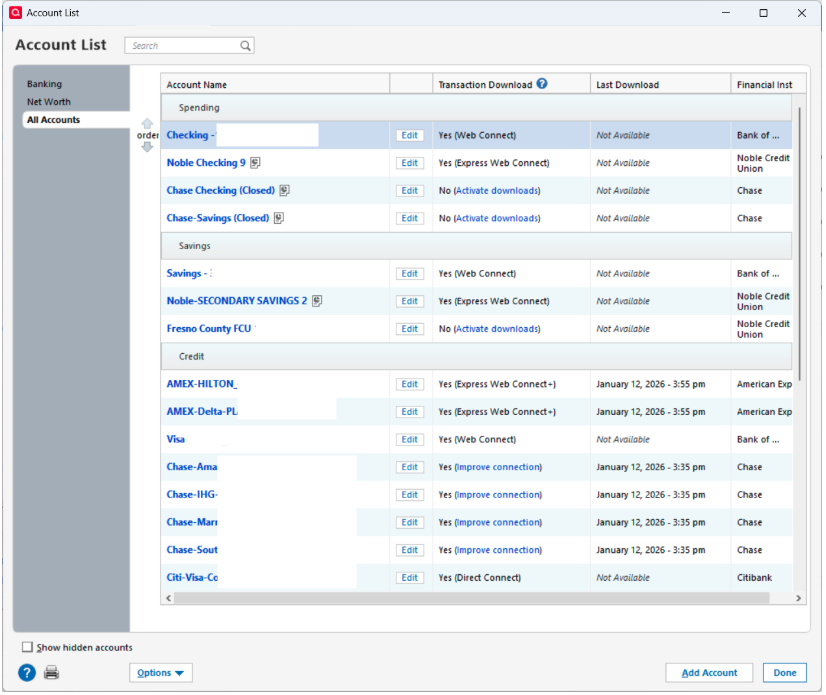
Attached is a picture of what my page looks like. I need help, what do I do???? I am using Windows 11
[Edited - Removed partial account number]
Answers
-
"Bank of America - All other states" is no longer the name you want to use. BofA made the decision to stop using that name.
Try switching to
Bank of America - Quicken https://www.bankofamerica.com/ 1-800-933-6262 https://secure.bankofamerica.com/login/sign-in/signOnV2Screen.go ACTIVE BANKING,CREDIT,ACCOUNTINFO&EXP-WEB-CONNECT
Q user since February, 1990. DOS Version 4
Now running Quicken Windows Subscription, Business & Personal
Retired "Certified Information Systems Auditor" & Bank Audit VP0
Categories
- All Categories
- 43 Product Ideas
- 36 Announcements
- 228 Alerts, Online Banking & Known Product Issues
- 21 Product Alerts
- 497 Welcome to the Community!
- 677 Before you Buy
- 1.3K Product Ideas
- 54.4K Quicken Classic for Windows
- 16.5K Quicken Classic for Mac
- 1K Quicken Mobile
- 814 Quicken on the Web
- 116 Quicken LifeHub