Toolbar Reports

FredArthur
FredArthur Quicken Windows Subscription Member ✭✭✭

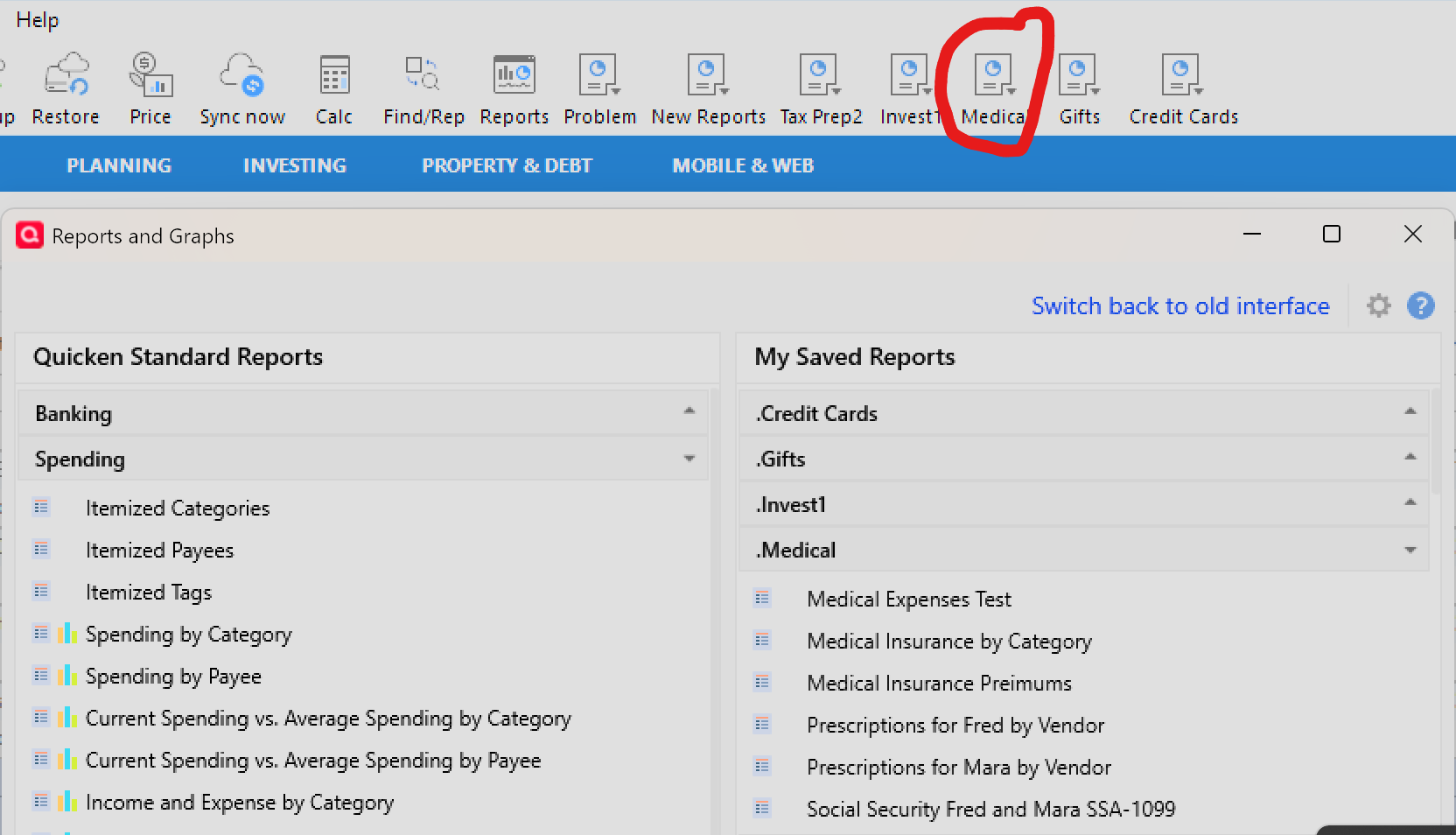
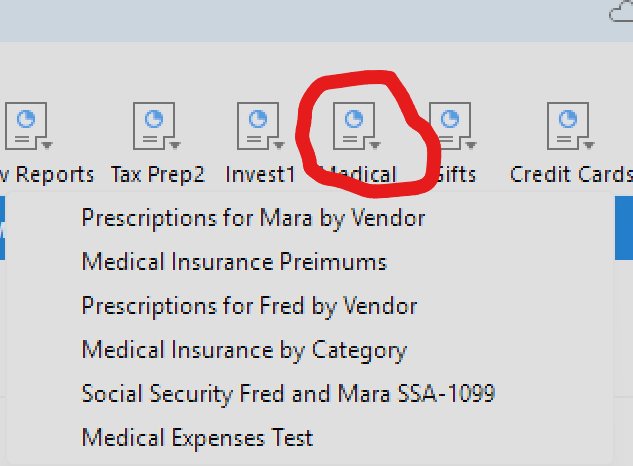
Please, for the love of all things good, sort the entries displayed in the Toolbar Reports when they are activated from the toolbar; i.e., report names should be displayed sorted - as they appear in the Manage Toolbar Reports window. In my humble opinion, this is not difficult to implement. Tax season is upon us and I will be spending more time locating a saved report than gleaming the data from it.
Respectfully,
Fred Jacobowitz
Quicken Classic Premium
R65.29
Windows 11 25H2
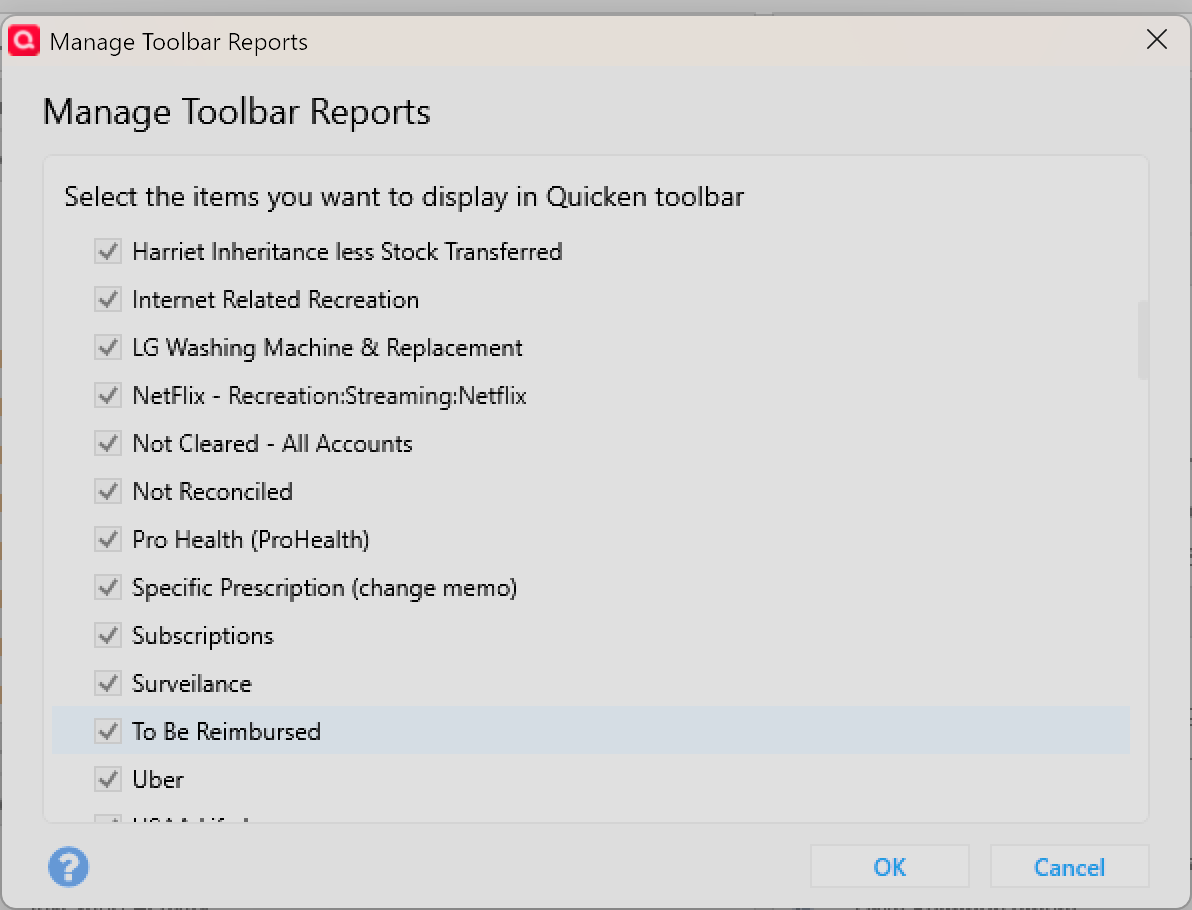

image.png

Quicken Classic Premier on my
Windows 11 Home ARM64 release 25H2 on Samsung Galaxy Book4 Edge CoPilot+ PC

1
1 votes

New · Last Updated

Comments

  • RalphC
    RalphC Quicken Windows Subscription Member ✭✭✭✭

    Quicken uses an alpha sort.

  • NotACPA
    NotACPA Quicken Windows Subscription SuperUser ✭✭✭✭✭

    In the Toolbar, Q shows the reports in the order you added them to the Toolbar.

    And like anything else in the Toolbar, the order of the icons can be re-arranged by right-clicking in the Toolbar and clicking "Customize Toolbar".

    I'd vote against this idea as an equivalent solution already exists.

    Q user since February, 1990. DOS Version 4
    Now running Quicken Windows Subscription, Business & Personal
    Retired "Certified Information Systems Auditor" & Bank Audit VP