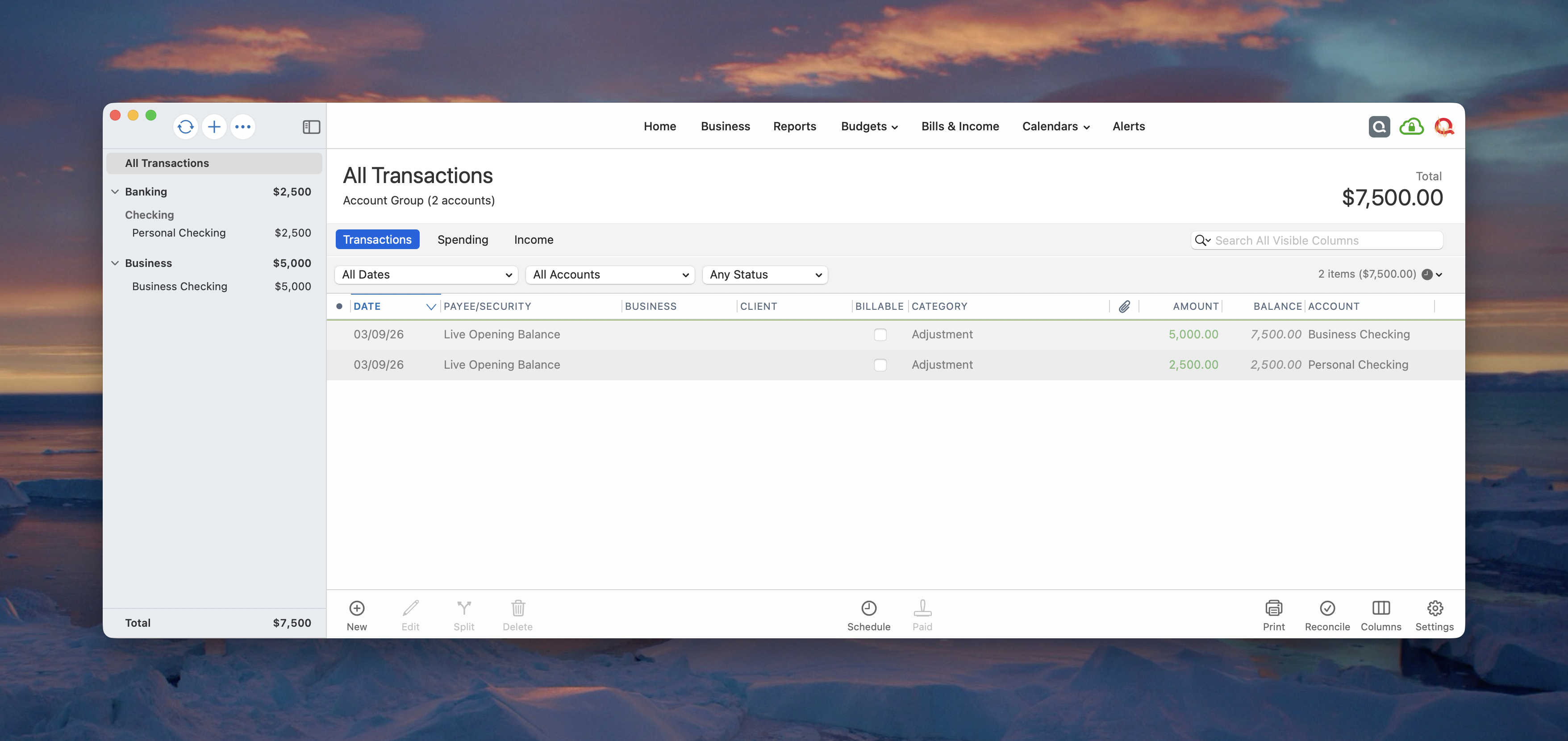
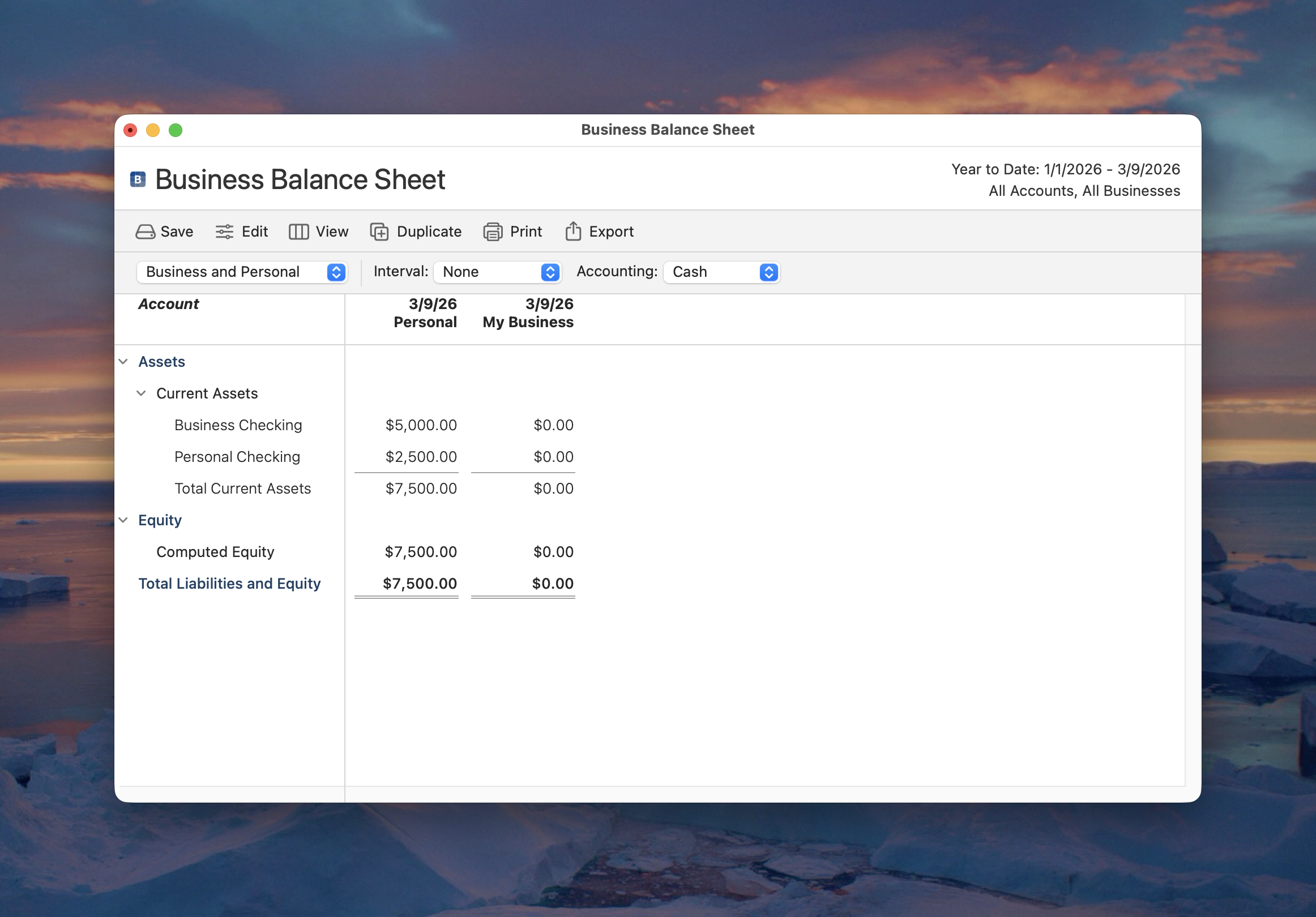
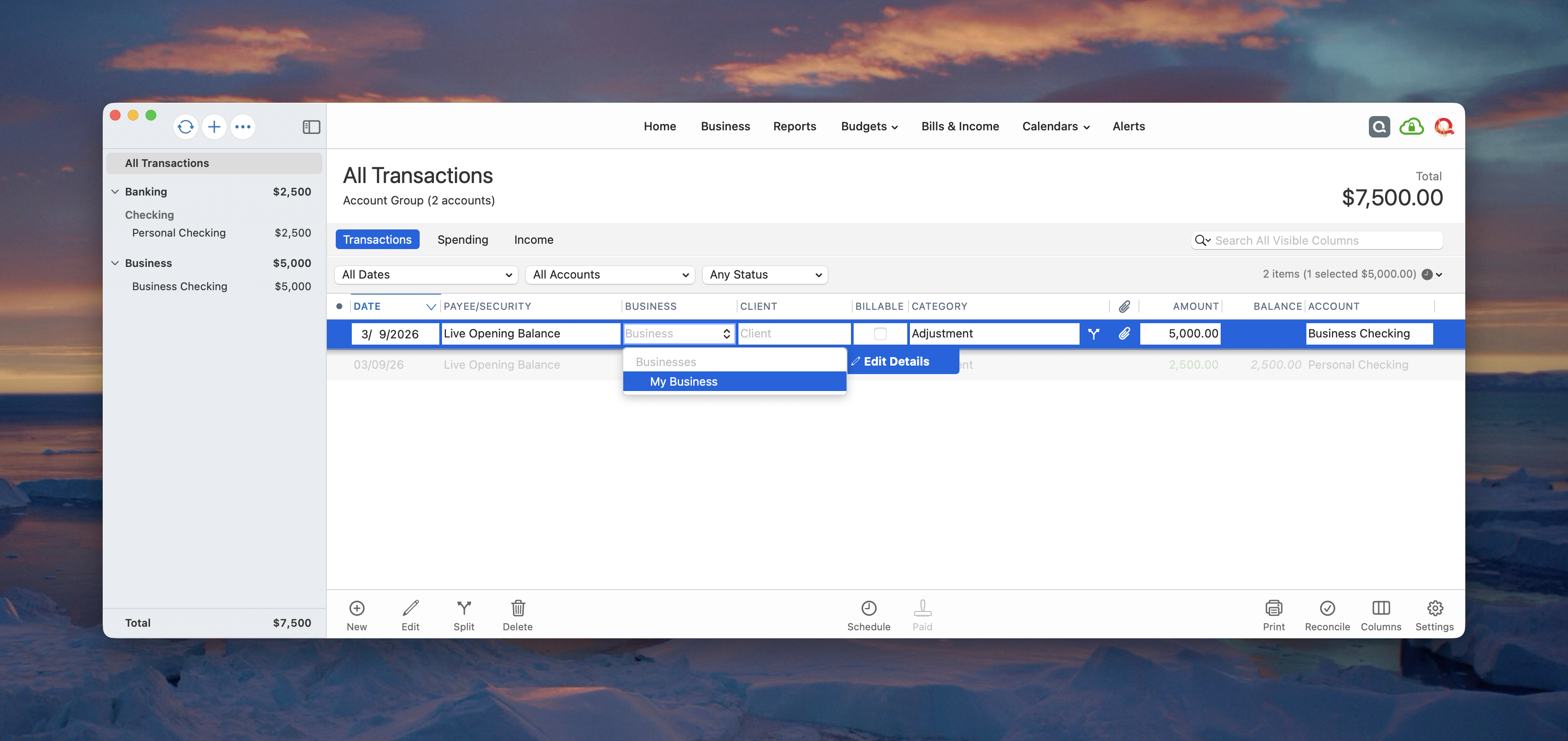
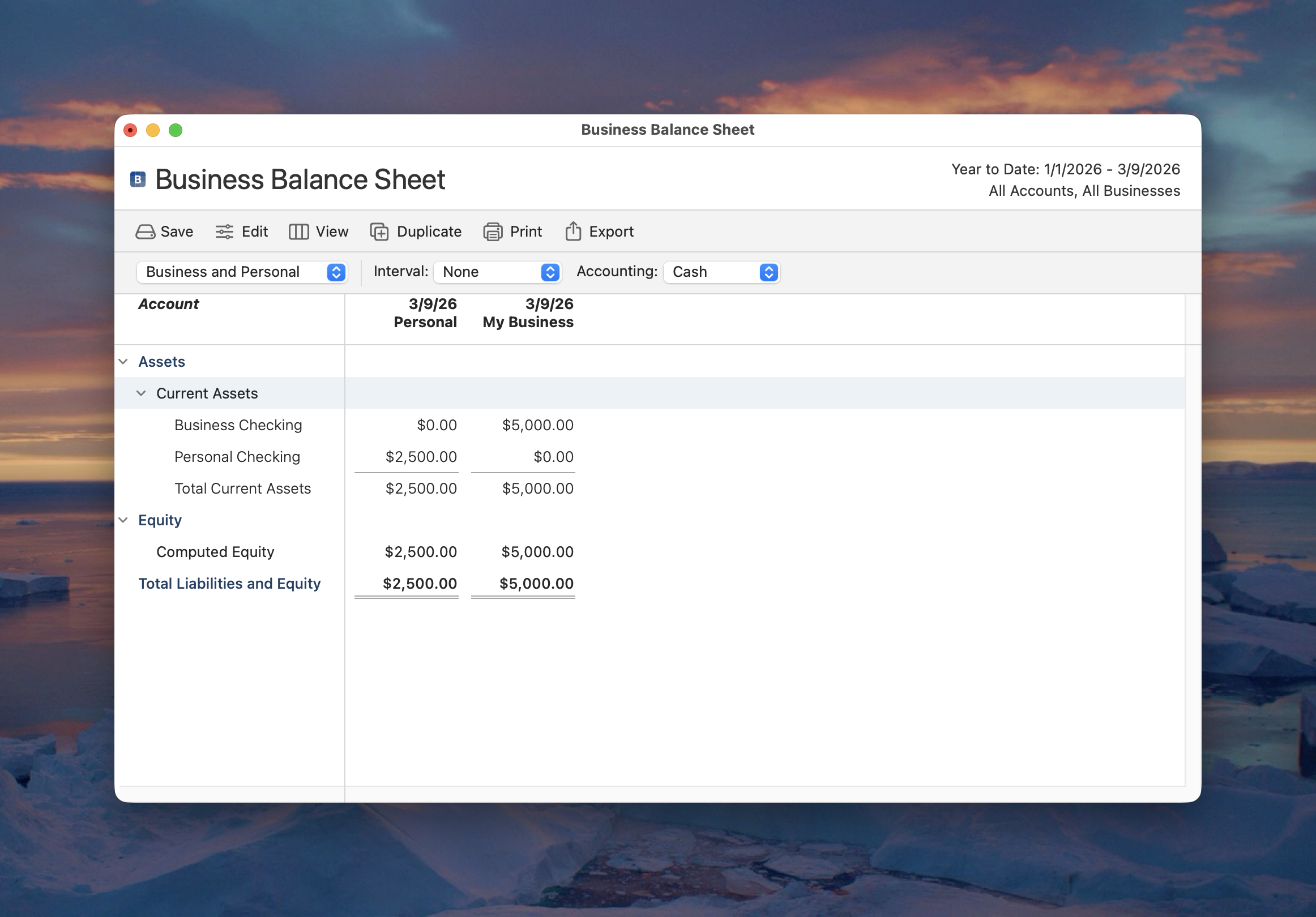
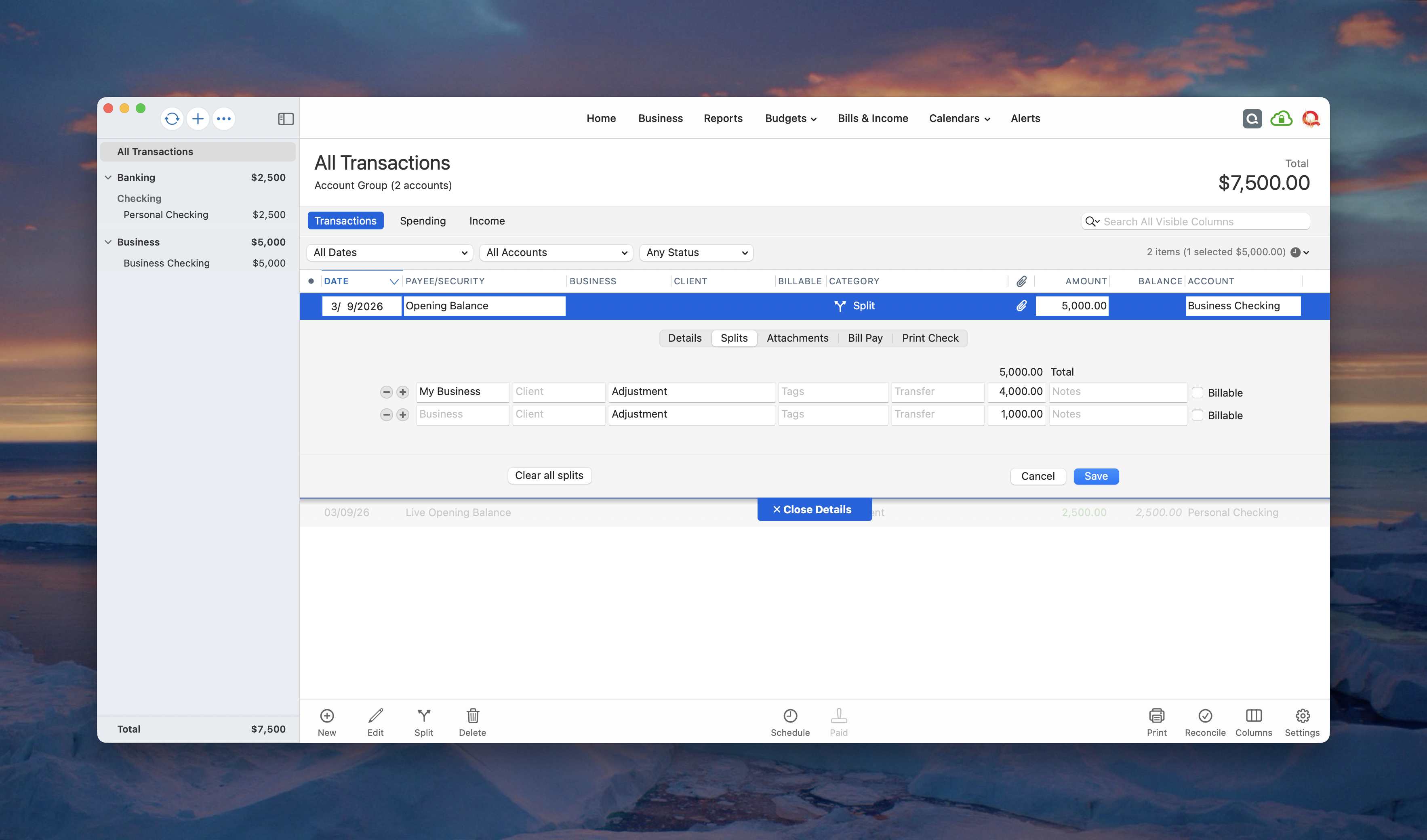
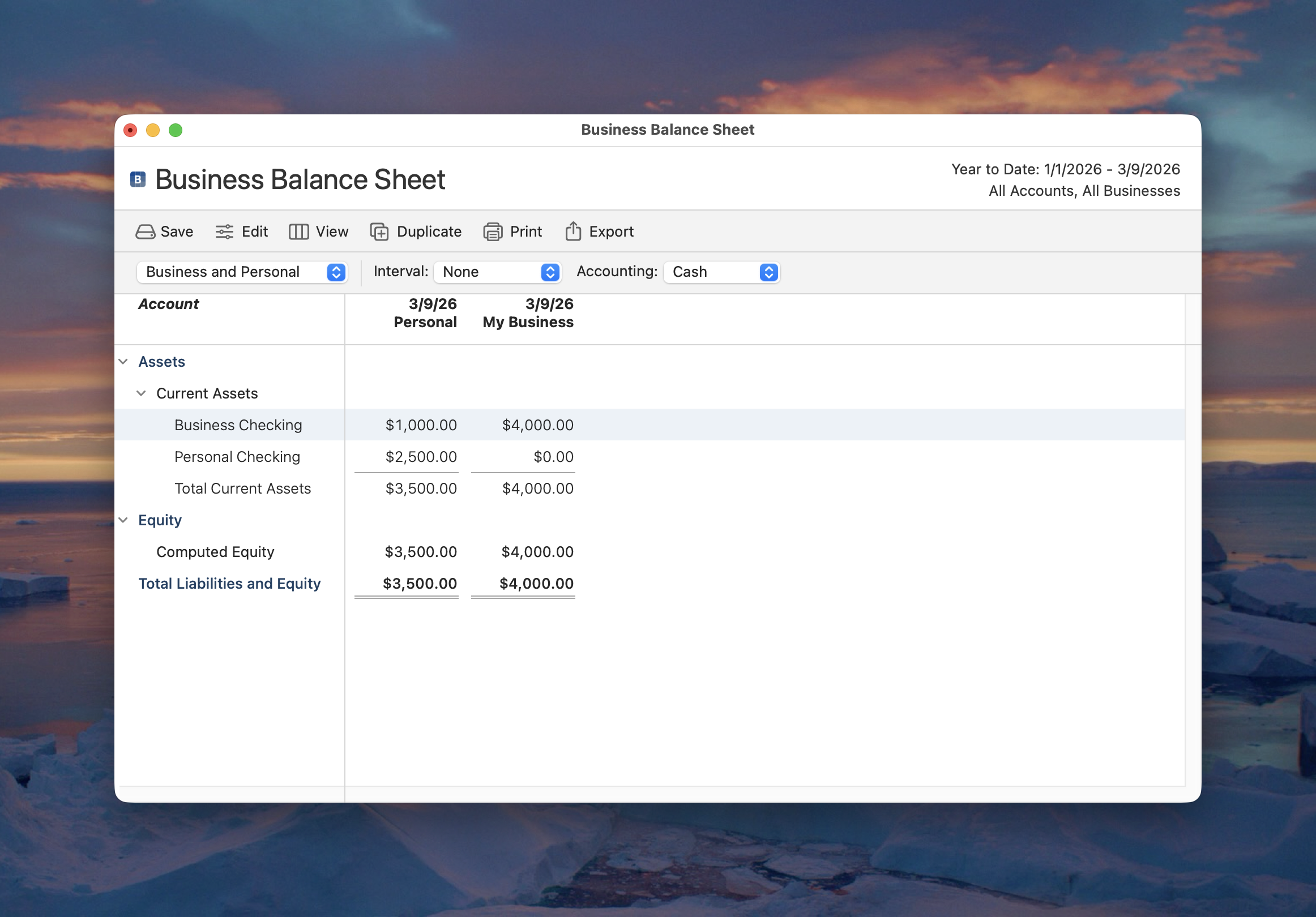
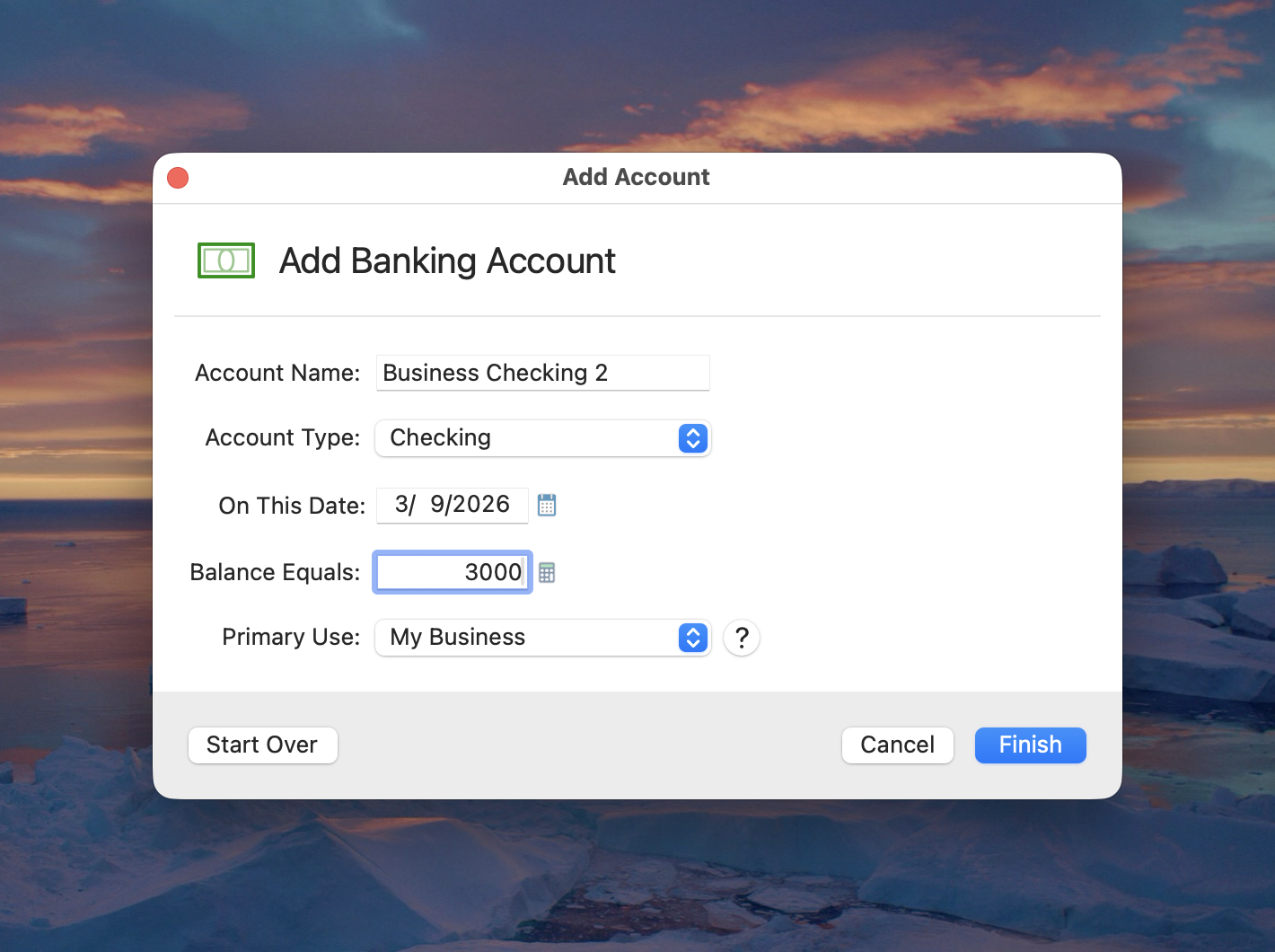
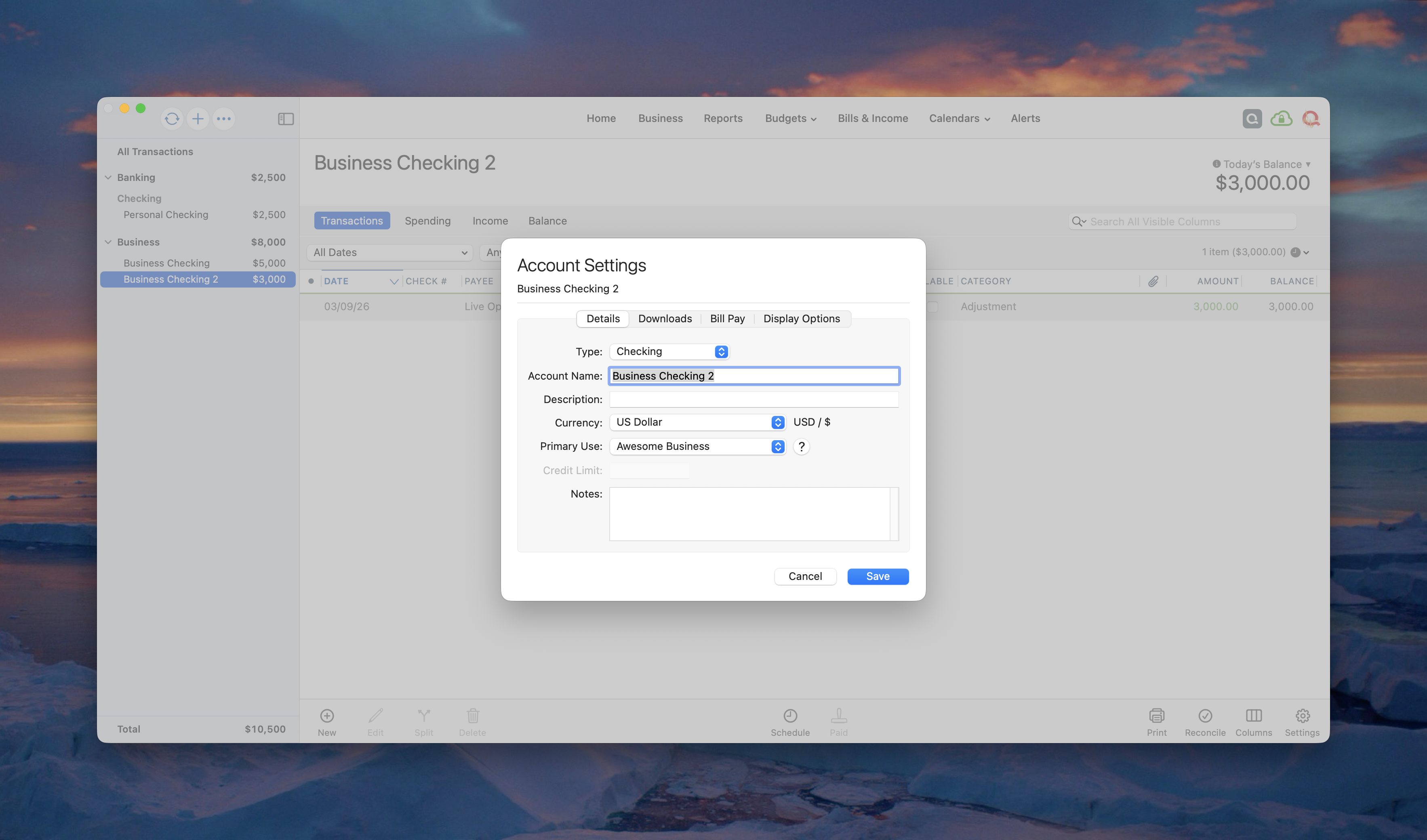
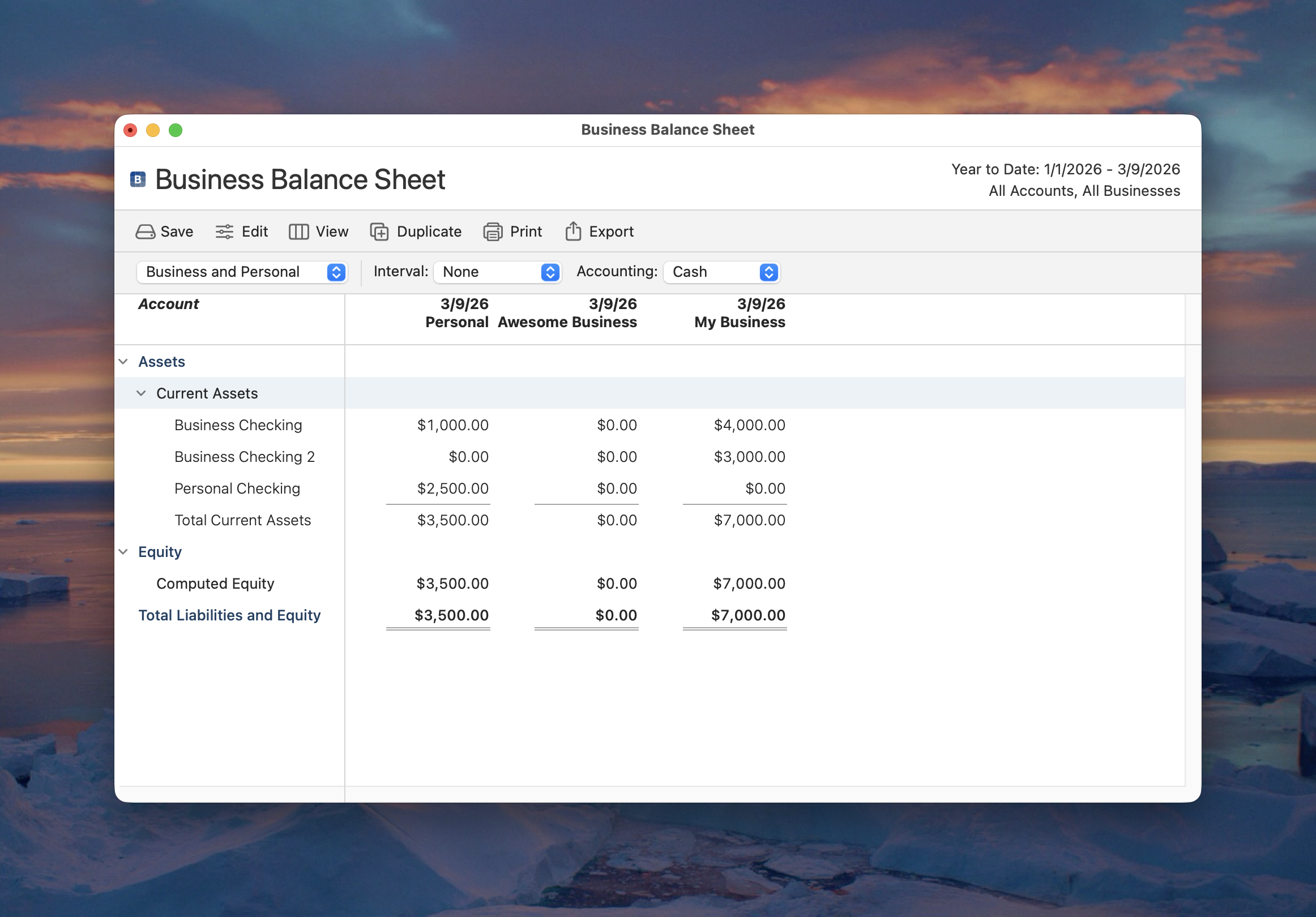
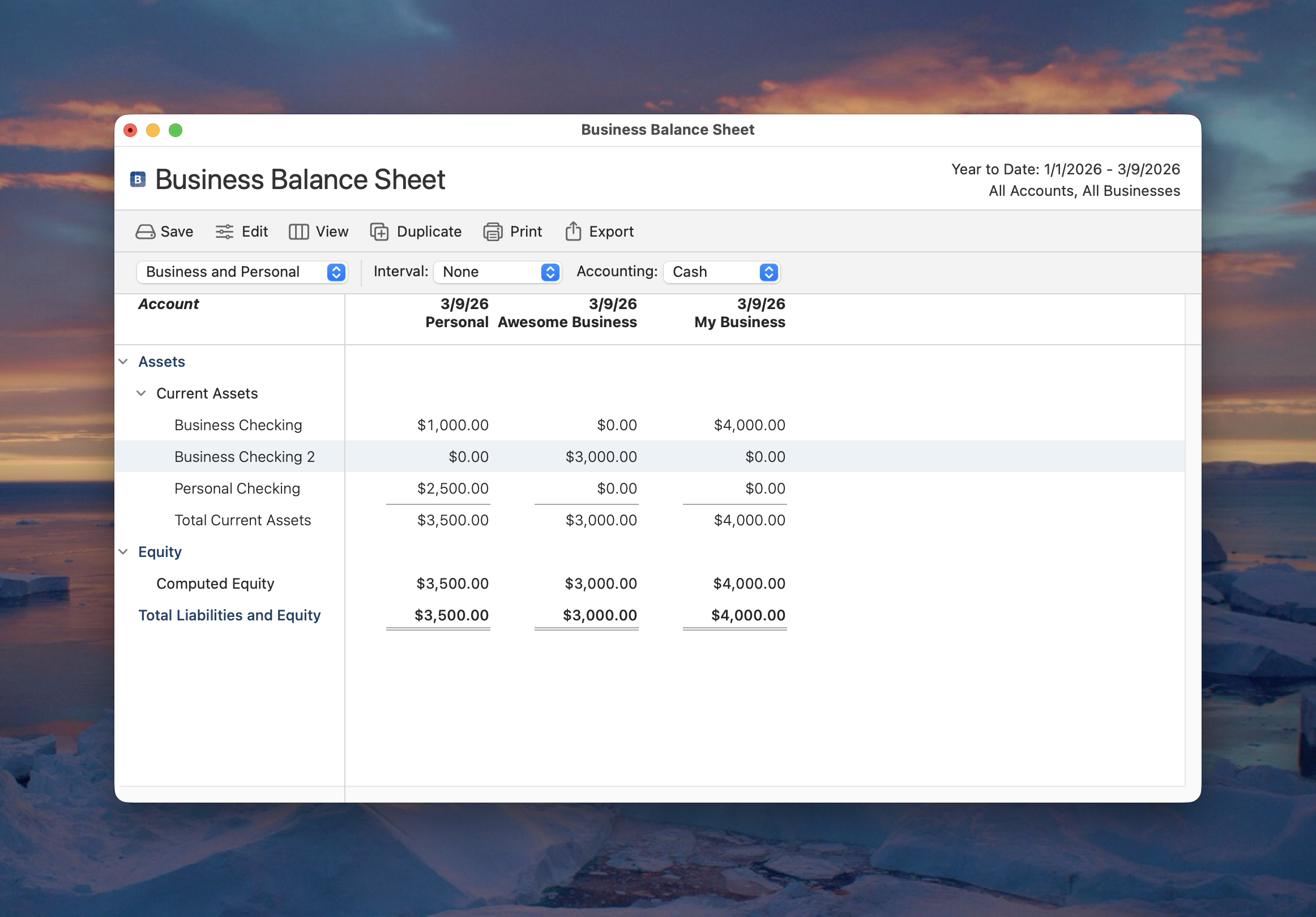
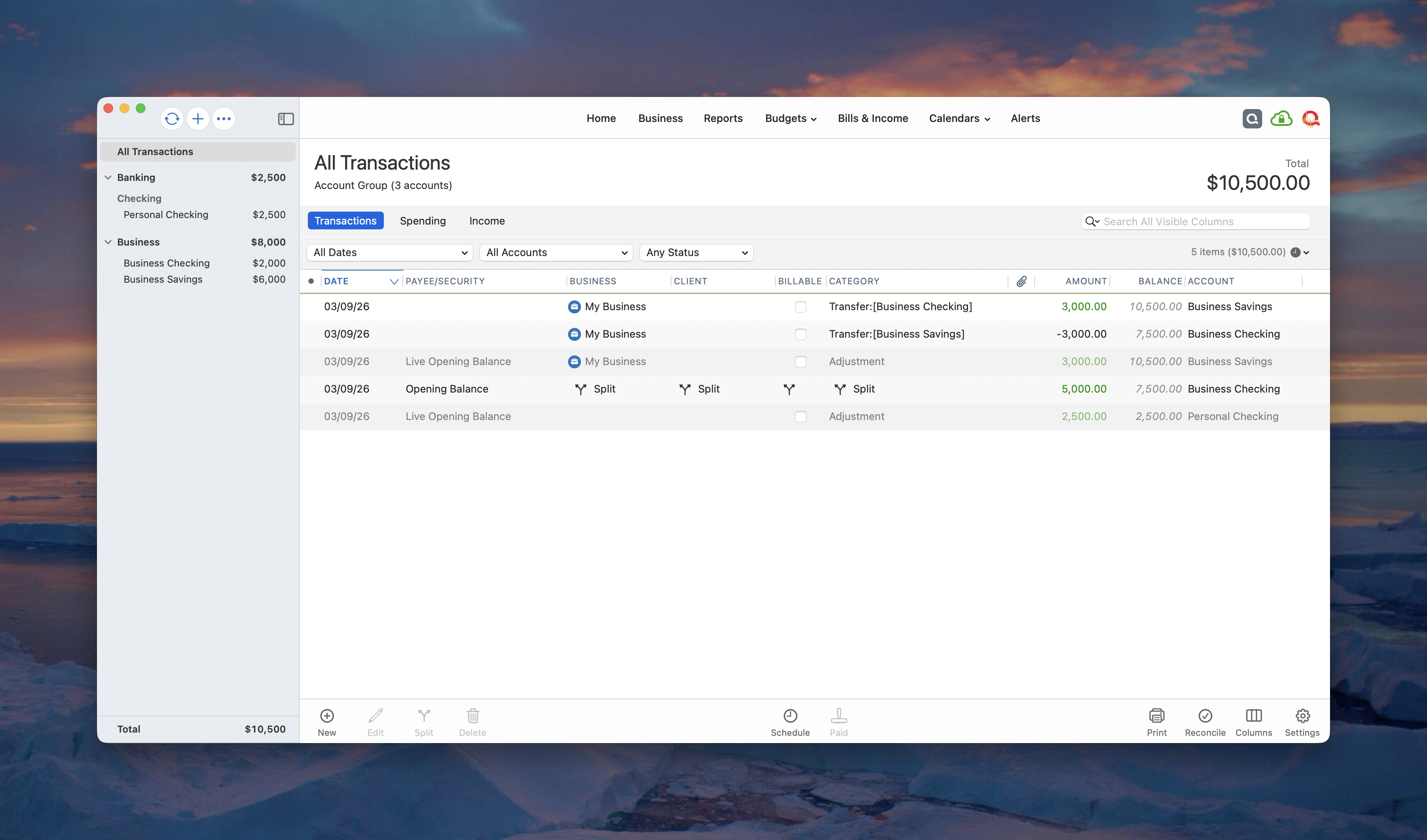
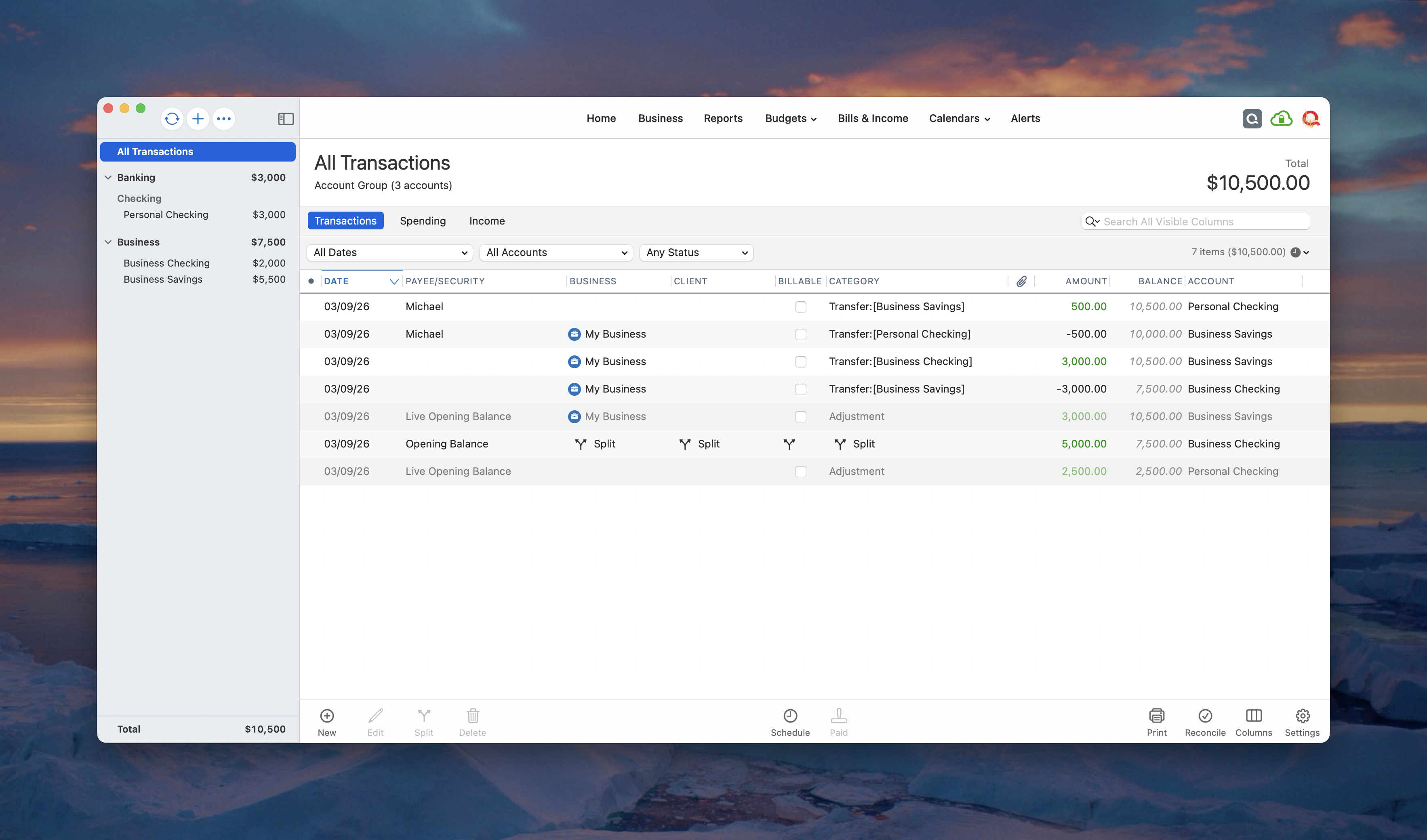
I recently switched from Quicken Deluxe to Quicken Business & Personal for Mac. I set all my existing categories as business income and expenses, and set all my accounts as primarily for business use in their respective settings. Other reports seem to work alright, but for some reason, the Business Balance Sheet report shows wildly incorrect account balances in all assets and liabilities when set to either "Business" or "Personal". When I set the report to "Business and Personal" the balance sheet still shows the same wrong amounts in separate columns for each, but the difference between each column is the correct amount for each asset and liability. It appears the "Business" items are overstated and the the "Personal" items understated by amounts that if combined would be the correct amounts for each item. Any idea why this is happening, and how to fix?