Trying to add an account at Openbank US (openbank.com) however, Quicken does not list the bank. Is there a manual option using account and routing numbers?
If a bank isn't listed in Q, that means that such bank hasn't signed the contract with Q/Intuit to provide download into Q.
SO, you'll need to set it up as an Offline account … and inputting the account nbr & routing will have no effect. They won't/can't be used for anything.
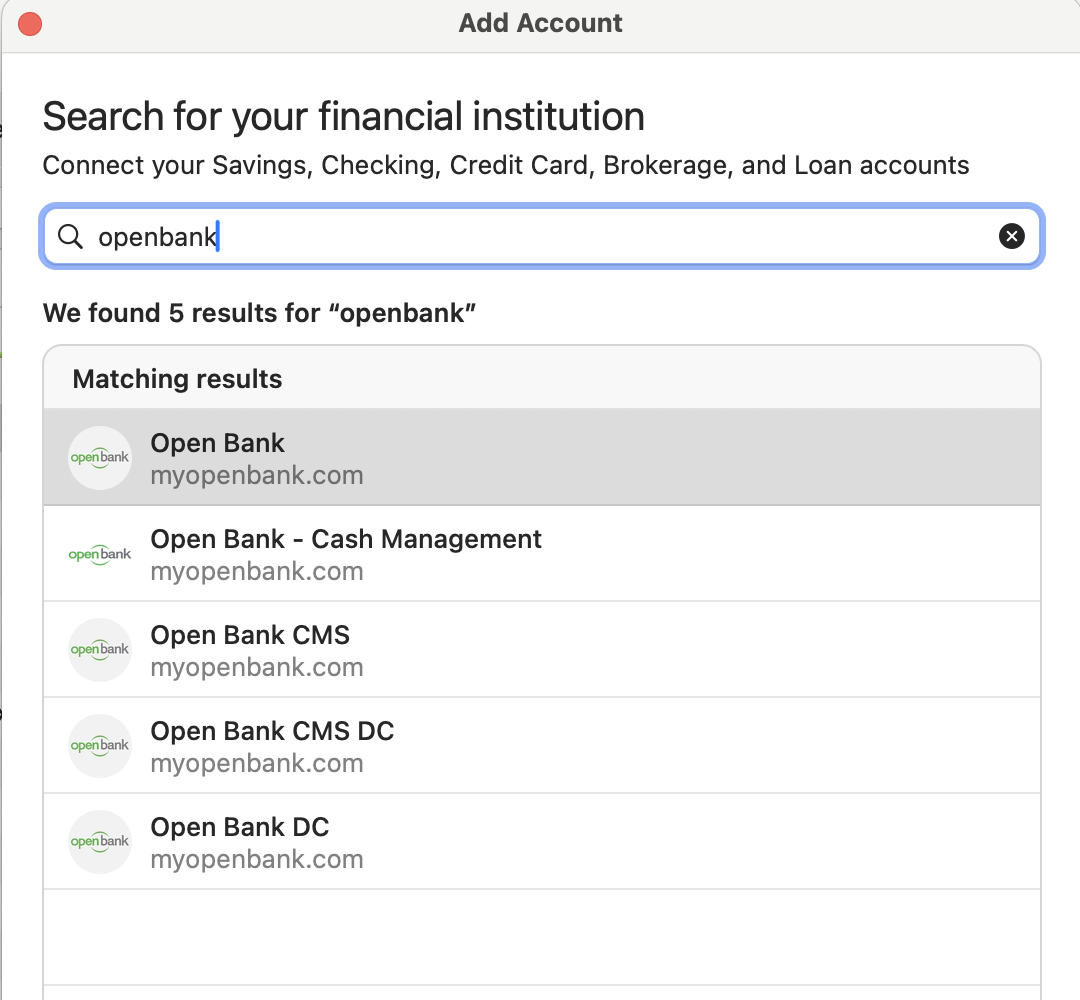
When I try to add an account in Quicken Mac and type "openbank" in the search field, I do find Openbank is available to add:
But these are Openbank.com, a California faith-based community bank. Are you instead looking for Openbank.us, an online-only division of Santander which is available across the US except in the 8 eastern states which have physical Santander branches? From the little I just read, Openbank is a very limited banking operation, still offering just a savings account after 2+ years in business, without all the bells and whistles — like transaction downloads and connectivity to Quicken — you'd expect with most full-service banks. Some of the reviews by customers are pretty brutal in this Reddit thread I came across.
Since this is just a savings account, I'm guessing you might have very few monthly transactions in the account, so you can probably handle them with manual entry quite easily. To create a manual — or offline, as Quicken calls it — account, start to create a new account and click the "Add an Offline Account link at the bottom of the Add Account screen. You can enter the bank name and the opening balance, and then moving forward, you'd enter all transactions manually.