Exercise employee options command unable to find vested shares

gobuffs67
gobuffs67 Quicken Windows Subscription Member ✭✭

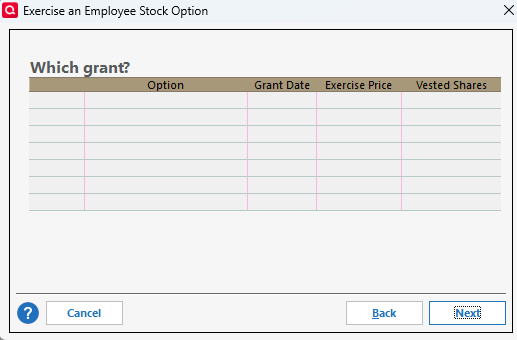
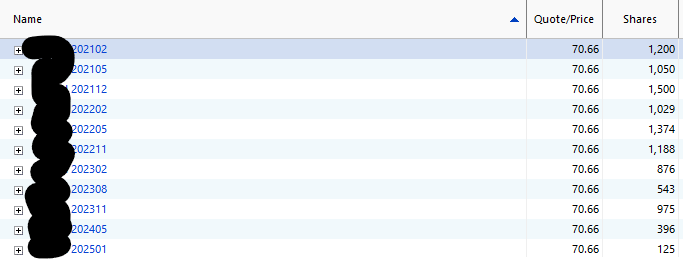
I receive the error - None of your grants have vested shares available as of the date you provided. I'm on Windows. I currently have 10 grants with vested options that are eligible to exercise. This error first occurred on 2/2/26. I've never had this issue before. The last time I used this command successfully was 10/20/25. Thanks


Comments

  • Quicken Kristina
    Quicken Kristina Quicken Windows Subscription Moderator mod

    Hello @gobuffs67,

    Thank you for reaching out! To help troubleshoot, I tested in my Quicken file to see if I could replicate the issue. It works properly as long as Quicken identifies an eligible employee stock option that you can exercise. If Quicken doesn't see an eligible option, then you'll see the error message.

    Screenshot 2026-02-14 at 5.05.20 PM.png Screenshot 2026-02-14 at 5.15.24 PM.png

    For more information on exercising employee stock options, please review the article below: https://info.quicken.com/win/how-do-i-exercise-employee-stock-options

    If you do have an eligible employee stock option in your account register and Quicken isn't recognizing it, please post screenshots of what you are seeing. Make sure to redact any personal information. If needed, please refer to this Community FAQ for instructions on how to attach a screenshot. Alternatively, you can also drag and drop screenshots to your response if you are not given the option to add attachments.

    I hope this helps!

    Quicken Kristina

    Make sure to sign up for the email digest to see a round up of your top posts.