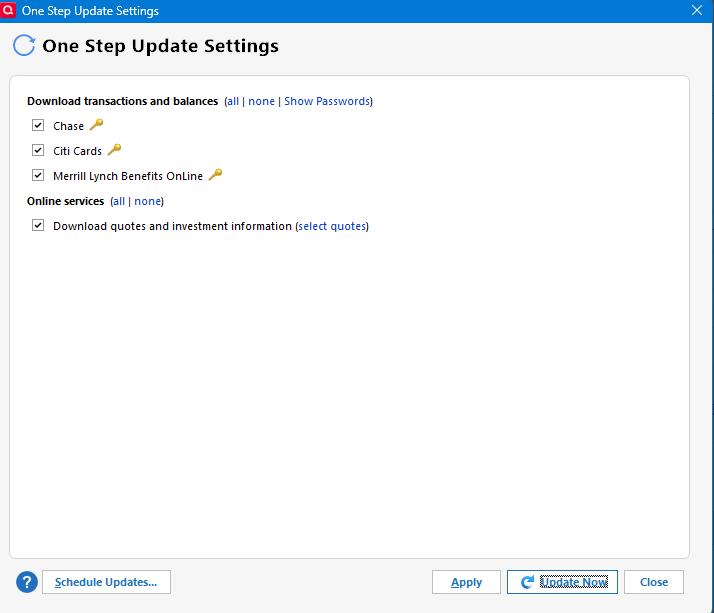
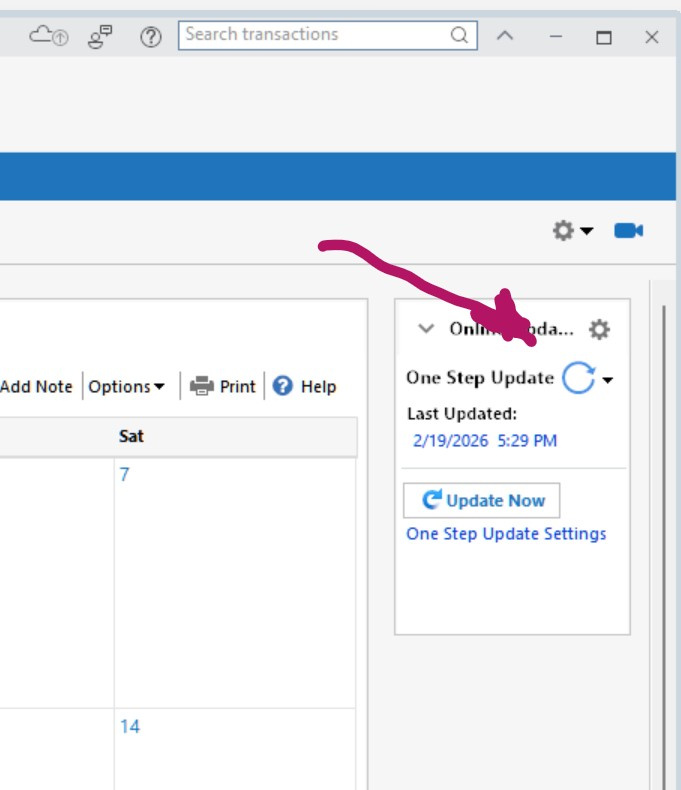
Always asks for list of accounts to download to be confirmed on One Step Update?
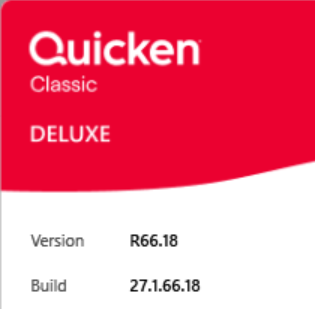
This is on the Windows version.
It never did this before, even if I used the 2 d/l choices, one on top or side for One Step Update.
If I click APPLY even, it always happens?
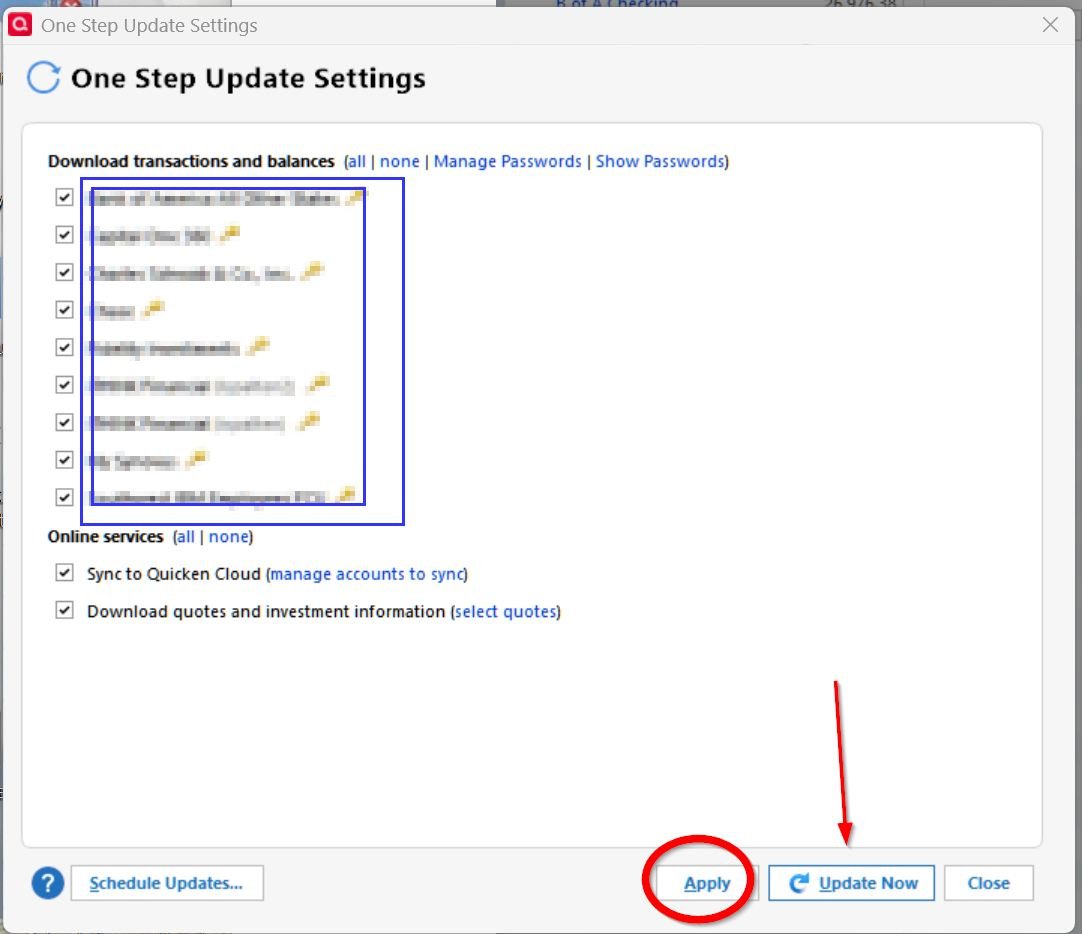
I can't find ANY setting for this to happen either?
Windows 11 25H2 and it started a few weeks ago?
Suggestions?
Answers
-
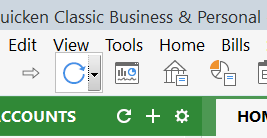
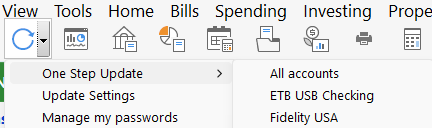
It looks to me like your clicking TOOLS, and then One Step Update. Which is taking your to Update Settings, instead of the instruction to start OSU.
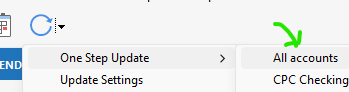
Instead, try clicking the blue circular arrow and then One Step Update.
That Icon bar is made visible via TOOLS, Show Toolbar
Q user since February, 1990. DOS Version 4
Now running Quicken Windows Subscription, Business & Personal
Retired "Certified Information Systems Auditor" & Bank Audit VP0 -
In the past when people where using the Password Vault, the behavior was the first time you ran One Step Update it would prompt for the password and then do the update. And then from then on until you restarted Quicken it would run One Step Update immediately after you clicked the button.
But that behavior has changed for people that no longer use the Password Vault because they are using only Express Web Connect or Express Web Connect + account connections. Now it always got to the One Step Settings dialog. It has been suggested a few times that there isn't any reason for this since you can get to the setting from the menu, but it hasn't been changed.
Signature:
This is my website (ImportQIF is free to use):1
Categories
- All Categories
- 51 Product Ideas
- 34 Announcements
- 239 Alerts, Online Banking & Known Product Issues
- 20 Product Alerts
- 510 Welcome to the Community!
- 678 Before you Buy
- 1.4K Product Ideas
- 55.1K Quicken Classic for Windows
- 16.7K Quicken Classic for Mac
- 1K Quicken Mobile
- 828 Quicken on the Web
- 121 Quicken LifeHub