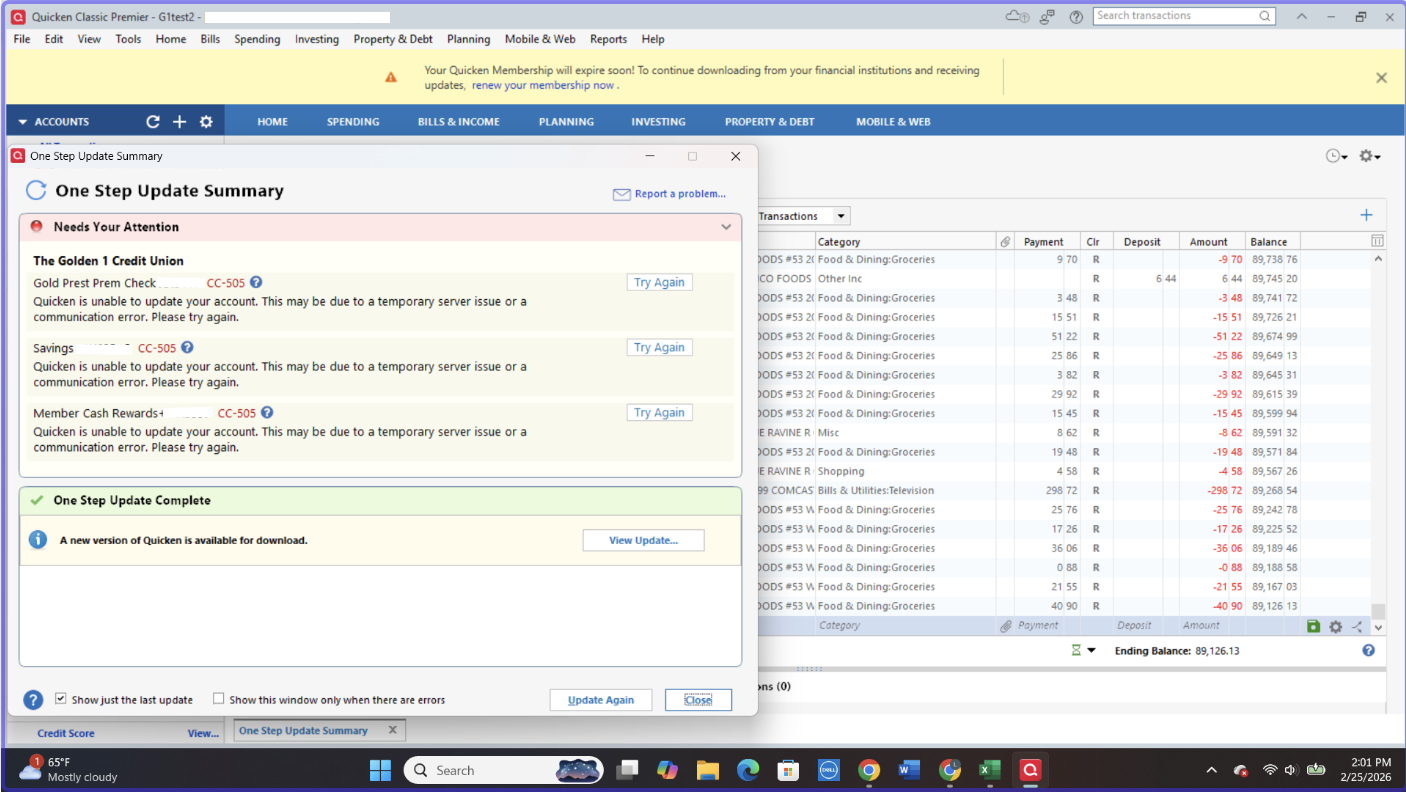
Golden 1 Credit Union Error CC-505 Quicken stopped connecting
- I'm on Windows 11 and Quicken release R64.29.
- Issue started Saturday 2/21.
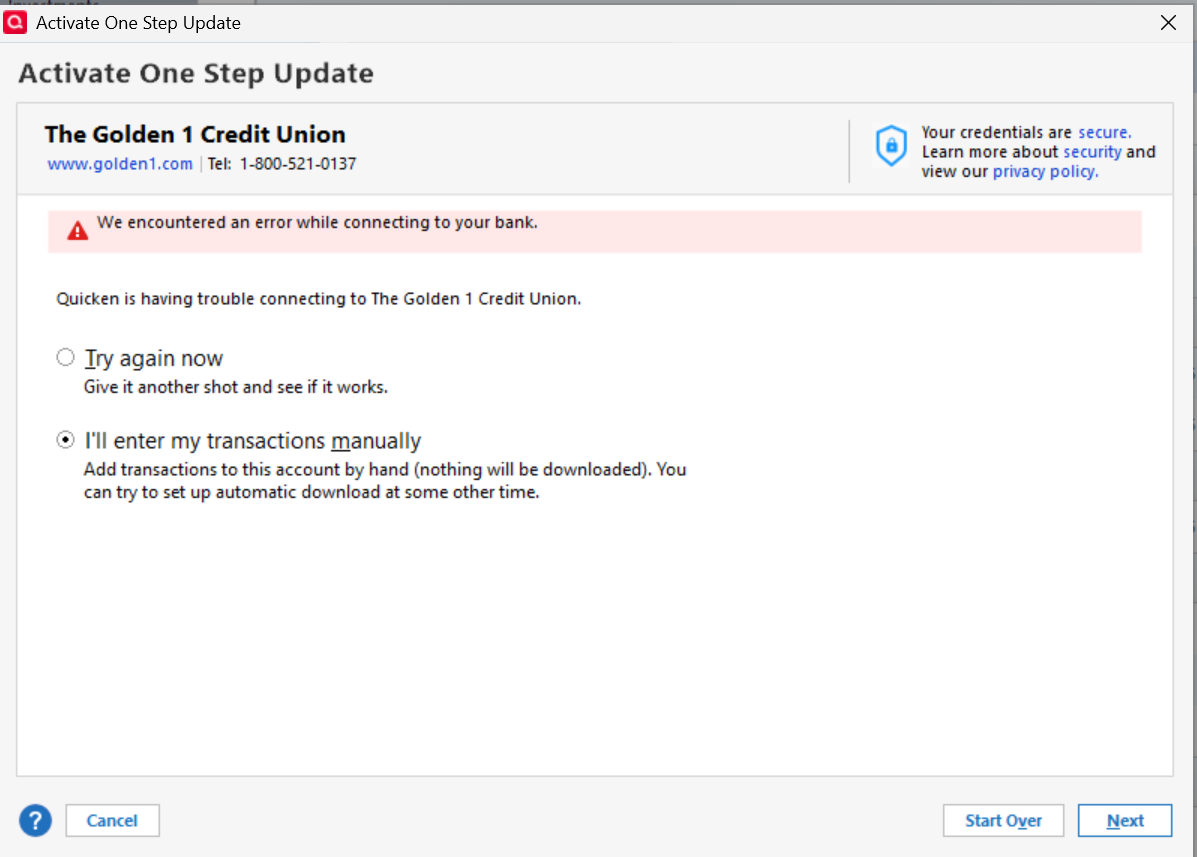
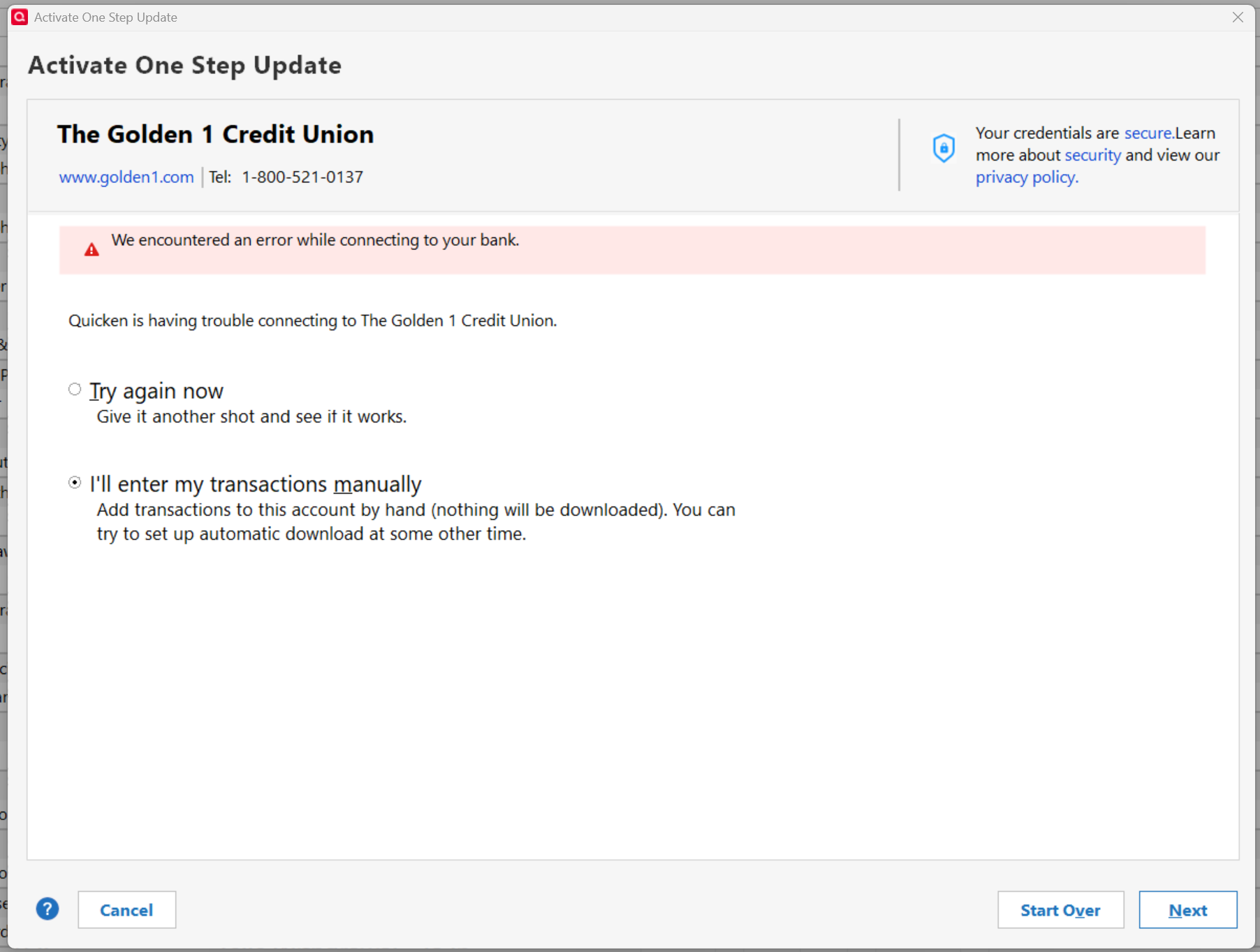
- Name of the bank is The Golden 1 Credit Union Error message CC-505.
The error occurred after a digital banking upgrade. When I reached out via email I got this response:
Golden 1 Response:
Thank you for reaching out to us.
We understand how important it is to have seamless access to your data. At this time, Quicken is still under development to support options beyond manual data export. Unfortunately, we do not have an estimated timeframe to share, and we sincerely apologize for any inconvenience this may cause.
We appreciate your patience and thank you for your continued membership.
Sincerely,
Member Advocate Team
Golden 1 Credit Union
Golden 1 call center wait times are 30-40 minutes to discuss this issue with no call back option.
I have a few questions: 1) Is Golden 1 working with Quicken to restore web connect connections 2) Can Quicken initiate this fix with Golden 1 IT staff 3) How long would it take to restore this service 4) What is the value of Quicken without web connect transaction downloads?
Thank you for your reply!
[Edited-Screenshot]
Comments
-
Hello @rlandon,
Thank you for reporting the issues you are seeing with Golden 1 Credit Union.
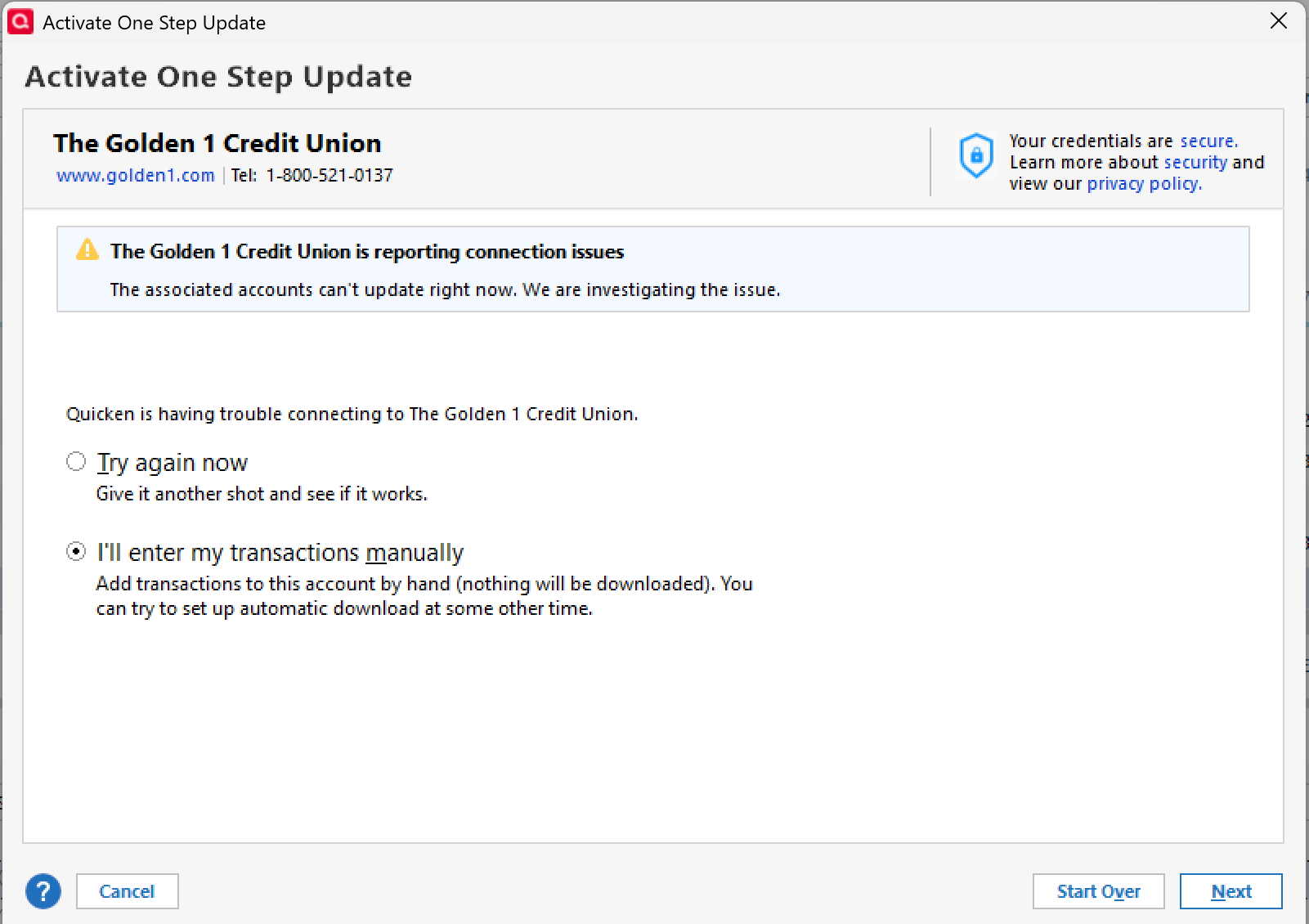
Currently, we do have a Known Issue with Golden 1. It is a different error, but this is most likely related.
After reviewing your connections internally, I can confirm you are getting a CC-505 error. You may be able to log into the bank's website successfully and still receive this error in Quicken. This is because the error is caused by an issue on the bank's servers (typically a block placed by the bank) that Quicken uses to download transactions.
First, wait one business day
This error message is typically caused by a temporary issue on your bank's servers. You can try updating again in a few hours or the next business day.
Second, if waiting one day does not resolve the issue
Try refreshing your online account information:
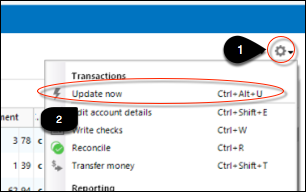
1. From your account register, select the Actions gear icon at the very top right of your register (Ctrl + Shift + N).
2. Select Update Now.
3. Follow the on-screen instructions to complete the update.
4. Repeat these steps for each financial institution experiencing this error.
If the issue persists
Try the steps above again the next business day. If the problem continues for over 48 hours, contact Quicken Support for assistance.
To answer your questions at the bottom of your post:
- Quicken is aware of this issue and has escalated it.
- When this happens, we do work with the financial institution toward a resolution.
- I do not have any information on what Golden 1 plans to do, and therefore cannot speak to that.
- We do not provide ETAs as to when issues will be resolved.
- Quicken has a plethora of other features and benefits that make it valuable. Measuring its value would depend on what exactly you use Quicken for. However, that does not discount the value of this bank connection you depend on. I hope this can be resolved soon!
Hope this helps!
Quicken Alyssa
Make sure to sign up for the email digest to see a round up of your top posts.
0
Categories
- All Categories
- 44 Product Ideas
- 34 Announcements
- 241 Alerts, Online Banking & Known Product Issues
- 19 Product Alerts
- 512 Welcome to the Community!
- 679 Before you Buy
- 1.4K Product Ideas
- 55.3K Quicken Classic for Windows
- 16.7K Quicken Classic for Mac
- 1K Quicken Mobile
- 828 Quicken on the Web
- 123 Quicken LifeHub