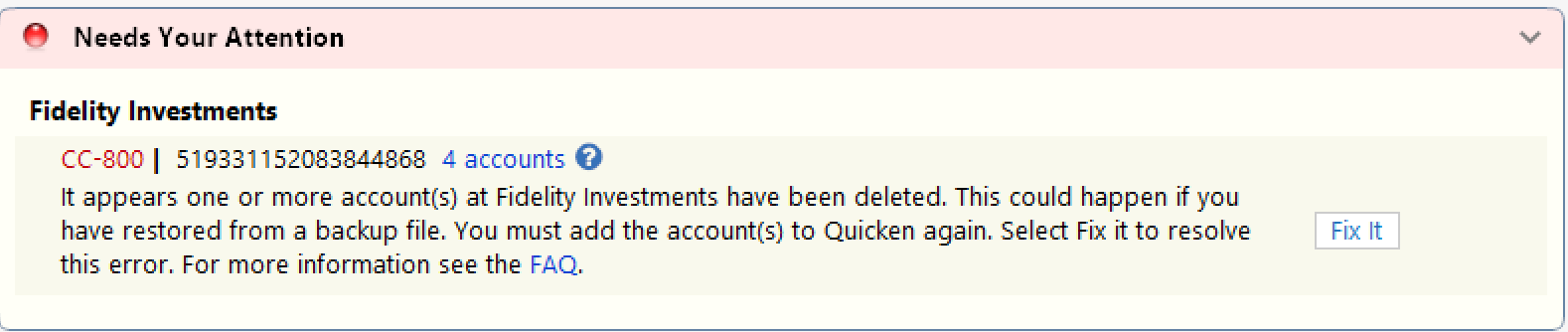
CC-601 Error - Fidelity Brokerage Accounts not updating.

gtgerbo
gtgerbo Quicken Windows Subscription Member ✭✭✭

I can't get my brokerage accounts at Fidelity to update. Quicken is throwing "CC-601 We cannot find an account with a non-zero balance or with any transactions in the last 12 months. Please check on your website and try again."

This has been happening since yesterday. I have tried the usual tricks - e.g., de-authorizing, reauthorizing, checked log-in credentials, deleted Quicken as a 3rd party app on the Fidelity website. Nothing seems to be working.

The re-authorization process appears to work smoothly. The accounts appear to be connected. However, when I hit the sync button the "CC-601" error appears.

It is impacting taxable and non-taxable brokerage accounts.

What am I missing?

Comments

  • Quicken Laura
    Quicken Laura Quicken Windows Subscription Moderator mod

    Hi @gtgerbo,

    Thank you for sharing what you’re experiencing.

    We have received multiple reports regarding various issues associated with Fidelity. I would recommend contacting Quicken Support directly for further assistance. They can walk you through troubleshooting steps in real time and escalate the issue if necessary. The Quicken Support phone number can be found through this link here. Phone support is available from 5:00 am PT to 5:00 pm PT, Monday through Friday.

    For additional updates, please refer to the active alert regarding this issue.

    Please let me know if you have any other questions.

    Quicken Laura

    Make sure to sign up for the email digest to see a round up of your top posts.

  • GGmaster
    GGmaster Quicken Windows Subscription Member

    This is also happening to me. I have gone through all the deactivating and reactivating steps. This just started happening on Saturday 2/28. What is going on? Everything was working fine up until Saturday morning.

  • GregGriff
    GregGriff Quicken Windows Subscription Member

    I'm having the same issue this morning (3/2/26).

  • Scott BJ
    Scott BJ Quicken Mac Subscription Member ✭✭

    Add my name to the list using a Mac, latest Version 8.5.0 (Build 805.60099.100). This started 3/1/26 for me.

  • Mike129
    Mike129 Quicken Windows Subscription Member ✭✭

    Same problem here. I saw it on 3/2, but it might have been happening earlier when I wasn't attempting an OSU.

  • gtgerbo
    gtgerbo Quicken Windows Subscription Member ✭✭✭

    An update to my post…

    I pursued Quicken Laura's suggestion and tried contacting Quicken Support directly for further assistance. According to Quicken Support, the issue had already been escalated. There is no ETA on when this will get resolved.

    Wonderful.

  • NotACPA
    NotACPA Quicken Windows Subscription SuperUser ✭✭✭✭✭

    @gtgerbo What's curious about this is that I downloaded from 7 accounts at Fidelity Investments on Saturday 2/28 and today 3/2 without problem.

    I have 3 taxable and 3 retirement accounts in my main file and a taxable account for an organization in another file.

    This suggests that it's something deeper than a simple programming issue … and thus might take a while to resolve.

    Q user since February, 1990. DOS Version 4
    Now running Quicken Windows Subscription, Business & Personal
    Retired "Certified Information Systems Auditor" & Bank Audit VP

  • Quicken Laura
    Quicken Laura Quicken Windows Subscription Moderator mod
    edited March 3

    Hi everyone,

    Thank you for continuing to share your experiences and reports with us; we truly appreciate your patience.

    We are aware that some customers attempting to connect accounts from Fidelity Investments in Quicken Classic are encountering FDP-101 or CC-601 (CP_SCRIPT_ERROR) errors. Our teams have identified this as a known issue and are actively investigating the root cause.

    At this time, there is no additional action required on your part. We are working toward a resolution as quickly as possible and will provide updates as soon as more information becomes available.

    To stay informed, please refer to the active alert:

    We understand how important reliable account connectivity is and sincerely appreciate your patience while we work through this issue.

    Quicken Laura

    Make sure to sign up for the email digest to see a round up of your top posts.

  • JayG2020
    JayG2020 Quicken Windows Subscription Member ✭✭

    Also having the same problem all Fidelity accounts are cc601 unable to find non zero. I set up a new account in Quicken with one fidelity account. After doing and updating it also returns the error on a new set up. That explains why uploading a back up didn't work. Except giving me more work to do. Back to manual entry. Seems I've been doing that alot with Quicken

  • vnolin11
    vnolin11 Quicken Windows Subscription Member ✭✭✭

    NotACPA This suggests that it's something deeper than a simple programming issue … and thus might take a while to resolve.

    Agree.

    I did not encounter any errors over the weekend or this week either.

  • TiH
    TiH Quicken Windows Subscription Member ✭✭

    I have had the same problem since Saturday. Interesting that several friends who use same version have had no problems.

    @Laura, I have checked the active alert several times and don't see any additional information.

  • cgs1
    cgs1 Quicken Windows Subscription Member

    I have the same problem since Saturday. I've gone through the deactivate-reactivate routine. It didn't help.