This discussion was created from comments split from:
Issues with VOYA - again
.
same here
Same here.
Hello @checkyourmirrors & @sidcrews,
Thank you for letting us know you're seeing issues with Voya. To help troubleshoot, please provide more information:
I look forward to your response!
We haven't heard back from you in a while. Do you still need assistance?
Check back and let us know! Thank you.
same issue - quicken opens a web browser to authenticate and is unable to connect. Tried removing download connection from the account menu, and now it's worse. web browser returns a text string failure
Hello @HoyaHokie,
I’m having the same issue. It open web browser and signs into voya ok. I select my account to link, but then later states it can’t locate an account to sync.
Hello @jwhite321,
Thank you for letting us know you're also seeing an issue with Voya. To clarify, are you able to successfully authorize the connection on the financial institution's website, but in your Quicken file, you see an error that there are no accounts to connect?
What type of account are you trying to connect (401k, brokerage, etc.)? What is the URL (web address) that you use when logging into the account directly through the financial institution's website?
I look forward to your reply!
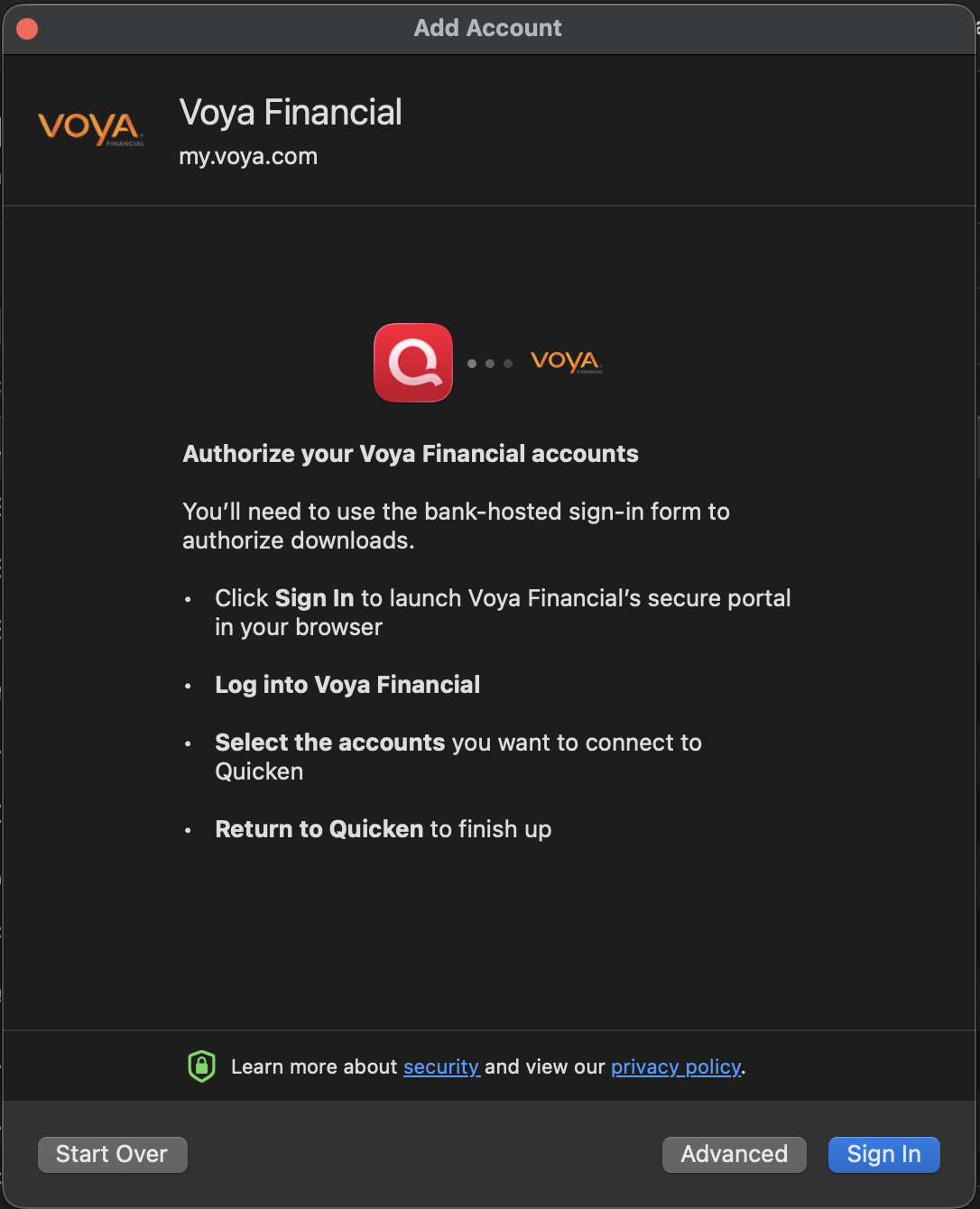
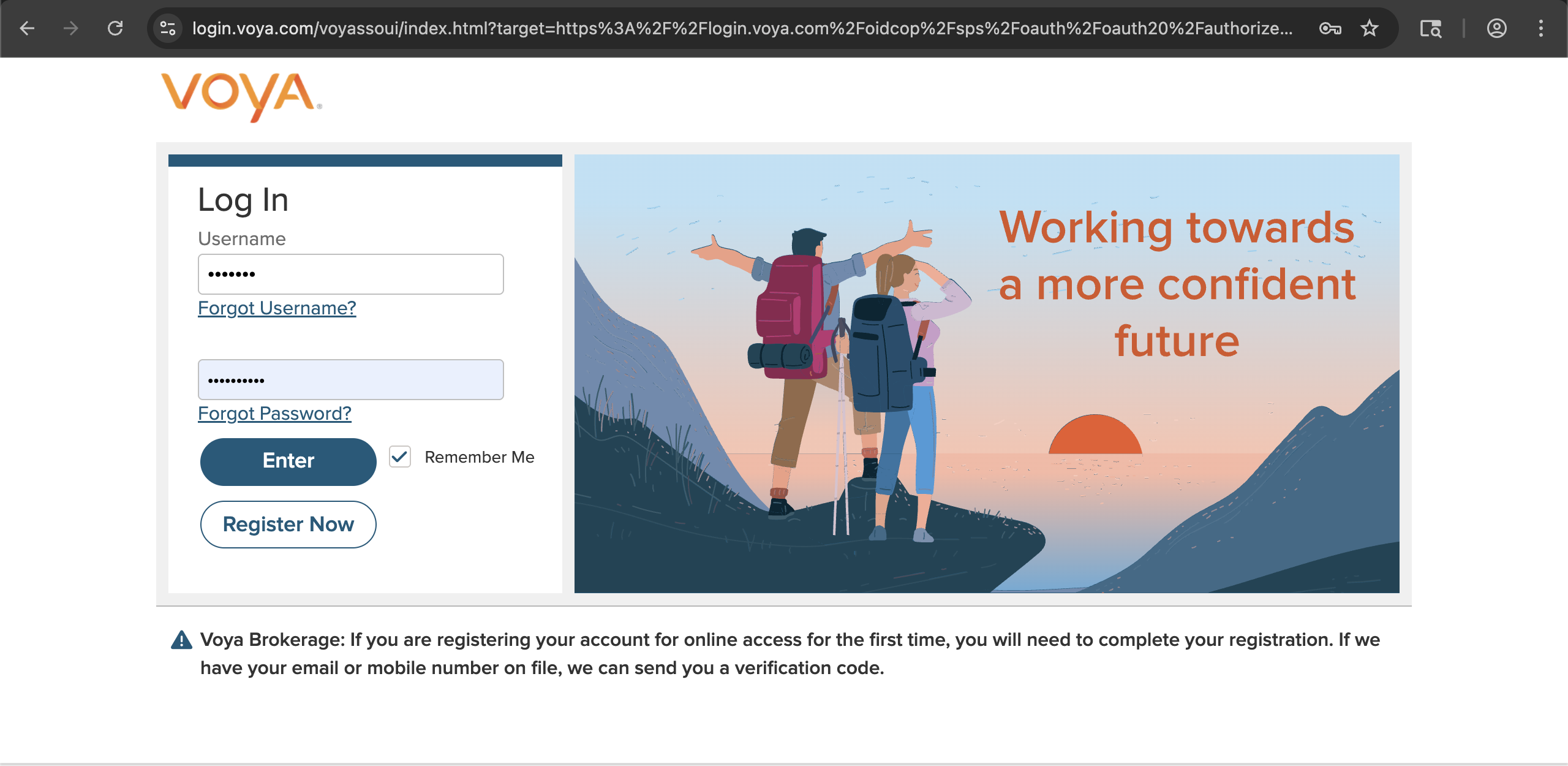
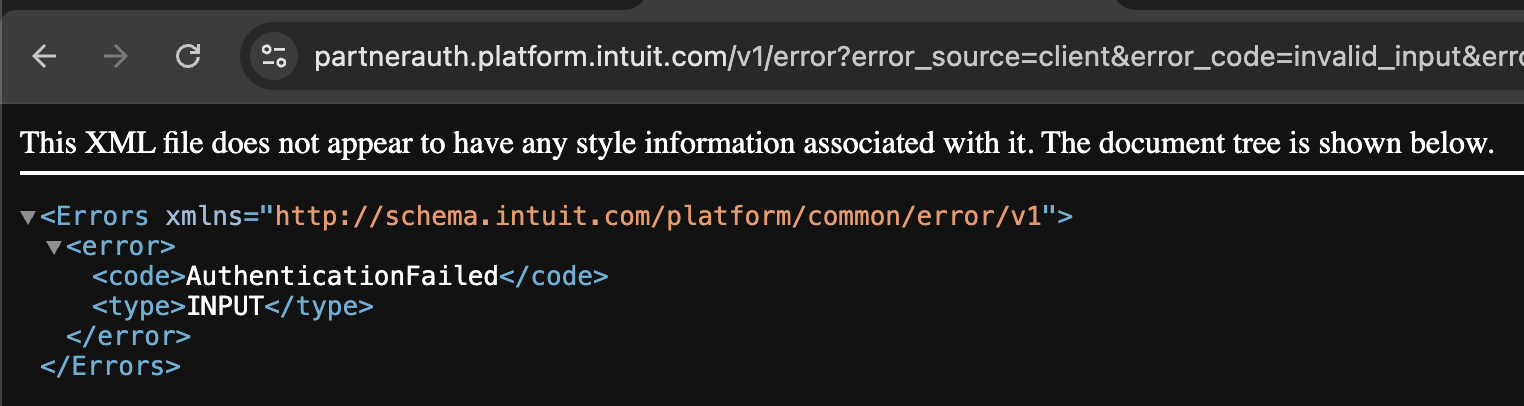
I'm having the same issue. I can no longer connect to Voya to sync my 401 (k) account as of March 8, 2026. I have the same issue on both Safari and Chrome web browsers. I have disconnected my account and have attempted adding it back several times with no success. The URL is my.voya.com (listed as Voya Financial in add accounts). I click the Sign In button, which redirects me to the Voya site. I enter my credentials, and then I get an error in the browser: "AuthenticationFailed INPUT" (On Safari, I just see plain text error; on Chrome, I see the same text error inside of XML). When I go back to Quicken, I receive an "access denied" error. I can login to my.voya.com website directly using the same user credentials and have no problems.
Hi @lash6322,
Thanks for sharing the screenshot and the steps you’ve taken so far; they are very helpful.
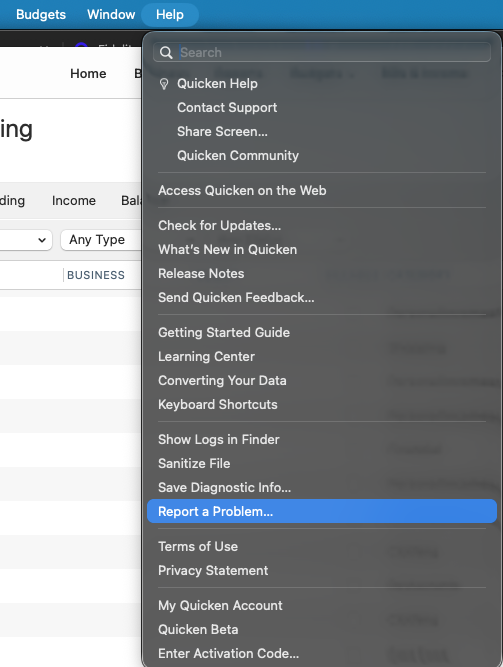
I recommend submitting your logs for further investigation of this error. To do so, go to Help > Report a Problem.
Once you’ve submitted the logs, please let me know. I look forward to your reply.
Hi @Quicken Carlos. I just reported the issue as you suggested. Thanks.
Thank you for your reply and for sending the logs and screenshot. They are helpful.
I have created an investigation ticket for reference (CTP-16932). I have added the information to the ticket and forwarded it to the appropriate team for further review.
Thank you! (CTP-16932)
I'm having the same connection issue between Quicken Mac <> Voya retirement. I am running Quicken for Windows in a Virtual machine as I transition from the windows to Mac software, and the Windows version still connects to Voya. What's frustrating is for it to connect on Windows the username needed @ecap or @voya after the username, which wasn't published anywhere. I found it in a random google search for a different company. All that said, Voya does not download anymore to Mac and I'm experiencing the same issues as the above poster. Also, the errors look different across Safari and Chrome.
Thank you for letting us know you're also seeing this issue and for sending the problem report. I added you to the ticket.
Thank you!
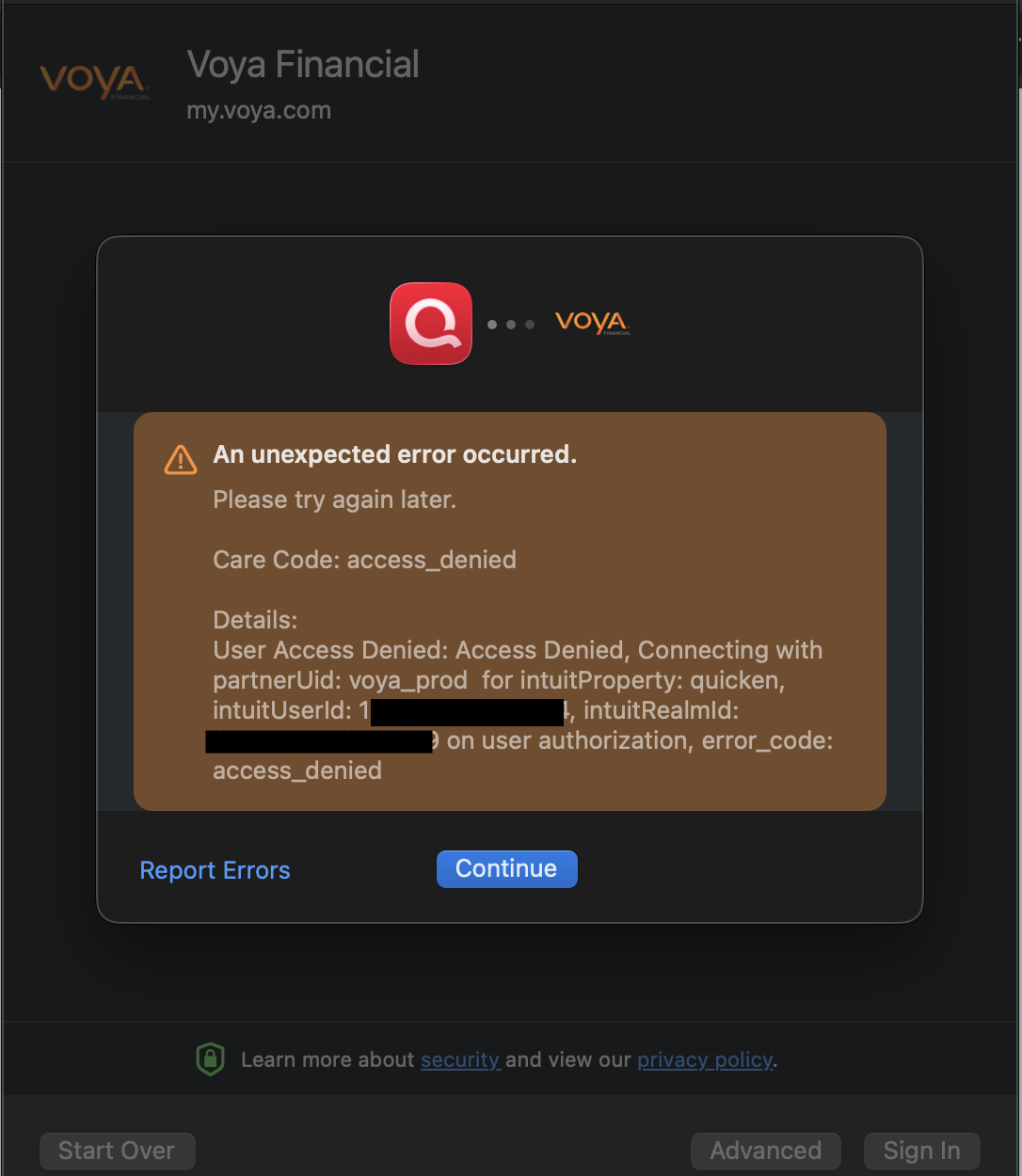
Hi, like others I'm having trouble connecting my Voya Retirement Accounts. I had them connected until recently, but they were not updating over the past few months even as I tried to reconnect them. I then deleted and tried anew. But I get this error code: Please try again later.
Care Code: access_denied
Details: User Access Denied: Access Denied, Connecting with partnerUid: voya_prod for intuitProperty: quicken, intuitUserId: 9130357687327246, intuitRealmId: 9130357687327266 on user authorization, error_code: access_denied
Any ideas?
Same. I just submitted a problem report.
Hello @ezreub,
Thank you for sharing your experience.
After reviewing your connections internally, it appears you have tried connecting with "Voya Financial" and "Voya Brokerage Account Login". The connection to Voya Financial looks successful, and the Voya Brokerage option has returned an FDP-103 error.
This error occurs when your financial institution tells Quicken that your login credentials are incorrect or there are outdated login credentials stored in Quicken for Mac and/or the Keychain app.
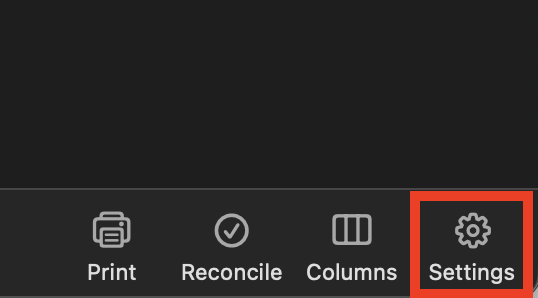
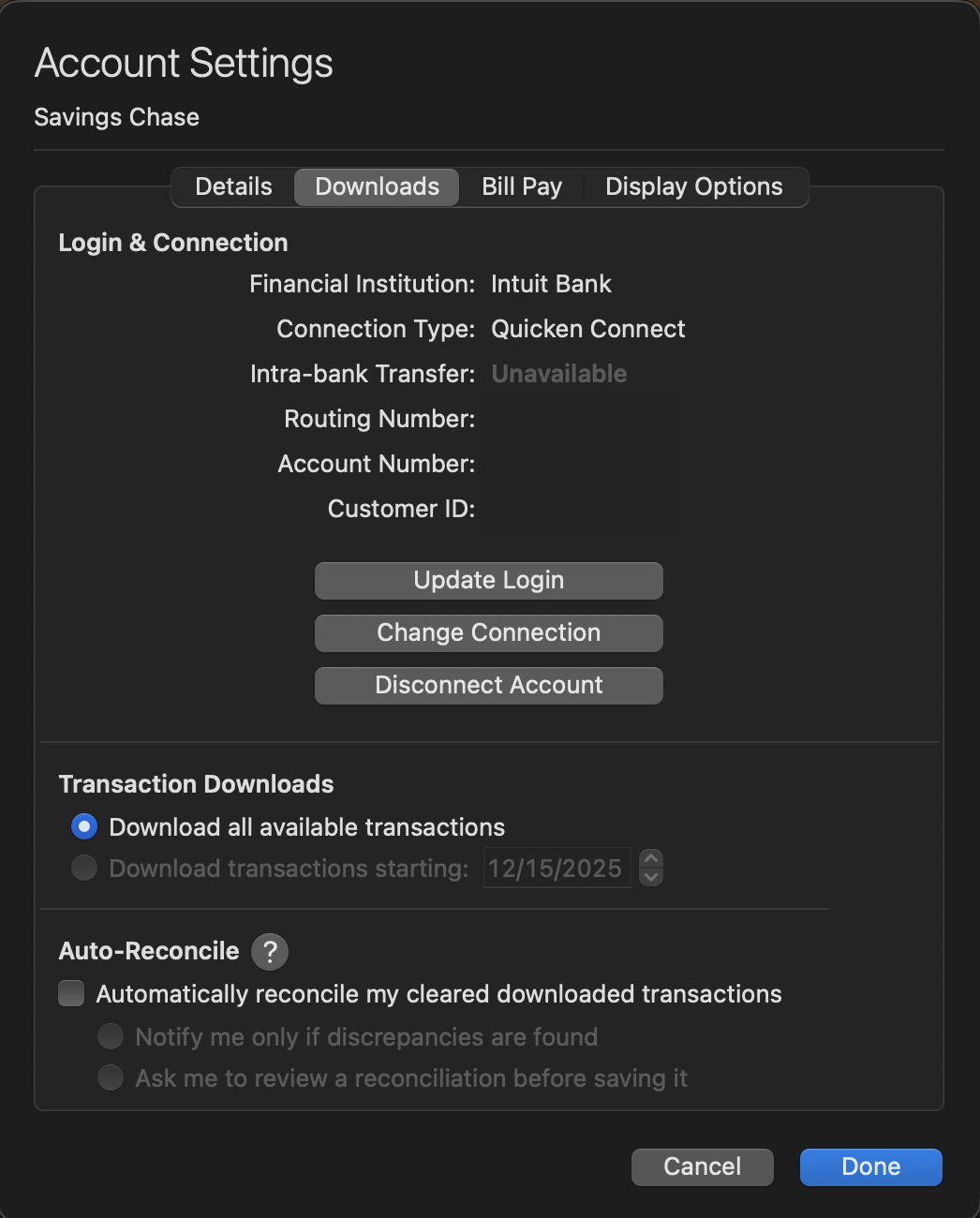
Once you have completed the deactivation steps, open the support article linked above and follow the remaining steps.
Let us know how it goes!
Greetings, I also have the same issue see attached.
Hello @ezreub & @markhadden,
Thank you for letting us know you're encountering this issue and for sending the problem report with log files and screenshots. The issue was recently reported to our teams for further investigation and resolution. The problem reports you sent will help with the investigation. I added both of you to the ticket.
(CTP-16932)
I have the same issue since last Friday, April 10th 2026 - please add me to the ticket, so I can provide detailed logs of review. My login to my.voya.com is valid and works from the browser. I have the single Voya account, disabled download for it, restarted Quicken, tried to configure Voya download - getting the attached error.
Hello @d_7,
Thank you for letting us know you're also affected by this. I added you to the ticket.
[Removed - Duplicate Post]
Same issue with a Voya retirement account. It no longer connects. I have sent several reports to Quicken through the app. The issue started last week.
An unexpected error occurred
Please try again later.
Details: User Access Denied: Access Denied, Connecting with partnerUid: voya_prod for intuitProperty: quicken, intuitUserId: **************, intuitRealmId: ************** on user authorization, error_code: access_denied
Hello @redvw,
Please update on the progress of this issue CTP-16932. email digest has nothing, and we need daily updates and ETA. This is paid subscription service, and we expect more feedback beyond community board.
@d_7,
Thank you for adding to this discussion.
This ticket is open and remains ongoing. Sometimes these escalations take time, and we know that is not ideal. We will not have daily updates to provide. We do not have an ETA as to when this will be resolved.
We apologize for any inconvenience and appreciate your patience as we investigate this issue.
Thanks again!
[CTP-16932]
Hello All,
We just received word from our teams that this issue should be fixed. Please verify if it's working and let us know!
Did not work for me using Quicken for Mac
Details: User Access Denied: Access Denied, Connecting with partnerUid: voya_prod for intuitProperty: quicken, intuitUserId: xxxxxxxxxxxx, intuitRealmId: xxxxxxxxxxxxx on user authorization, error_code: access_denied
Thank you for letting us know that the issue is persisting for you. I can see you submitted an updated problem report today with log files attached. It will help our teams investigate why this issue persists.
It is still broken, same way as it was before.
https://partnerauth.platform.intuit.com/v1/error?error_source=client&error_code=invalid_input&error_description=TnVsbC9FbXB0eSBSZXNwb25zZSBUb2tlbg