This discussion was created from comments split from:
Issues with VOYA - again
.
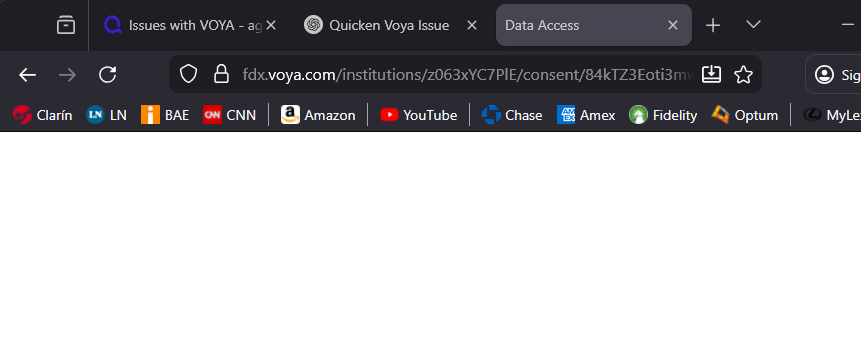
Same here. A few weeks ago, I was able to download my Voya transactions, but now Quicken has deactivated the online update. When I try to set it up again, it asks me to sign in to the Voya website to activate it again, and after signing in, I just get a black screen and nothing happens. This is very, very annoying.
Daniel
Hello @DVitale,
Thank you for reaching out! To help troubleshoot, please provide more information:
I look forward to your reply!
We haven't heard back from you in a while. Do you still need assistance?
Check back and let us know! Thank you.
Hello again,
Checking in once more before this thread is closed. Let us know if you still need assistance.
Thank you!
Due to the lack of response, I went ahead and closed this post.
If you still require assistance, please feel free to start a new post.