File Data Being Uploaded to Quicken Without My Permission
When I tried to log in to the Quicken Community, I accidentally logged in to Quicken Web and was SHOCKED to see all my transactions had been uploaded to the internet-including transactions from today.
I have Sync with Web/Mobile turned off in the settings:
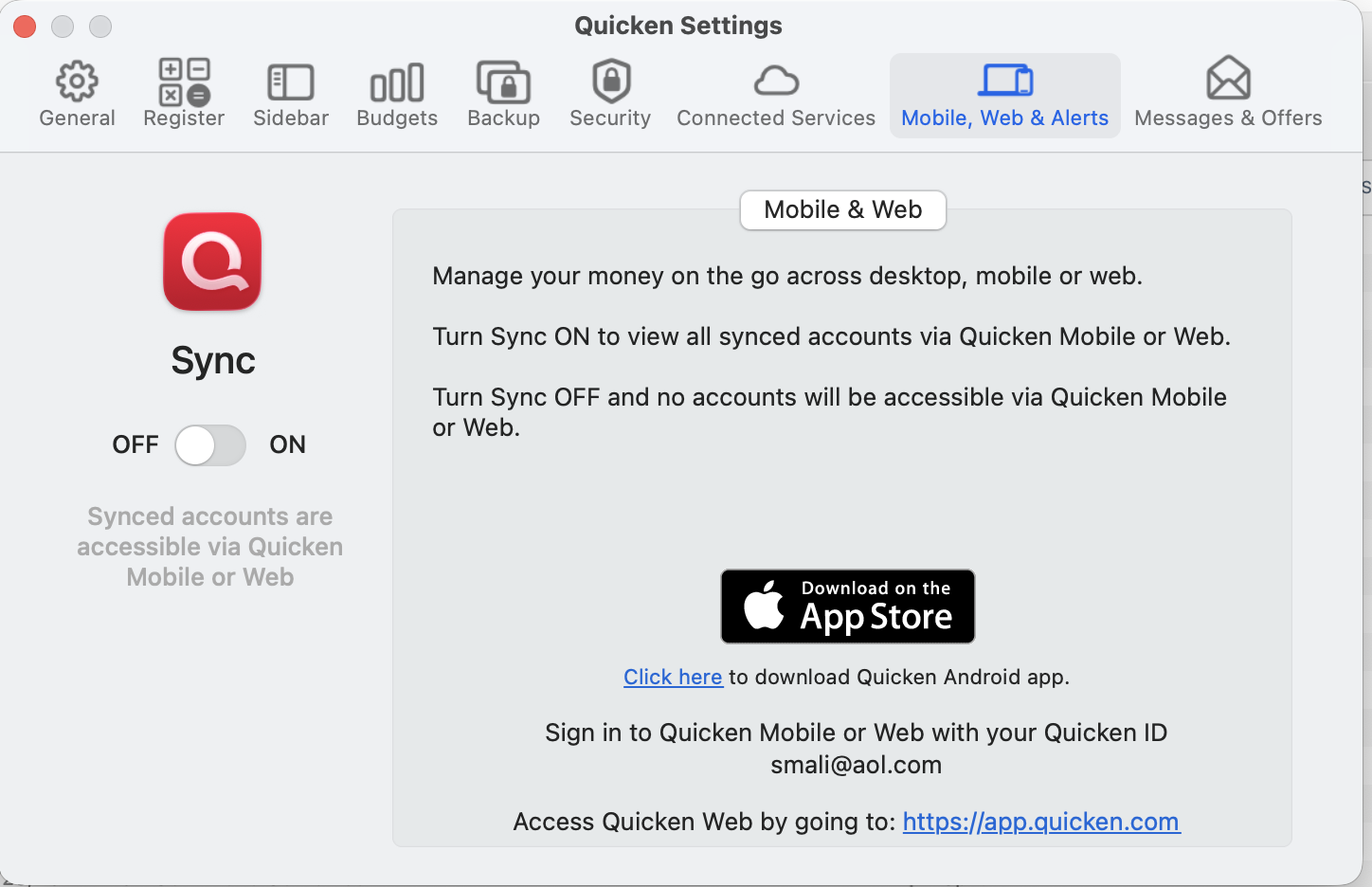
This is extremely disturbing to me, because I want my personal data stored LOCALLY ONLY. With all the companies that have gotten hacked over the years, I don't want my personal data available anywhere other than on my personal computer.
How do I:
- Remove my personal data from Quicken's online servers?
- Make sure my personal data is not being uploaded without my permission (essentially stolen) by Quicken-a company I thought I could trust?
Comments
-
That's odd, I double checked mine and I don't see any account or transaction info. I do see a list of my various Quicken cloud accounts (I really should clean those up again) but none of them appear to have anything in them.
If I wanted to delete that info, the first thing I would try is going to Quicken Settings and on the Connected Services tab click the Reset button. That should throw out everything currently uploaded from your file and reset it with new information; since Sync is turned off it should not include any account or transaction info.
If that doesn't work, the next thing I would do is turn Sync on, wait for it to finish doing its update, then turn it off again, wait for that to finish, then do another Reset. Since the information is already there I don't think you have anything to lose by temporarily turning Sync on.
0 -
As @Jon noted, if you EVER had Cloud Sync turned on, then Quicken Cloud ratained your login credentials and dutifully continued updating your data in the cloud; since you hand Sync turned off, it wasn't then downloading to your desktop. But the solution is simple: with Sync turned off, go to Settings > Connected Services and click the Cloud Reset button. Every desktop data file always has a cloud account associated with it because certain Quicken services go through their servers (such as Help > Report a Problem). But the cloud account will not have any of your past transactions, nor your login credentials to download any going forward.
Quicken Mac Subscription • Quicken user since 19930


