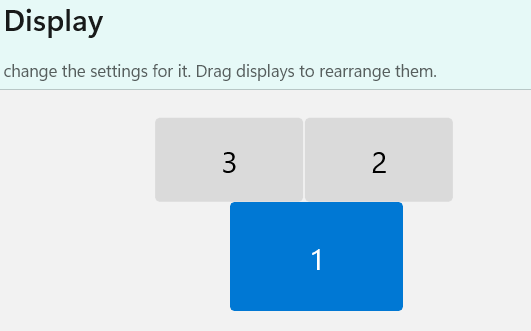
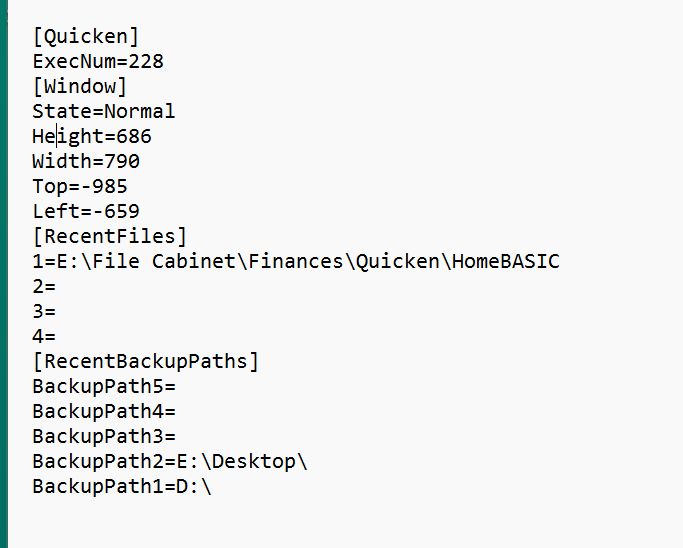
About a month ago, I reset my Windows 11 home laptop, so I had to reinstall Quicken. Since that time, Quicken Classic Deluxe, R66.28, build 27.1.66.28 does not restart in the screen last used, but instead starts in the default screen. Please tell me how to update this setting, even if it requires editing the Registry. Email=; phone=(text OK). Thanks.
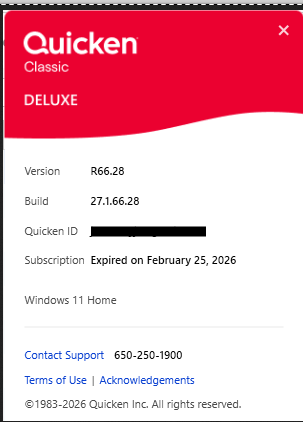
P.S. When I click Help, About, it shows my subscription has expired, which is not correct.
[Removed Personal Information]