We have started rolling out Quicken Classic for Mac 9.0 into a stage release.
You can get the latest Quicken build by clicking "Check for Updates" under the Quicken menu.
Thank you for your help and support.
Best Regards,
The Quicken for Mac Team
Please take a moment to review the summary and try the new features in the product.
Investments
- NEW Portfolio Value and Portfolio Value & Cost Basis reports now include graphs
- NEW Commodity and Cryptocurrency securities are now supported, including price downloads
- IMPROVED Expanded Asset Class options for securities: Mid-Cap Stocks, Real Estate/REIT, Commodity, and Cryptocurrency
- NEW Portfolio Value and Portfolio Value & Cost Basis reports now include date filters for faster time-range analysis
- IMPROVED Portfolio Value now includes Cost Basis and Gain/Loss columns, with support for column sorting
- IMPROVED Key columns now remain visible while scrolling horizontally in investing views, including Security in Portfolio Value & Cost Basis and Name/Lot in Capital Gains Estimator
Dashboard & Registers
- IMPROVED You can now adjust the text size in the sidebar, similar to the register
- IMPROVED Added keyboard navigation: use left/right arrows to switch focus between register and sidebar, and up/down arrows to move between accounts and sidebar items
- IMPROVED The chart in the Income and Spending tabs is now faster and more visually polished
- IMPROVED Added a Quick Report option to the right-click menu in Payees, Tags, and Categories, and to the Actions menu in Tags and Categories
Bills & Payments
- IMPROVED When choosing Edit and Mark as Paid for a Quick Pay or Check Pay bill reminder in the register, you are now prompted for the next step
- IMPROVED You can now change the final transaction date for scheduled series using End: After [X payments] or End: On date, including one-time schedules
- NEW Business, Client, and Billable fields are now supported in Bill Pay flows including Quick Pay, Check Pay, and Bank Bill Pay
- FIXED You can now change the account for an eBill-connected Bill Reminder
Business & Invoicing
- NEW You can now specify which Stripe payment methods are accepted per invoice (ACH, Credit Card, or both)
- NEW Added a Send Invoice button to the toolbar in Client Details > Invoices
- IMPROVED In the Client Invoices register, you can now right-click a payment to view all invoices it was applied to, including payments applied to multiple invoices
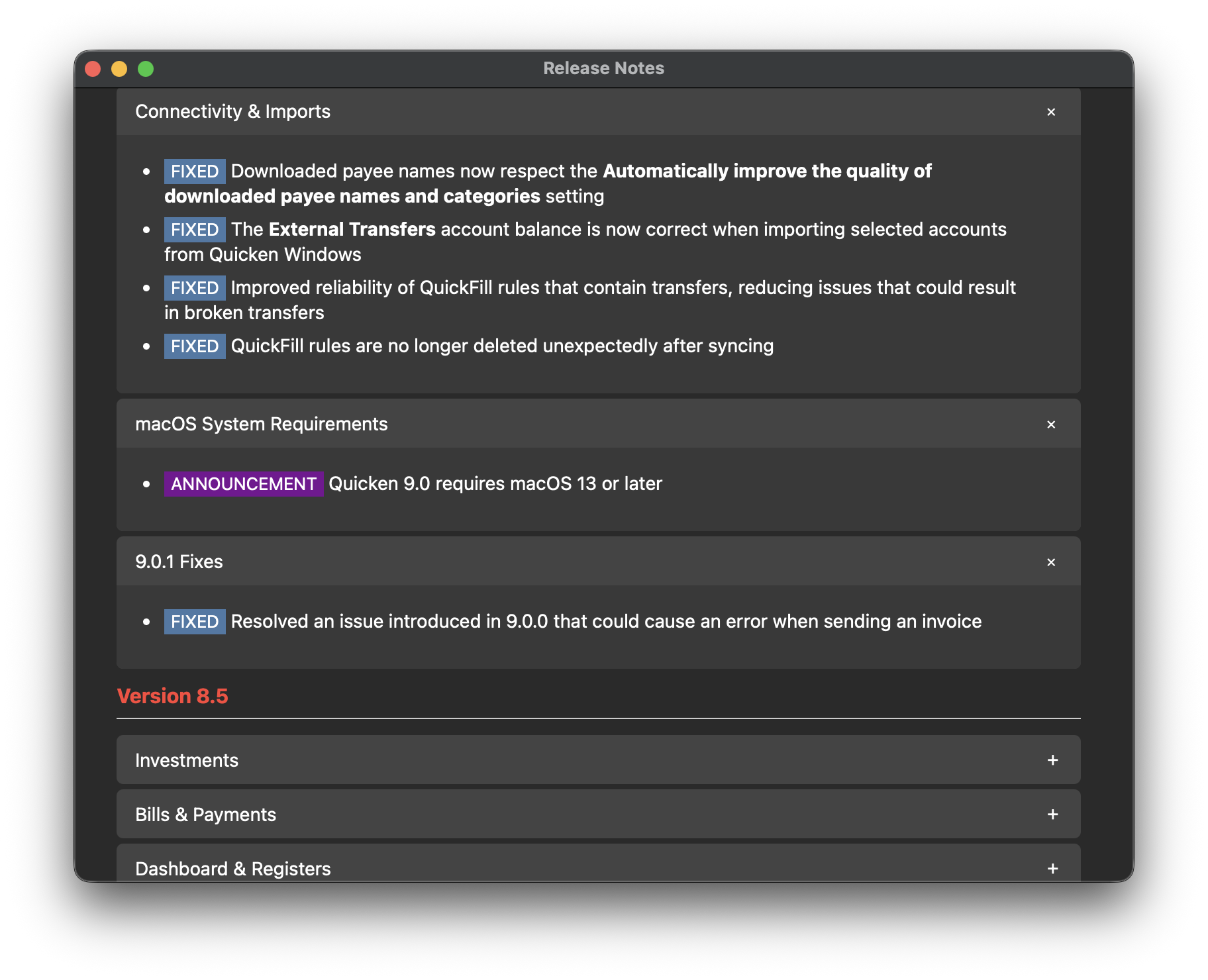
Connectivity & Imports
- FIXED Downloaded payee names now respect the Automatically improve the quality of downloaded payee names and categories setting
- FIXED The External Transfers account balance is now correct when importing selected accounts from Quicken Windows
- FIXED Improved reliability of QuickFill rules that contain transfers, reducing issues that could result in broken transfers
- FIXED QuickFill rules are no longer deleted unexpectedly after syncing
macOS System Requirements
- ANNOUNCEMENT Quicken 9.0 requires macOS 13 or later