I've posted this question before, but wasn't able to respond to questions asked.
When downloading transactions from RBC, Quicken populates the Memo field with the information that should be in the Payee field.
For example downloading a payment to "Enbridge Gas", the memo field will have "Enbridge Gas" while the Payee field shows "Payment".
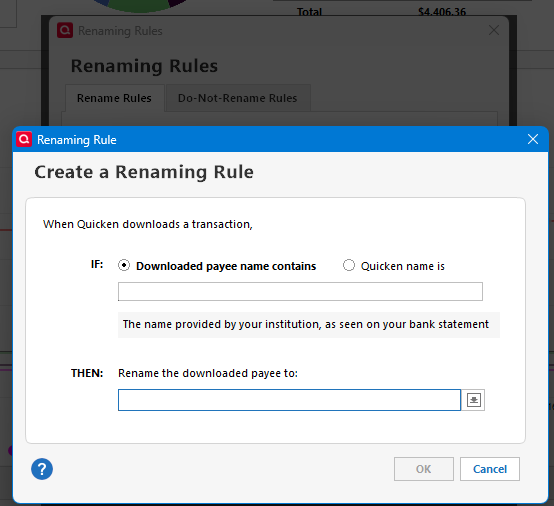
Renaming rules don't help, because they only work on the Payee field. This requires a manual correction for every item.
Is there a solution?
For info:
RBC is generating a .qfx file which is imported into Quicken. This has been an issue for as long as I've been banking with RBC. It was not an issue with my previous bank, TD.
The Quicken file is stored on locally on my PC, but in a OneDrive folder.
I was able to use the memorized payee hack suggested below to solve for this, but would need to create one for every regular payee, and that would not help with one-off payees.