elpasokid said: No luck after validating file. Still getting error message when syncing. The only way I'm able to reconcile account is to reset account on online services tab in account details. When I do this account will reconcile. Thanks in advance for any help.
elpasokid said: I'm still having same error message after super validating file. Super frustrating. I have to reset the account to get it to reconcile, but continually get error message when syncing. Thanks for your suggestion.
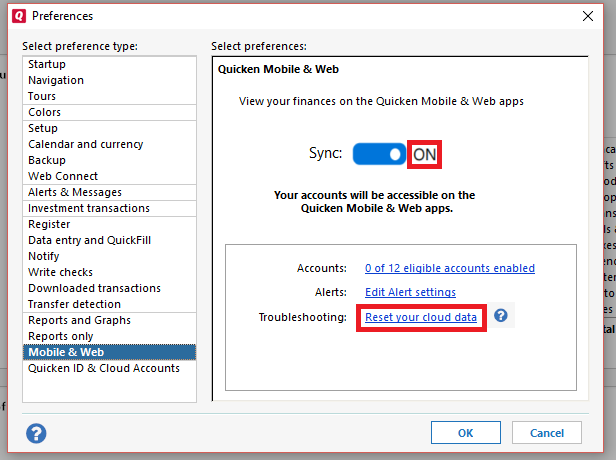
@elpasokid Thank you for following up and providing the screenshot, though I apologize for the delay in our response. Since, unfortunately, the previous steps have failed so far, next, I suggest you try manually resetting your cloud data by creating a test file and deleting your cloud account from that test file. After that, you would attempt to resync your main data file which should then create a new cloud account (this does not affect your data saved within that data file). First, please proceed to save a backup (just in case). From there, create a new data file (click here to view instructions, and review the section titled: "Creating a new file"). Once the new file opens, follow the steps below to remove your main data file's cloud account.
After that, switch back to your main data file (click here to view instructions, scroll down and review the section titled: "How to alternate between multiple files"). Once your main file opens, resync your data by navigating to the Mobile & Web tab and clicking on the blue Get Started button, and then the blue Sync Now button and see whether or not the errors you were receiving persist. You can then also delete the new file you previously created as well as its cloud account. I hope this helps!