New Quicken Authorization For ML and Bank of America accounts created double accounts

This new authorization system has created a nightmare for me. I had renamed all my accounts and set them up as I wanted them. The new authorization while successful has created duplicate accounts of everything and my account balances are not any longer correct. Do the old accounts no longer work? Is my solution the rename all the new entries and set them up to my liking?
How to resolve this is my question. Any ideas, or is this something that Quicken has to solve?
Thanks for any feedback. I'm on Windows Current release
Dennis Freeman
Best Answer
-
I realized that the transformation of accounts had enabled automatic downloads from the bank, which didn't have on it what I had entered in the check register, so I had to go thru 4 months of transactions and delete all those transactions and then disable the automatic downloads from the bank. That seems to have remedied the issue for now.
0
Answers
-
Hello @Dennis Freeman,
It sounds like during the reauthorization process, Quicken created new accounts instead of linking to the ones you had already set up—this is a common hiccup.
Here’s what I recommend:
- First, save a backup of your file (just in case).
- Delete the duplicate accounts that were created during reauthorization:
- Right-click on the account name > Edit/Delete Account > Delete Account.
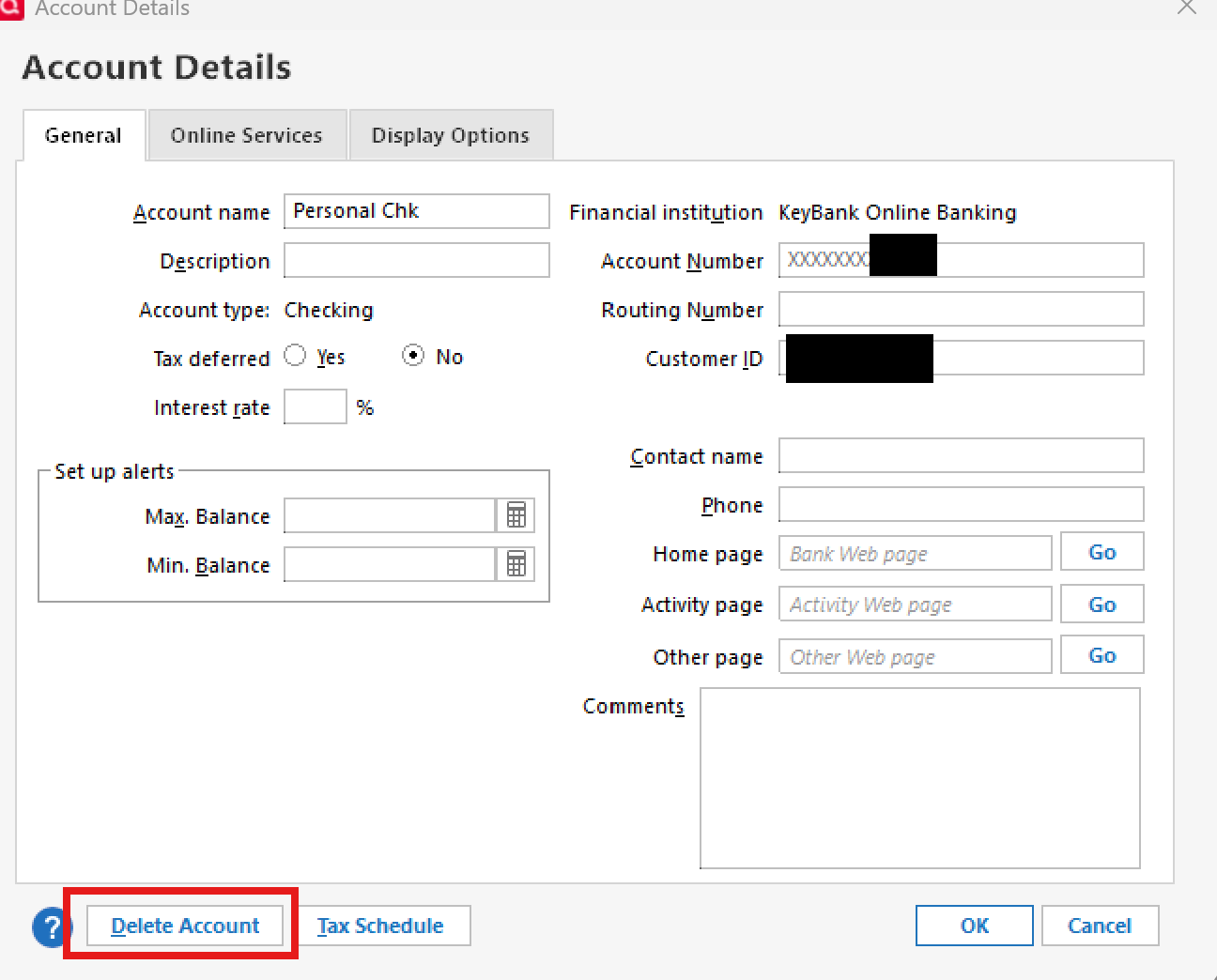
- Right-click on the account name > Edit/Delete Account > Delete Account.
- Then, go to Tools > Add Account and reauthorize your Merrill Lynch and Bank of America accounts again.
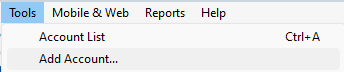
- When prompted, be sure to choose “Link to existing” and carefully match each account to the correct one in your Quicken file. This will prevent duplicates from being created.
Let us know how it goes!
-Quicken Anja
Make sure to sign up for the email digest to see a round up of your top posts.1 -
After three rounds of additional accounts and deleting these accounts, everything but my BofA main checking account is correct. I manually like to reconcile my checking accounts. There is a "Please Reconcile This Account" with a list of entries, many of which are checked off and there is an error of $22,568.80. I don't quite know how to handle this magnitude of an error.
Any assistance here?
0 -
I realized that the transformation of accounts had enabled automatic downloads from the bank, which didn't have on it what I had entered in the check register, so I had to go thru 4 months of transactions and delete all those transactions and then disable the automatic downloads from the bank. That seems to have remedied the issue for now.
0
