Quicken very slow to categorize transactions

Quicken Windows
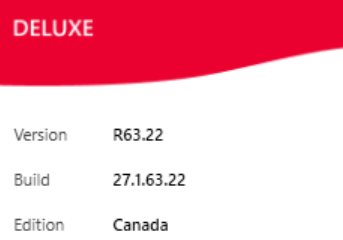
Issue started about two weeks ago .Takes about 7 seconds to accept a category for a transaction previously it was instant.
Did no do anything that I am aware of that may have caused this change
If I open an older version of the file from backup it works fine .
I have super validated no issues showing .
One thing that is interesting is the file size is slightly reduced , has never happened before
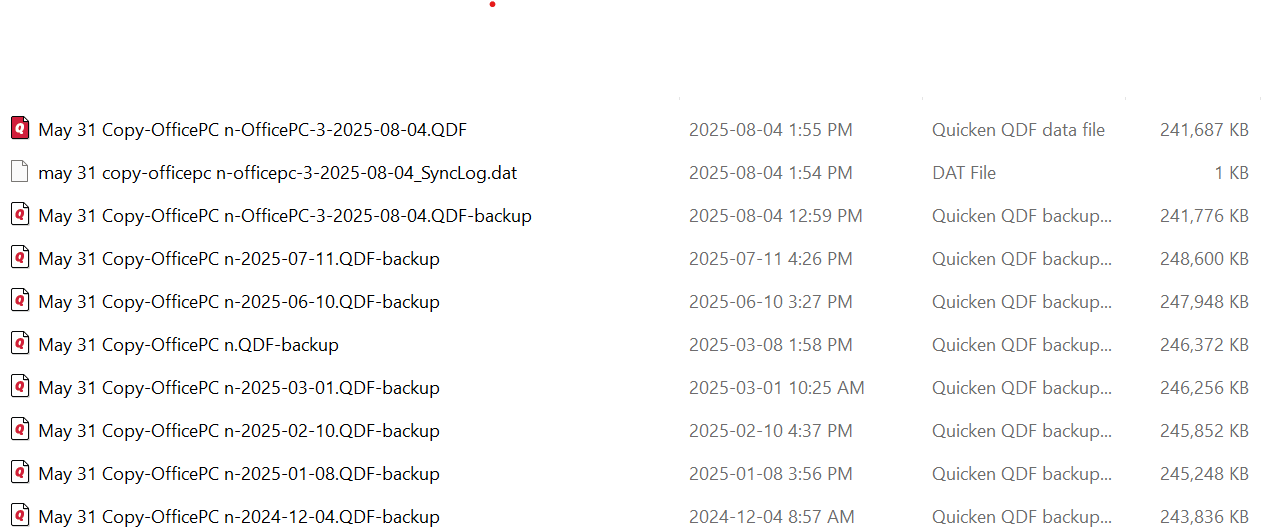
I can go back and download and recategorize all the transactions missing form the last good file but that would take quite a bit of time . I have concern that even if I did that the problem could reappear if the root cause is not identified .
If anyone has had this experience and resolved it I would like to hear
Thank you
Comments
-
Hello @RickB,
Thanks for reaching out!
Before we get into possible causes, I have a few questions to help narrow it down:
- When you say it takes ~7 seconds to accept a category, does that delay happen only when you're manually categorizing, or also when accepting downloaded transactions with categories already filled in?
- Are you seeing the delay across all accounts and transaction types, or just specific ones (like credit card vs bank vs investment)?
- Roughly how large is the file now, and do you recall what it was before the drop in size?
- Have you made any recent changes to your Memorized Payee List, renaming rules, or added any large numbers of new transactions before this started?
- When you tested the older backup — was that from just before the slowdown started, and did you test in the same Quicken build?
I look forward to your response!
-Quicken Jasmine
Make sure to sign up for the email digest to see a round-up of your top posts.
0
