Chase CC Not Downloading

When I initiate downloading my Chase CC's it goes through all the usual windows etc, but when it is done, no new transaction get downloaded. If I re-set up the online setup, it will successfully download, but only one time. This had been going on for months. I have to go to the Chase website and export and import the qfx file to get my data.
Answers
-
Hello @dadentist,
Thanks for reaching out!
Since you’ve already tried to re-set up the online setup, can you confirm how you reactivated the accounts?
Specifically:
- Do you use Set up Now in the Online Services tab, or Tools > Add Account?
- Set up Now
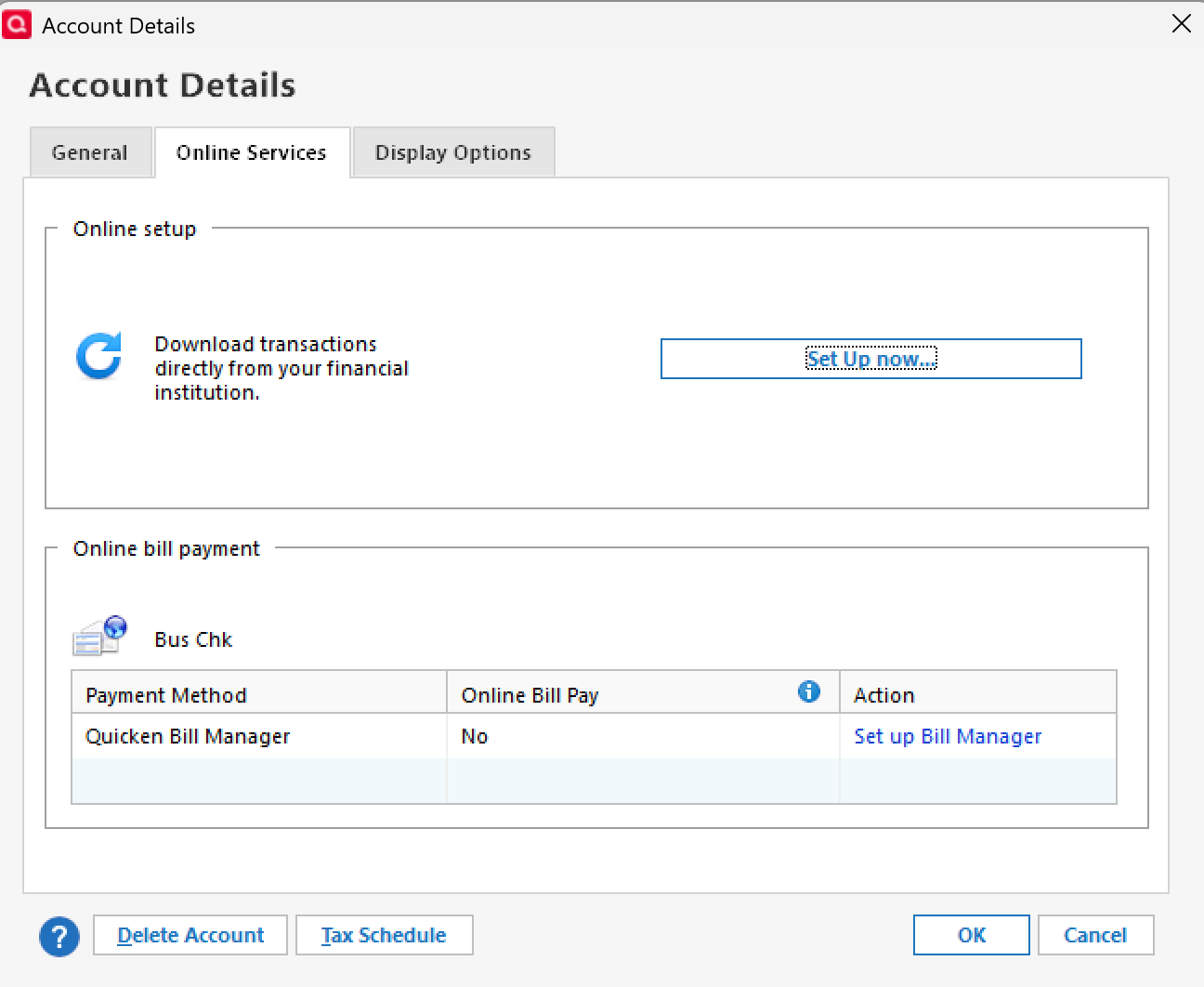
- Tools > Add Account
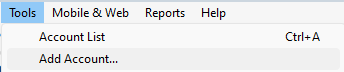
- Set up Now
Also, to help us narrow this down further, could you let us know:
- Where is your Quicken data file stored—on your local hard drive (e.g., C: drive), or on a cloud/external drive (such as OneDrive, DropBox, or USB)?
- Are you using a VPN while updating accounts? If so, does turning it off make any difference?
- Do you have any antivirus or malware protection software running, and if so, have you tried temporarily disabling it to see if the issue changes?
- Were there any significant updates or changes to your system/software around that time (Quicken update, Windows update, etc.)?
The answers to these will help us better understand what’s going on and how to get your accounts updating correctly again.
Thank you!
-Quicken Anja
Make sure to sign up for the email digest to see a round up of your top posts.0 - Do you use Set up Now in the Online Services tab, or Tools > Add Account?
