Error on importing QFX file

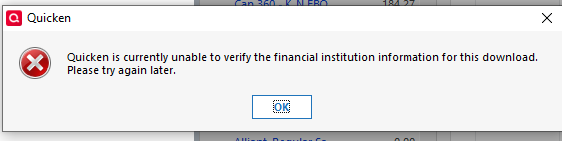
I keep getting this message when trying to import transactions. Help!
Answers
-
Which financial institution?
Signature:
This is my website (ImportQIF is free to use):0 -
Bank of America
0 -
Bank of America has discontinued use of QFX/Web Connect files. You will have to switch to Quicken Connect and One Step Update.
Signature:
This is my website (ImportQIF is free to use):0 -
You post is confusing. You have posted in a Windows category with a Quicken Windows error message but your profile says you are using Quicken Mac.
Note for Quicken Windows the connection method is called Express Web Connect + (and is called Quicken Connect for Quicken Mac)
Signature:
This is my website (ImportQIF is free to use):0 -
See this thread too.
Signature:
This is my website (ImportQIF is free to use):0 -
profile is incorrect then, it's Quicken for Windows
1 -
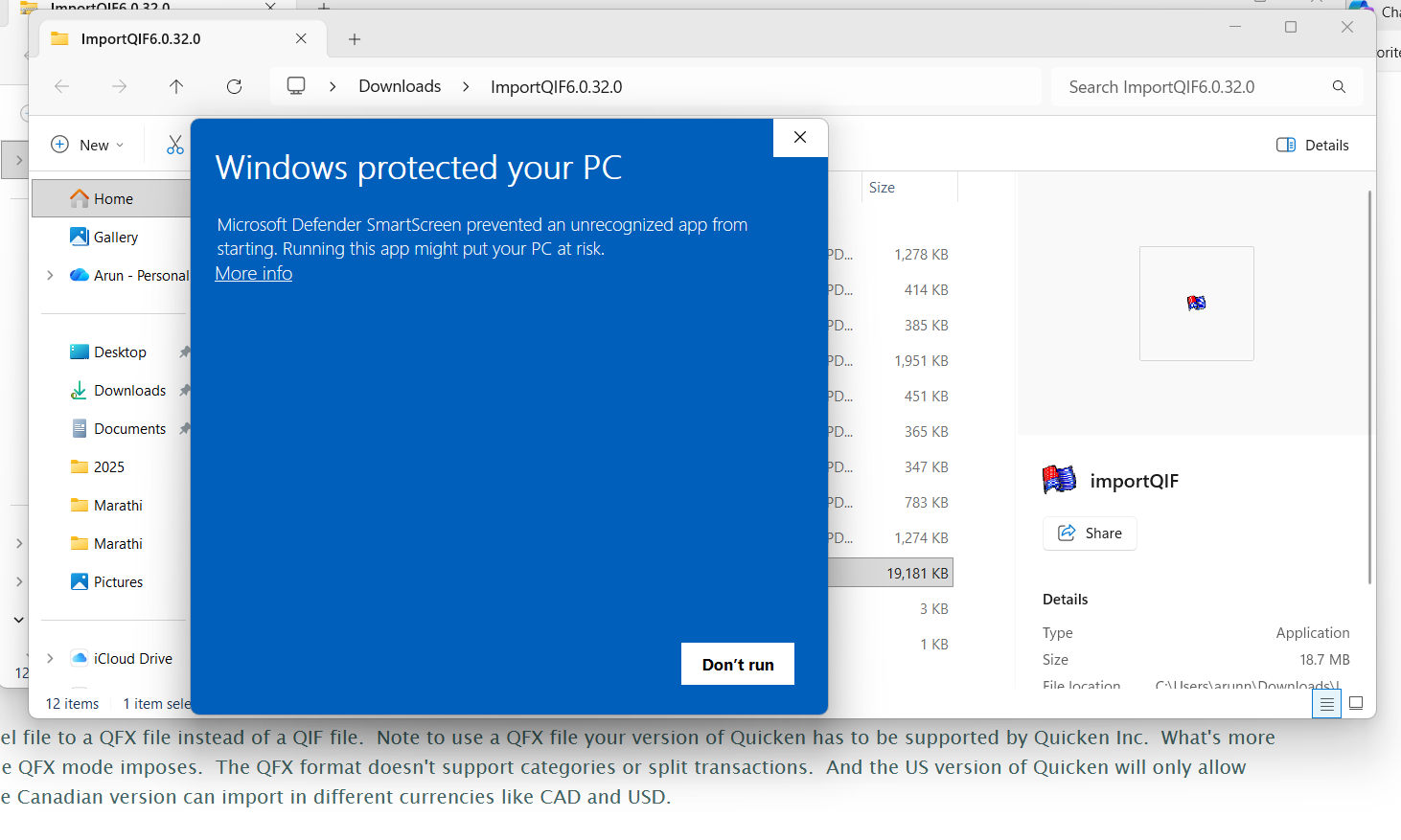
I imported the file and tried to extract/install.
I get the following. What do I do?
 0
0 -
You need to ask questions about ImportQIF on my website with the contact form, not here on the Quicken website.
But to answer the question click here”More info”.
Signature:
This is my website (ImportQIF is free to use):0 -
And I should also mention that this has nothing to do with the subject of this thread.
Signature:
This is my website (ImportQIF is free to use):0

Categories
- All Categories
- 52 Product Ideas
- 34 Announcements
- 247 Alerts, Online Banking & Known Product Issues
- 20 Product Alerts
- 514 Welcome to the Community!
- 680 Before you Buy
- 1.5K Product Ideas
- 55.6K Quicken Classic for Windows
- 16.8K Quicken Classic for Mac
- 1K Quicken Mobile
- 832 Quicken on the Web
- 126 Quicken LifeHub