Nationwide Retirement Solutions

It's been days now since Quicken reports "Nationwide Retirement Solutions is reporting connection issues. The associated accounts can't update right now. We are investigating the issue."
Is there any sort of ETA on this?
Comments
-
Hello @jrbuch,
Thanks for reporting this! To confirm, is this the error you are seeing (though of course with Nationwide Retirement Solutions instead):
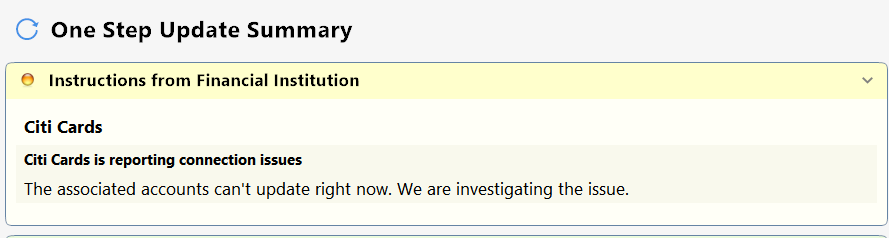
If so, some users have reported that the steps below have resolved this error for them:
- Run One Step Update (OSU) first to see if the issue resolves.
- If the issue persists, close Quicken
- Using Windows File Manager to rename the runtime.dat file located at:
C:\ProgramData\Quicken\Inet\FILENAME\ where FILENAME is the name of your current Quicken data file, e.g. My Quicken Data 2024 as seen in the image below. There usually is an \Inet\… subfolder for each Quicken data file in existence.- (For example, add a 1 at the beginning of the file name so it reads 1runtime.dat.)

- (For example, add a 1 at the beginning of the file name so it reads 1runtime.dat.)
- Start Quicken and run One Step Update again to check if the problem is resolved.
- Close and restart Quicken to ensure changes take effect.
📌 Note: The ProgramData folder is hidden by default. If you need help accessing it, Microsoft's support site has instructions on how to unhide folders.
Hope this helps!
-Quicken Anja
Make sure to sign up for the email digest to see a round up of your top posts.0 -
That is the error. I tried that suggestion and the error is still there along with a CC-502 error.
0 -
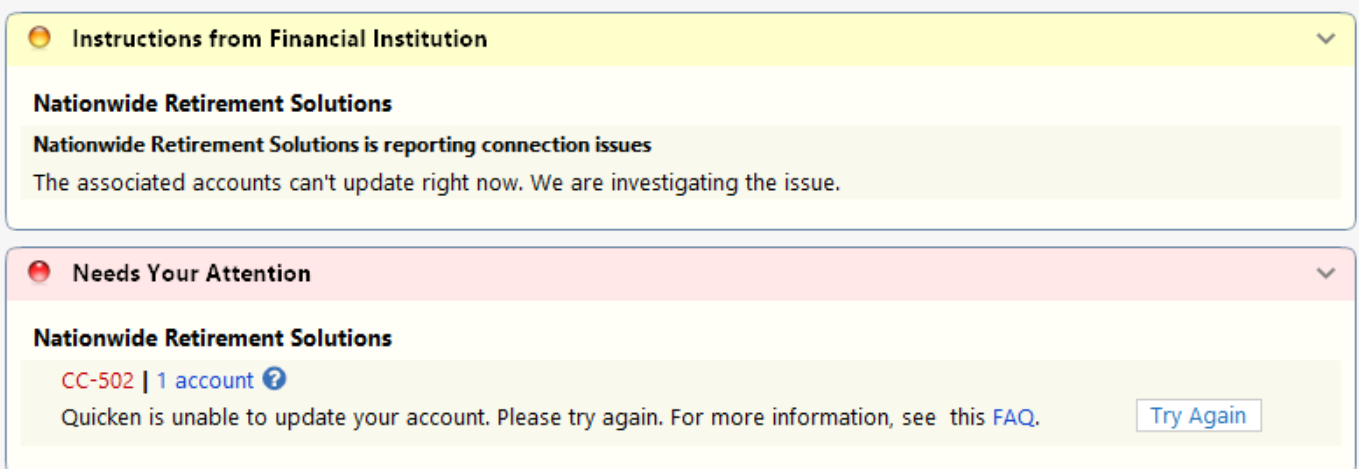
Here is a screenshot.
0 -
We also just got a 2nd account there and get this error when trying to add it. I can log into the accounts on the web.
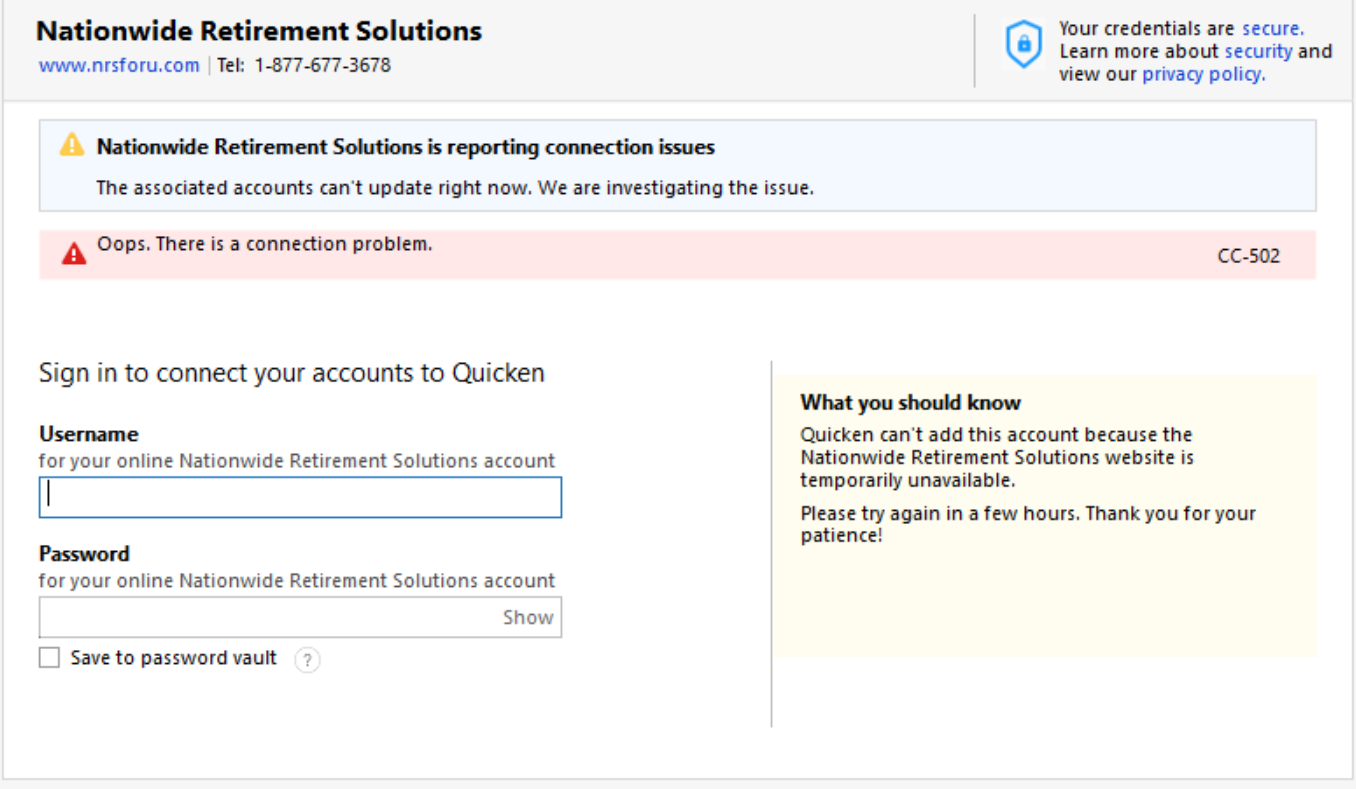 0
0 -
Any update on fixing this?
0 -
Hello @jrbuch,
Thanks for following up and for trying the previous steps. Since you’re still receiving the CC-502 error, this is typically caused by maintenance or temporary issues on Nationwide Retirement Solutions’ servers. It’s possible to log into the bank website successfully and still see this error in Quicken.
Please review and follow the guidance found in this support article regarding CC-502.
If the CC-502 continues after following the article, please contact Quicken Support directly so our team can investigate further and escalate if needed.
Thank you!
-Quicken Anja
Make sure to sign up for the email digest to see a round up of your top posts.0 -
I tried the steps in the support article without success although I didn't have the option for Update Now because it is a Simple Positions account. I tried Download Positions and still got the error. I tried reset account and now it won't connect at all. I didn't choose deactivate, but maybe reset account has the same affect. I guess I'll have to call.
There's a message before I even try to connect it. This has been going on for at least two weeks now.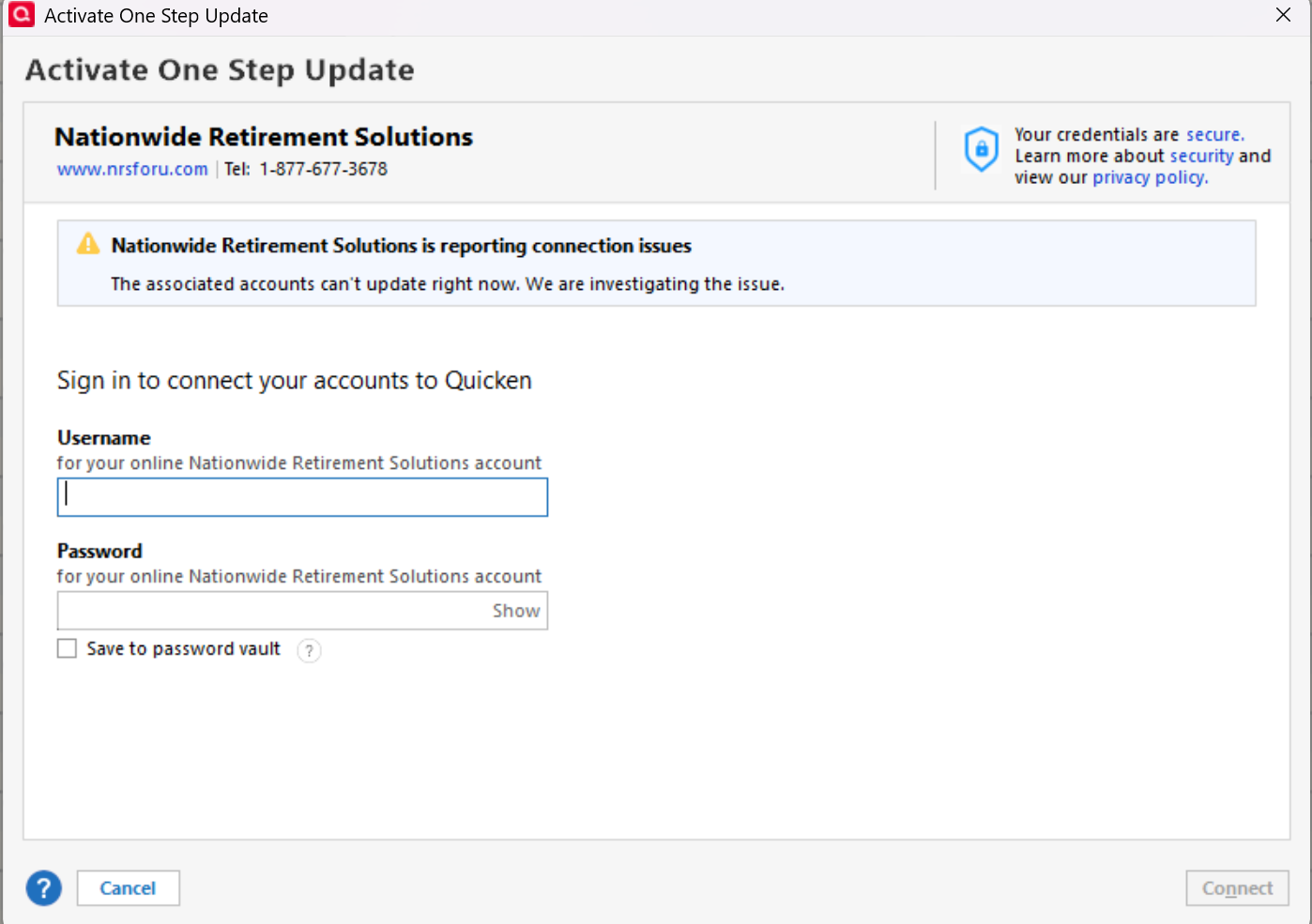 0
0 -
I also tried a fresh Quicken file just for testing purposes and I was not able to add the Nationwide accounts. I get the same message as above. That would seem to rule out anything specific with my data file.
0 -
Hello @jrbuch,
Thank you for following up and providing these additional details.
At this point, the next step is to contact Quicken Support directly. They will be able to investigate further and escalate if necessary.
Thank you!
-Quicken Anja
Make sure to sign up for the email digest to see a round up of your top posts.0 -
Is there any way to check on the status of case numbers or do you have to call in to get an update?
0 -
Is it normal to be told I have to contact the bank for them to fix this issue rather than Quicken working with the bank?
0 -
Here was the bank's response:
Dear Jamie,
Thank you for your email.
Options to download for CSV, Excel, and Quicken (if available) can be found on the Transaction History page of your online account. However, our website does not natively support third party interactions, like downloading directly to sites such as Quicken, for security purposes. While it may have worked previously, we cannot guarantee such functionality continues. I apologize for any confusion.
If you have any additional questions, please contact our Customer Service Center at 1-877-677-3678, Monday through Friday 8am to 11pm, or Saturdays, 9am to 6pm (EST) and a representative will be happy to assist you.
Sincerely,
Chandler
Nationwide Service CenterPathetic!
0 -
Hello @jrbuch,
Thank you for sharing Nationwide’s response. Based on what they’ve confirmed, Nationwide Retirement Solutions has discontinued direct online connectivity with third-party applications like Quicken. When a financial institution no longer supports this type of connection, Quicken is unable to download transactions or positions directly, and errors like CC-502 can occur even if you can log in successfully on their website.
Because this is a limitation on the financial institution’s side, there isn’t additional troubleshooting or escalation we can perform from Quicken to restore the connection. At this time, the only available workaround would be to manually download and import QFX files from Nationwide’s website, when available.
I understand this is frustrating, especially if the connection worked previously, but changes like this are controlled entirely by the financial institution. If Nationwide reinstates support in the future, connectivity may return at that time.
Thank you!
-Quicken Anja
Make sure to sign up for the email digest to see a round up of your top posts.0
