Can't Deactivate or Reset Account b/c of unaccepted transactions, but there are none

Hi.
I'm trying to Reset an Account and receive the message that I must "Finish accepting the downloaded transactions, and then try again". But there are no unaccepted downloaded transactions for that account. Same thing when I try Deactivate:
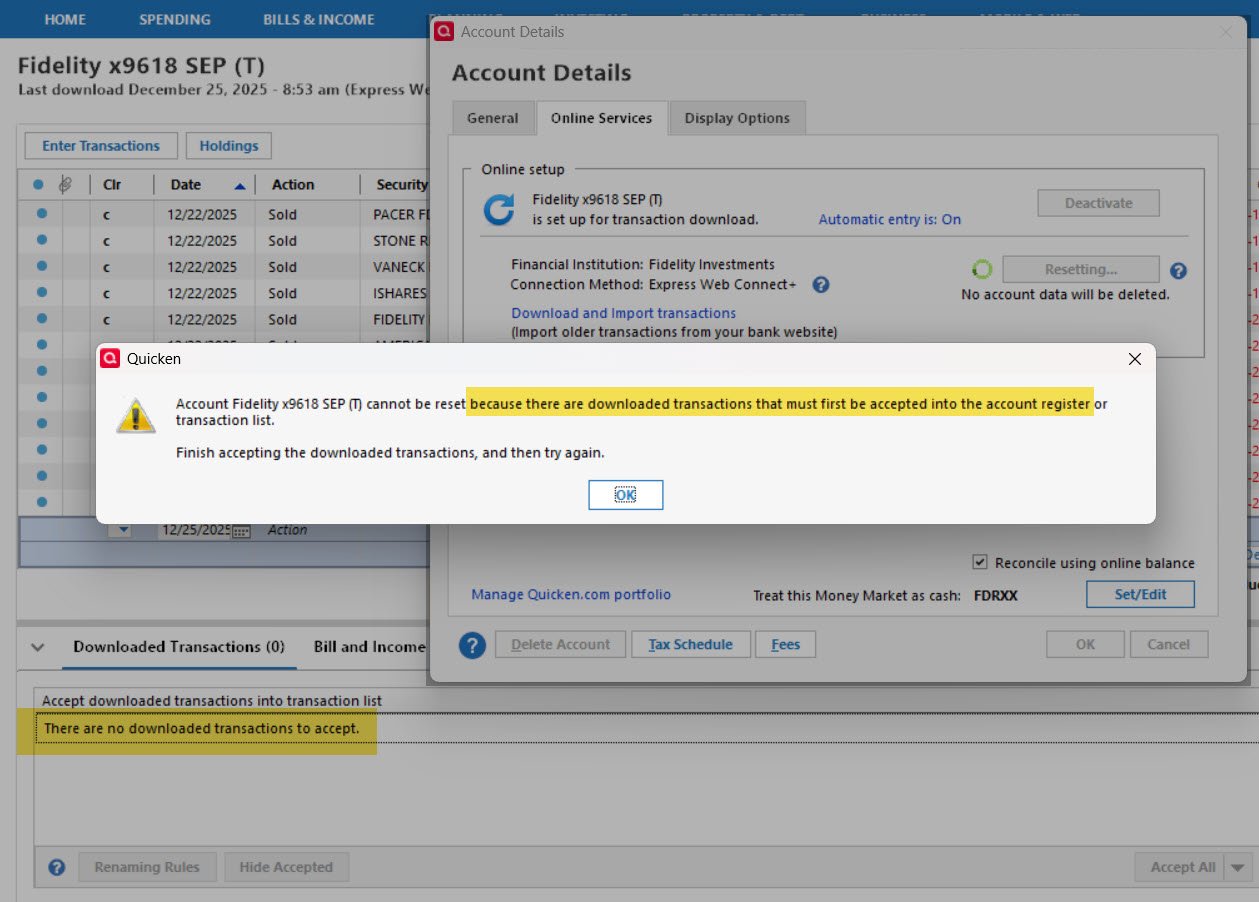
I tried Validate & Repair, but that didn't help. Any ideas?
Best Answer
-
As I was getting ready to go through the support article you sent, I took another look at the register and poof there were two transactions that weren't showing before. So I'm all set.
Thanks for your help, Anja.
0
Answers
-
Hello @Ken from NJ,
Thanks for reaching out!
Before beginning any troubleshooting, please save a backup (just in case).
To start with, please right-click the account experiencing this problem in the Account List sidebar and select Edit/Delete Account. Then, navigate to the Online Services tab and check if "Automatic entry is: ..." is set to On or Off (see below).
Please click on it and select the opposite choice of what is currently selected. If it is set to "No - Never...", please switch it to "Yes - Always…" or vice versa (see below). Doing so should allow you to deactivate the account without getting the error message again. You can switch this setting back after reactivating the account.
Once that is done, attempt to deactivate the account. If needed, please follow the steps found in this support article to deactivate.Let us know how it goes!
-Quicken Anja
Make sure to sign up for the email digest to see a round up of your top posts.0 -
That didn't work, Anja. My original screenshot showed that Automatic Entry was ON. In this next screenshot, it is OFF but the same message appears preventing an Account Reset. Anything else I can try?:
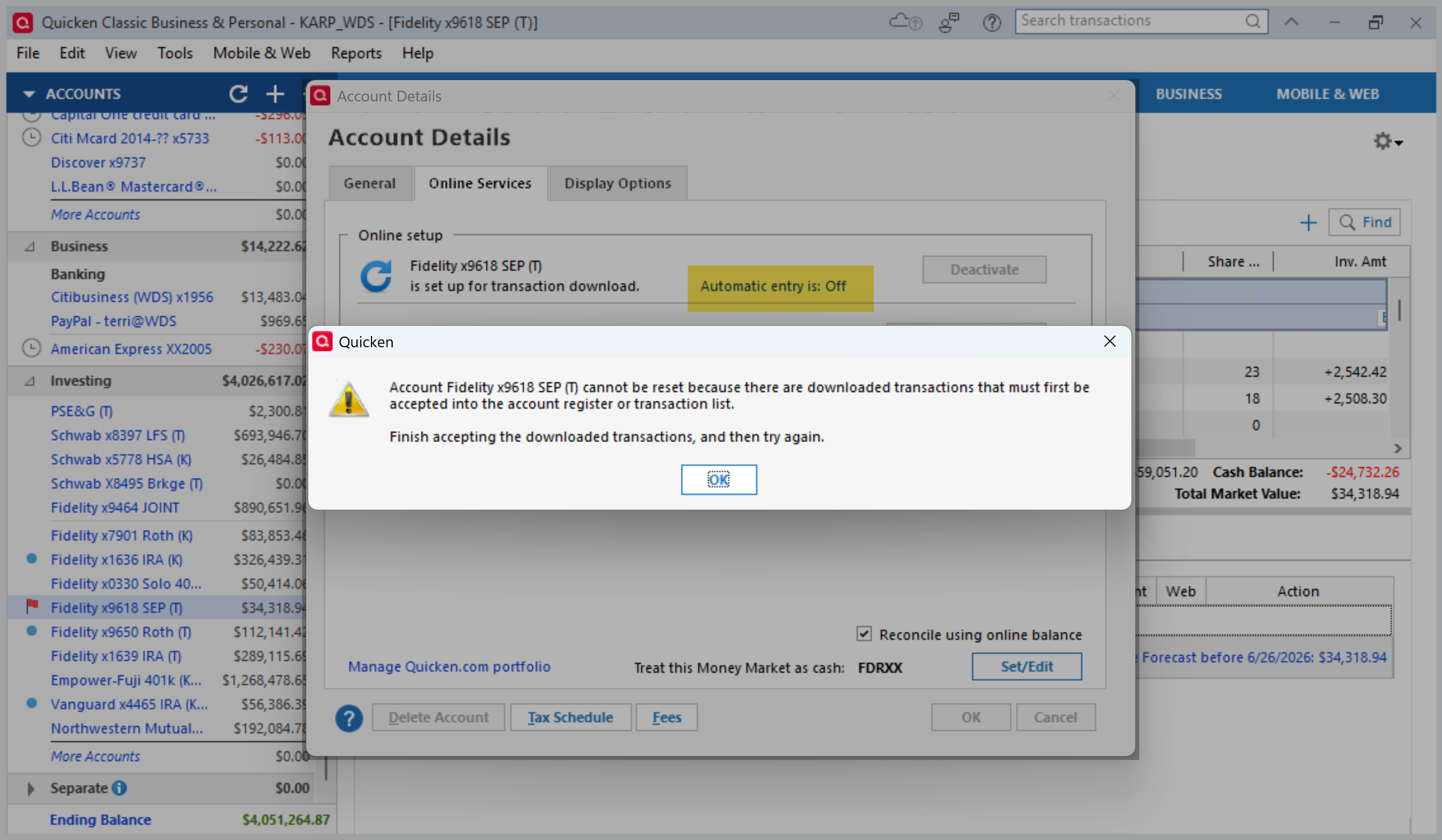 0
0 -
@Ken from NJ Thank you for the update.
Next, please carefully review and follow the steps outlined in this support article.
A few key things to double-check as you go through the article:
- Clear the Search bar
Make sure the Search bar above the register is completely empty, as any text there can hide downloaded transactions.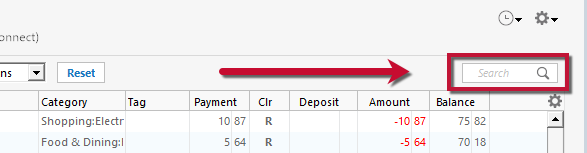
- Turn Automatic Entry OFF and restart Quicken
Even though you’ve already turned Automatic Entry off, please:- Close Quicken completely
- Wait a few seconds
- Reopen Quicken
Downloaded transactions can sometimes surface only after restarting.
- Check both locations for downloaded transactions
- Open the affected account register and review the Downloaded Transactions section at the bottom of the register
- Go to Tools > Online Center, select the financial institution and account, then click Transactions
If transactions appear in either place, please accept them before attempting to deactivate or reset the account again.
- Correct potential data issues (if needed)
If no transactions appear and the issue persists, the article also outlines steps to:- Create a copy of your data file
- Run Validate and Repair on the copied file
- Reactivate the account(s) in the validated copy
These steps address cases where the data file itself may be causing Quicken to think there are unaccepted transactions when none are visible.
If the issue continues even after completing all of the steps in the article, the final recommendation would be to contact Quicken Support so they can review the issue more closely and escalate if needed.
Hope this helps!
-Quicken Anja
Make sure to sign up for the email digest to see a round up of your top posts.1 - Clear the Search bar
-
As I was getting ready to go through the support article you sent, I took another look at the register and poof there were two transactions that weren't showing before. So I'm all set.
Thanks for your help, Anja.
0 -
@Ken from NJ You're welcome, and thanks for the update! Glad to hear you found the hidden transactions and that everything is working now.
-Quicken Anja
Make sure to sign up for the email digest to see a round up of your top posts.0
