Starting Over Procedure .. any gotchas?

[I am posting multiple questions today separately, as I feel its better for those who follow]
I'm likely going to start over as I get more info here, as one of the pieces of advice was to NOT to download all accounts when starting, etc.
When I do so, will there be additional steps I need to take first on the bank side to be able to download transactions again. I understand that some logins are token based, so wondering if there's anything special that needs to be done to flush that on the FI side. Or is it just as simple as "New quicken file" and it's ready to go?
Comments
-
Hello @Dave_fin,
Thank you for reaching out! There usually aren't a lot of pitfalls when creating a new Quicken file.
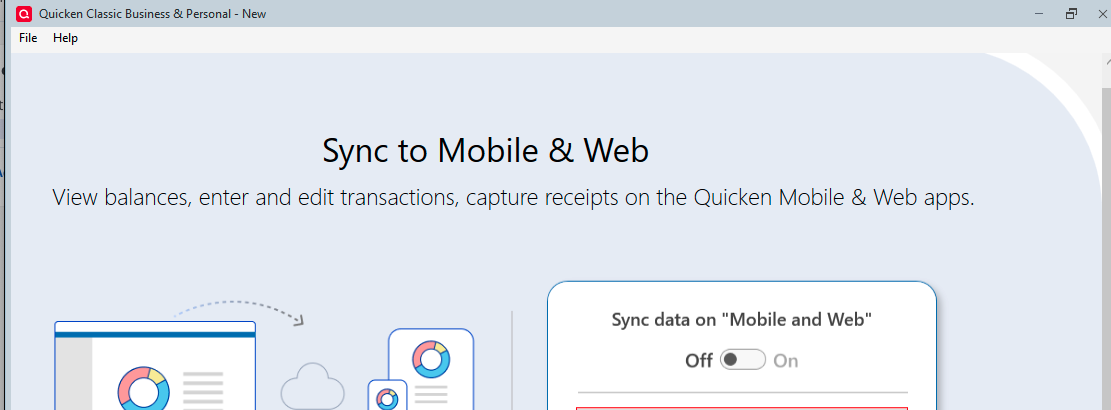
When you create the file, if you don't use mobile and web, then make sure Sync is turned off.
Some financial institutions that connect using Express Web Connect Plus (EWC+) can be very fussy about having accounts connected in multiple Quicken files. The most common misbehavior is that updating the accounts in one file can cause other files with those same accounts connected to throw a CC-800 error the next time you try to update. If you're planning on using just the new file going forward, I wouldn't anticipate a problem, but if you intend to switch between the two, then you may encounter issues with EWC+ accounts.
If you are planning on starting a completely fresh file, please be aware that any customization from the original file won't carry over. You'll need to remake any custom categories, tags, bill/income reminders, budgets, etc.
I hope this helps!
Quicken Kristina
Make sure to sign up for the email digest to see a round up of your top posts.
0
