sync turned off

I tried to login to QUICKEN SUPPORT and I received a message saying I have not synced my accounts. I have sync turned off! I do not wish to do that.
Does that mean that if I don't share my accounts with QUICKEN I can't contact their support team?
Comments
-
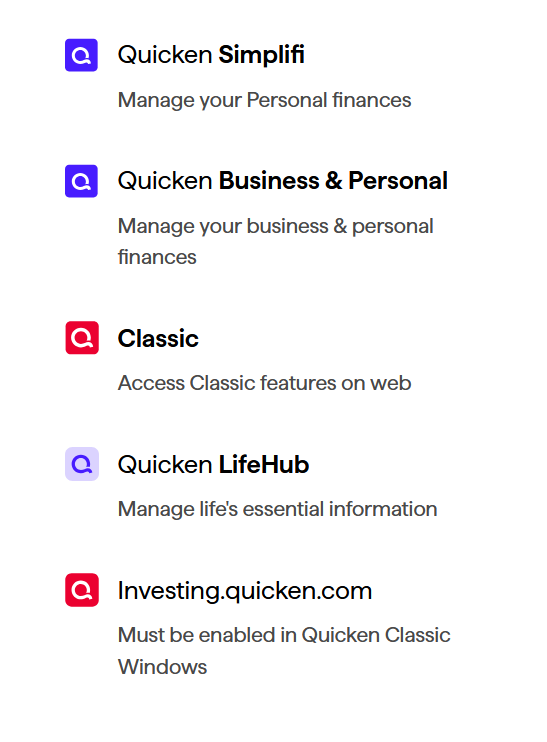
If you selected Classic above, read what it says below Classic. That's why it's telling you that you have not synced.
0 -
????????????
0 -
I have QUICKEN PREMIER which is classic.
0 -
I agree that the above screen is misleading or confusing but if you chose Classic from the above screen shot, what you logged on to is where you would use Quicken on the Web if you were syncing your information.
0 -
So what should I have chosen?
0 -
Hello @Ken267,
You do not need to sync your accounts to contact Support. Support's contact information can be found through this link here. Phone support is available from 5:00 am PT to 5:00 pm PT, Monday through Friday. Chat support is available from 5:00 am PT to 5:00 pm PT, 7 days a week.
I hope this helps!
Quicken Kristina
Make sure to sign up for the email digest to see a round up of your top posts.
1
