Getting "There are no uncleared items to reconcile" since last update.

Quicken Classic Deluxe, Windows, R66.18, 28.1.66.18
Getting "There are no uncleared items to reconcile" since the last update.
After the One Step Update process, downloaded transactions are set to 'C' cleared status. But manual and auto reconcile will not 'R' reconcile anything, I get this uncleared items message. I have closed Quicken, rerun One Step, changed cleared to uncleared, and added transactions manually within the time frame.
This is happening on ALL accounts, income, expenses, auto reconciles, and manual accounts. Also ran Repair/Validate File. Nothing helps. Is there a new setting in this update?
[Edited - Readability]
Comments
-
There is not a new setting, but it sounds like your update got corrupted. I'd first try restarting your computer and reinstalling the update.
0 -
Restarting didn't help.
Reinstalled update, but it's a new version. That didn't seem to help.
Reinstalled quicken classic. Not sure…
I had already done One Step. Still didn't auto reconcile or reconcile. Updated Cleared to Reconciled manually. One account, I did get reconcile menu, but balances don't match. I will try new download and reconcile tomorrow, see if results look better.
Between this and my reminders continually changing from payments to deposits, which has been going on for over a year. It would probably be faster to do these by hand, as I have to spend a great deal of time babysitting and adding or fixing transactions.
0 -
FYI, been using Quicken for many, many years. Way back to when I would print statements on my fancy dot matrix printer!
0 -
Still getting "There are no uncleared items to reconcile" after One Step.
0 -
Something must be bad in file. I am able to reconcile and auto reconcile in another file I have. I tried that validate, that doesn't help. How can I fix this?
0 -
Hello @kdegon21,
Thank you for sharing your experience.
I agree with you that this seems to be file-specific. I have some follow-up questions for you:
- Since this happened recently, did you try restoring a backup from before it started?
- If not, this may be a good troubleshooting option.
- Where is your data file located?
- You can see this by going to File and looking toward the bottom of the menu. The first file listed is the one you are currently in. The file location will be shown there, and that is what we are looking for.
- Is your file being synced/backed up by any third-party services like OneDrive, Dropbox, or Carbonite?
Looking forward to your response!
Quicken Alyssa
Make sure to sign up for the email digest to see a round up of your top posts.
0 - Since this happened recently, did you try restoring a backup from before it started?
-
BACKUP!! UGH!! That will really stink. I have had to do this before a long while ago. This babysitting is not right.
I do believe file is synced on OneDrive, but I need to verify that. Can that help in any way??
Also while on the subject, is there any way to get rid of weird characters in check field. Example: TXFRúÿÿÿ
I have tried and tried to fix these. Redid my reminders, overtyped. Spaced out. Then overtyped after. This and my reminders saying Income vs. Payment. Which same, I have created new reminders probably 10 time each, but a few just wont change!
0 -
Let's start over …
What is the Reconcile Ending statement date set to when you start your Reconcile process?
Are you auto-reconciling after each One Step Update process has run or do you wait for the monthly paper statement to become available?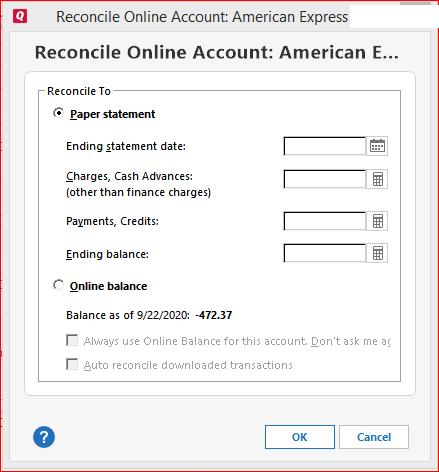 0
0 -
Yes, I balance every One Step, almost every day. Some are set to auto reconcile, otherwise I have to initiate the reconcile manually. All are set to balance to Online balance. I don't get that reconcile menu. Maybe if I have a new account.
0 -
I was able to get some account to look better but my main BOA account, was not downloading txns. I did a Reset Account, and blew the connection. When I try to reactivate the transaction download, the sign-on isn't working. It works fine if I go to line "Bank of America - Banking, Credit Cards, Loans and Merrill Investing "
Even looks like it will let me use it in quicken within 10 minutes. But nope.
After logging in with that link I see: Confirm access to Quicken® & Quickbooks
Setting up after this, I still see bad sign in.
I deactivated all my BOA accounts (per instractions on your support site…
Cannot activate one step update for Bank of America Accounts — Quicken ) and tried to reactivate or add new account. Still brings me to bad page that doesn't let me login.
0 -
I restored back to newer backup. Mostly looks better. I was trying to get BOA back in active download status, which it is but not sure if BOA is downloading. I will test a transfer between accounts today and see if it looks better tomorrow. I don't want to deactivate all again to find out all accounts are dead in the water.
0 -
BOA txns not downloading. I will do another backup and try to validate one account. I guess I will retry new validation to all accounts if that doesn't work. But I am concerned that the BOA link doesn't work correctly. I could revoke rights in BOA, then retry to establish connection, but the fact that I can't connect…
0 -
Thank you for following up!
We do have a few open alerts for Bank of America right now, but it looks like you are connecting to the wrong instance. Please use the "Bank of America" option.
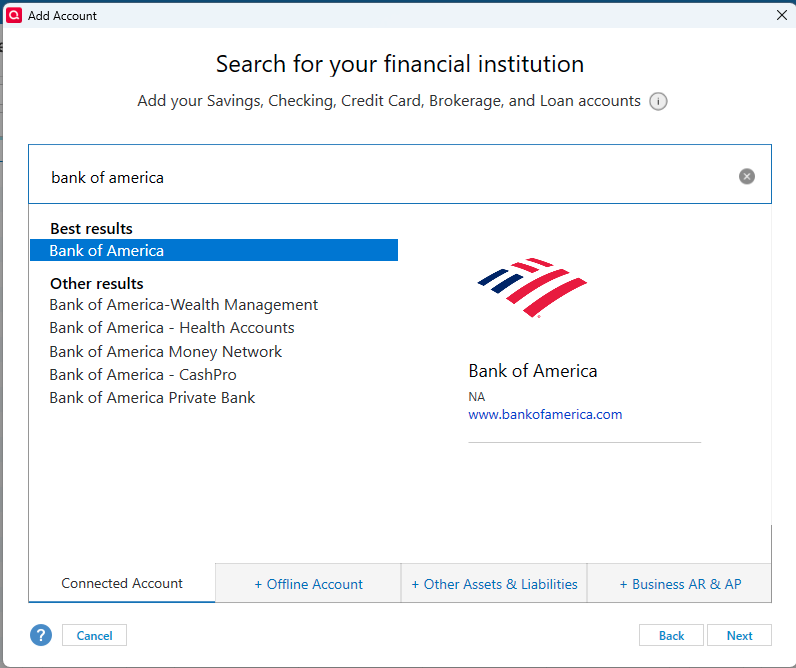
Follow these steps to get this reconnected:
- Create a backup of your Quicken file first.
- Deactivate all Bank of America accounts in Quicken.
- Select the Tools menu and select Account List....
- In the Account List, select the account you want to deactivate, and then click Edit.
- In the Account Details window, click the Online Services tab.
- Click Deactivate next to the service you want to disable.

- Click Yes to the message confirming if you want to disable this service. Note: If you do not receive this message, additional information is available below.
- Click OK to the confirmation message.
- If you have an investment account that is linked to a cash account, you need to deactivate the online services from the investment account, which will automatically deactivate the linked cash account.
- Important: If you are deactivating/reactivating an account to fix an issue, you'll need to deactivate all the accounts with the affected financial institution that you have activated in Quicken (including hidden ones). Once they're all deactivated, then you can follow the steps to reactivate.
- Revoke Quicken’s third-party access from the Bank of America website.
- Reactivate the accounts in Quicken.
- Go to Tools > Add Account.

- Select the bank for the deactivated account(s). This is where you select that "Bank of America" instance pictured above.
- You will be redirected to the bank's website. Enter your credentials and click Connect.
- When the list of located accounts appears, choose LINK next to each account you want to reactivate.
- Click Next, then Done on the last prompt.
- Go to Tools > Add Account.
If you run into any issues, these are the alerts we currently have open:
Bank of America - Missing Pending Transactions
“User Not Eligible” – Bank of America
HTTP 400 Error BANK OF AMERICA
Let us know how it goes!
Quicken Alyssa
Make sure to sign up for the email digest to see a round up of your top posts.
0 -
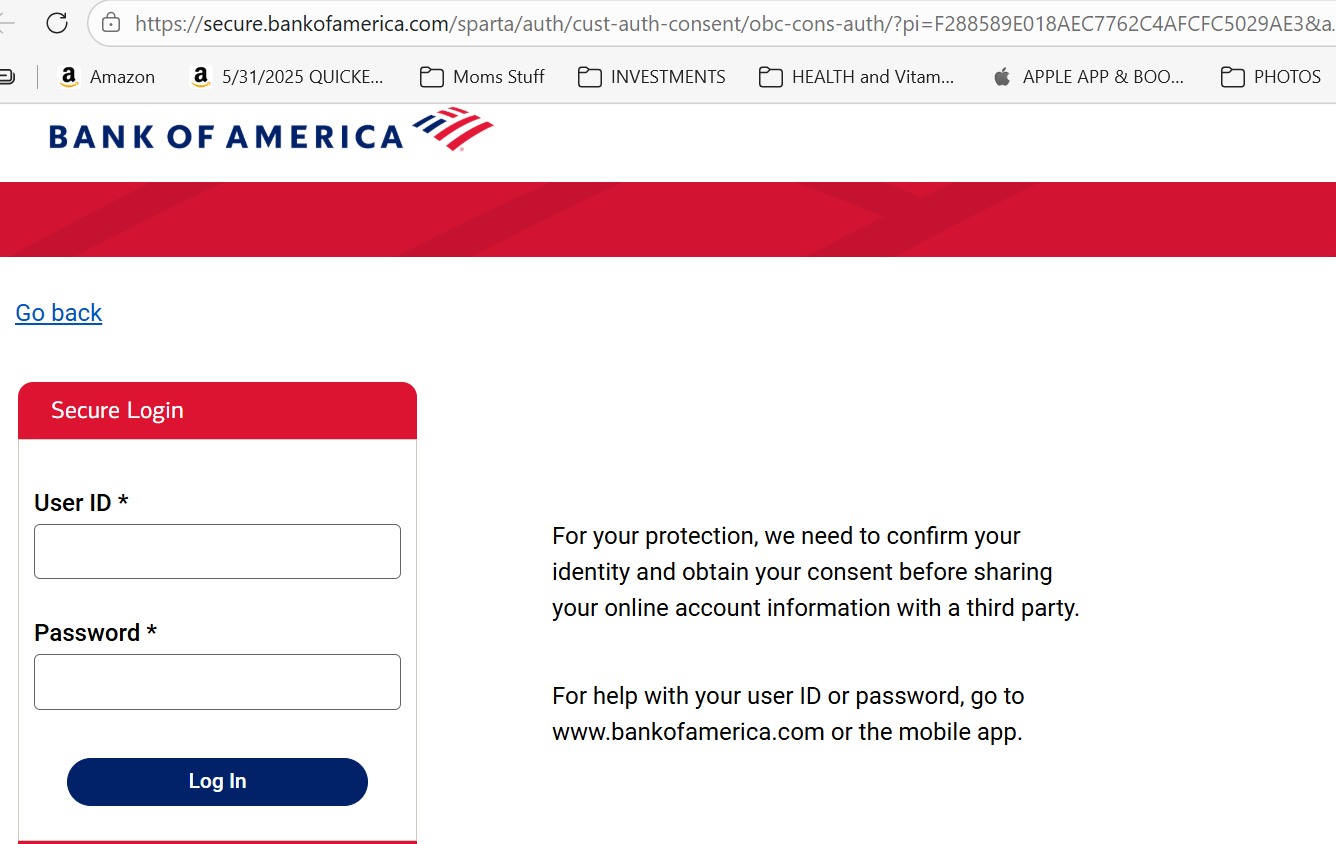
Still can't get valid Connect to BOA. Below is the screen I get. After entering my ID and PW, I have to hit enter twice, then I get "something went wrong…" and it goes back to quicken.
I have tried everything. I have no active accounts in quicken, I revoked access in BOA. I closed my Edge browser , then rebooted to clean out anything left behind. I made sure my PW was entered correctly by manually entering it by going into regular BOA link!
 0
0 -
Thank you for sharing that update.
After reviewing your connections internally, it appears you are connected to the "Bank of America - All Other States" instance in Quicken. This instance should no longer be used. Please review this Alert and follow the steps therein to try to get this reconnected.
You will want to use the instance "Bank of America" when choosing the financial institution.
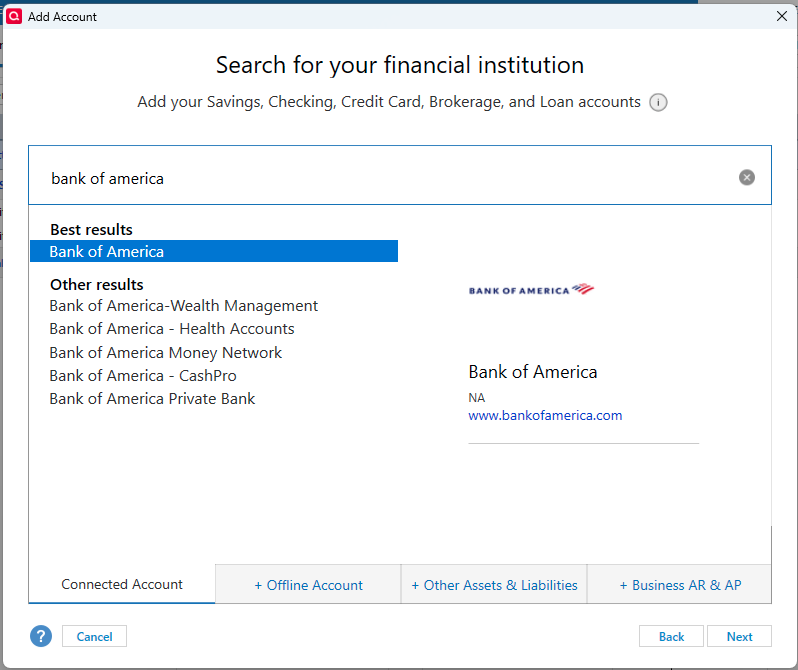
Let us know how it goes!
Quicken Alyssa
Make sure to sign up for the email digest to see a round up of your top posts.
0 -
Agreed, I used to see Bank of America - All other states. Now I see same as you display above. I tried to add a new account instead of activating old one, still doesn't work.
I just tried again now, still have same issue.
0 -
Thank you for your response.
Please try changing your default web browser to Chrome, and then go through the process again. Some users have reported finding success this way.
Let us know how it turns out!
Quicken Alyssa
Make sure to sign up for the email digest to see a round up of your top posts.
0 -
This did not help. Same results.
0 -
Thank you for trying those steps. I apologize for the delayed response.
Since we last spoke on this issue, changes have been made to these connections with Bank of America. Are you still experiencing issues? If so, what error/problem are you seeing currently?
Looking forward to your response!
Quicken Alyssa
Make sure to sign up for the email digest to see a round up of your top posts.
0



Categories
- All Categories
- 6 Product Ideas
- 34 Announcements
- 248 Alerts, Online Banking & Known Product Issues
- 19 Product Alerts
- 265 Welcome to the Community!
- 301 Before you Buy
- 1.5K Product Ideas
- 55.8K Quicken Classic for Windows
- 16.9K Quicken Classic for Mac
- 1K Quicken Mobile
- 834 Quicken on the Web
- 129 Quicken LifeHub