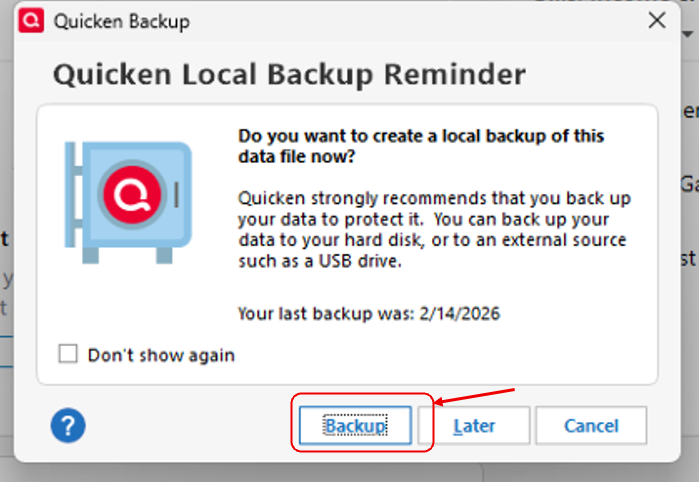
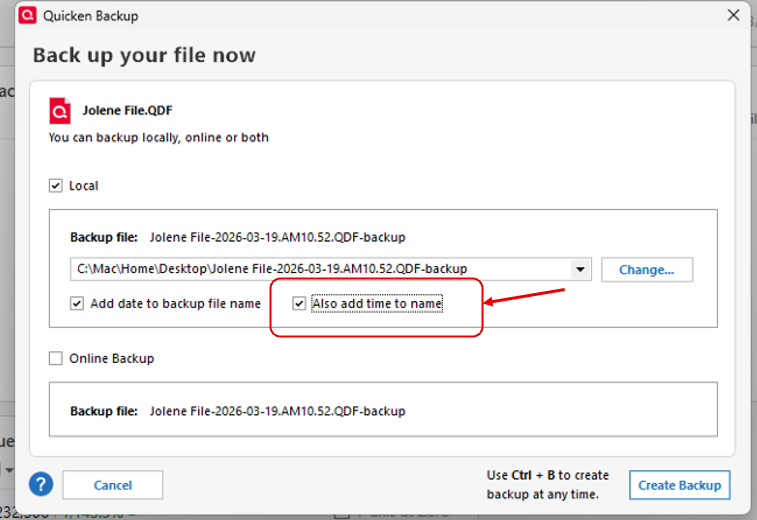
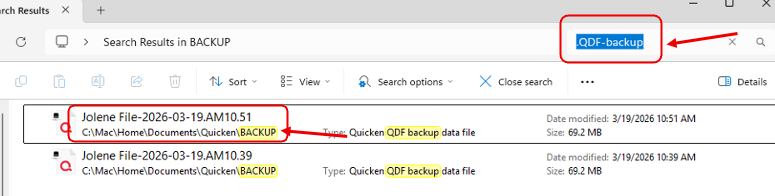
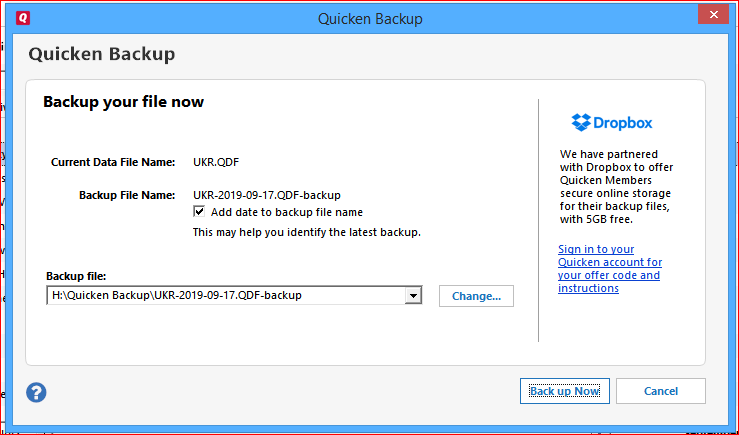
Working on a Windows 11 desktop PC. I have been using Quicken for years, but have never truly understood how to approach the backups. But I do save them just in case they are needed.
I am having trouble figuring out which backups to open. Also, I discovered that my Quicken files have been saved in two different places. I have made folders labeled with the year, which should help. I will also probably put all into one location. In the past, I had two years in each folder, but now the current ones are only 2026. I opened a couple of older folders/backups, trying to find the one for 2025, but I am worried I am going to mess things up even worse. Plus, when I close a file, it wants me to save it, but then asks if I want to overwrite the one with the same name. Getting quite confused, don't want to have to re-enter all the data. Hoping someone can help me do this right!
Also, the list of folders used to have two parts - one for current folders, and then down near the bottom were the older ones that I wanted to keep. I guess this is why I am having this trouble, because I don't know where they went.
[Edited Readability]