Errors (431 and 404) when trying to add accounts from Fidelity and USAA

I’m trying to connect accounts at USAA and Fidelity to Quicken Classic Deluxe but keep receiving the following messages (after approving the connections on the 2 bank websites): “http status 400—bad request” and “This page isn’t working…http error 431.”
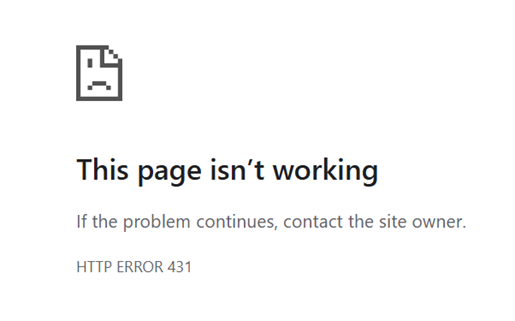

I just started this process today (4-8-26). Using Windows 10 Home (version 22H2), Chrome (also tried Edge, that didn’t work either). Not receiving any notice about pop-ups being blocked.
Although my USAA accounts are not showing up in Quicken, I did receive an email from USAA stating that my accounts were now connected to Quicken. ?? But, they're not showing up in Quicken.

Answers
-
@keenanlisa Fidelity by goes by a number of names in Q, which "Financial Institution" name are you trying to use for them?
Also, which Q product are you running, and which BUILD of that product? This info is at HELP, About Quicken?
Do you have any other accounts, from other banks/cards/etc, set up for download into Q?
Lastly, for now, have you been to your USAA Profile and see if any steps there need to be completed? It's not unusual for specific authorization of 3rd parties (i.e., Quicken/Intuit) to be required by a newly connected bank.
BTW, I don't have any USAA accounts … but I download from 6 accounts at Fidelity Investments, without problem, 6 days a week.
Q user since February, 1990. DOS Version 4
Now running Quicken Windows Subscription, Business & Personal
Retired "Certified Information Systems Auditor" & Bank Audit VP0
