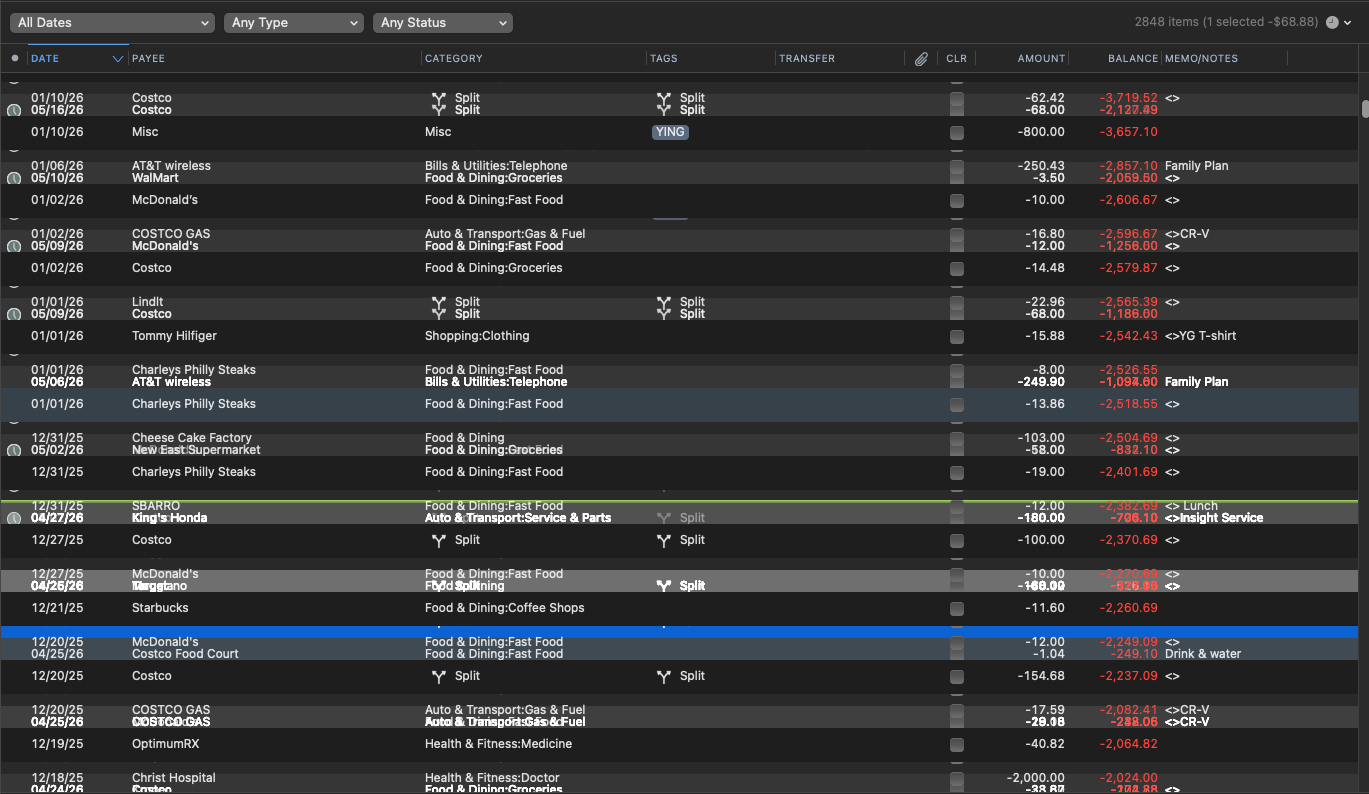
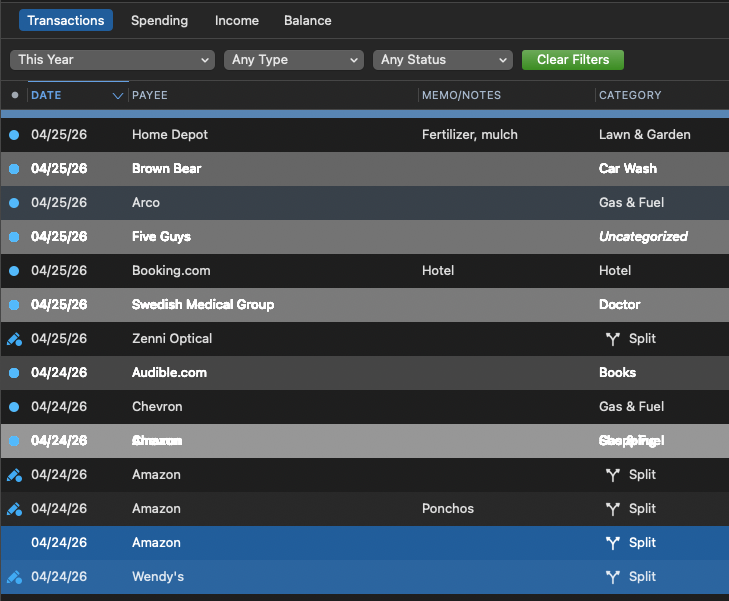
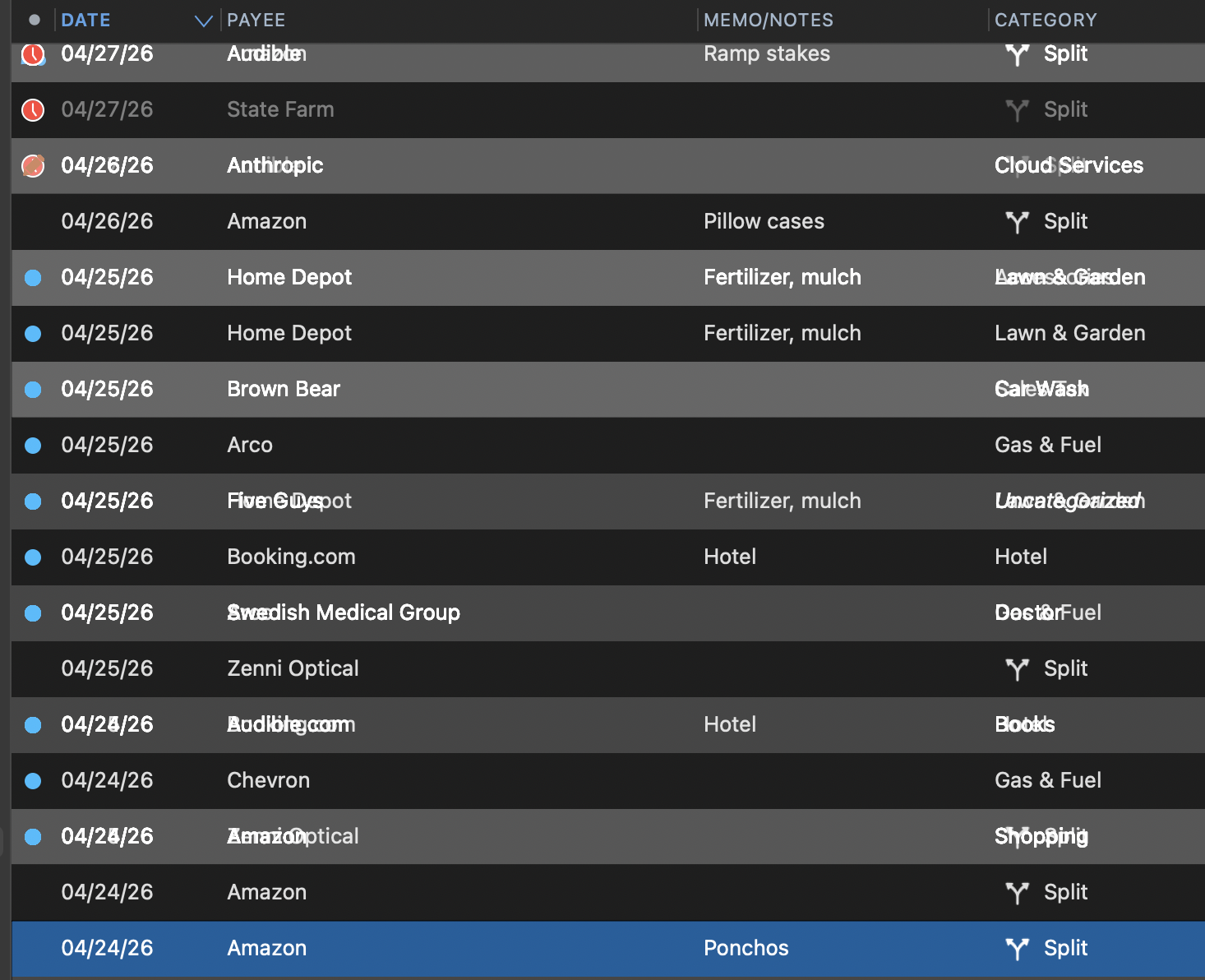
Since last update to 9.0.1, the display is jumbled when scrolling fast, and the jumbled the text won't go away when stop scrolling. Please help!
What troubleshooting steps have you taken? The very first thing to try would be to restart the computer.
After the latest update there are alternating highlighted line and many lines are superimposed on each other. Almost impossible to read. Clicking on a line in the checking register (for example) causes multiple other entries to be highlighted and blurring. This update has wrecked my ability to use Quicken Mac at this moment.
Hope others have seen this behavior and notified quicken.
Can I revert to an earlier version of quicken Mac?
macOS 13.7.8
Quicken
Version 9.0.1 (Build 900.60628.100)
Brian
Hello @BLH,
Thank you for providing the screenshot—that’s very helpful.
Could you please confirm whether this is happening across all registers or only within a specific account/register? That will help us better understand the scope of what you're experiencing.
If you would still prefer to revert to a previous version of Quicken for Mac, you can do so by downloading and installing an earlier release from this support article.
However, before doing so, we recommend creating a backup of your data file, and please navigate to Help > Report a problem and submit a problem report with log files and screenshots attached in case this issue needs to be escalated further.
Thank you!
One simple thing to try: restart the computer. Oftentimes, things like this can be fixed with a restart.
One word about reverting to the previous version: if you revert from 9.x to 8.x, you will need to also revert to a backup made in 8.x because 8.x won't be able to read the database that's been updated by 9.x. If you only revert from 9.0.1 to 9.0, you should be okay with the updated database.
Just as another perspective, I don't see this behavior when scrolling through a long register list. I tried both the mouse scroll wheel, and also dragging on the scroll bar. I switched to dark mode also, but not seeing the issue. MacBook Air, MacOS 26.4.1, Quicken 9.01
[deleted]
Same situation here.
Intel i7 iMac. MacOS 13.7.8. Quicken Mac Subscription 9.01
@zigangpan2002 @BLH Could you provide specifics about your Mac: what model (iMac, MacBook Air, etc.), what processor, from About This Mac on the Apple menu (Intel i7, Apple M1, Apple M4, etc.), and what version of macOS? I'm wondering if we can find if there is some common thread — such as Intel chips — across those who are seeing this problem and those of us who are not.
Sure.
iMac 27" 2017 4.2 GHz Quad-Core Intel Core i7, Radeon Pro 580 8 GB, 32 GB 2400 MHz DDR4
MacOS 13.7.8
Quicken 9.01
Edit: Sorry answered for @zigan… , but good info for you to have none the less.
I'm running the latest Quicken for Mac on Ventura 13.7.8 using 8k monitor. Since upgrading to 9.0, interacting with any of the rows causes it to redraw over the existing screen. No issues on any version prior to this.
Only happens on the 8k, regular laptop screen has no issues. —THIS IS NO LONGER TRUE
nevermind, doesn't work on laptop screen either.
and for good measure, I have done all the basics. restarted quicken. rebooted computer.
@dranobob There have been a few other users who have reported this issue. (I have asked a moderator to merge your posts into the existing thread about it, and to flag it for the developers.)
To help in trying to isolate the issue, could you provide specifics about your Mac: what model (iMac, MacBook Air, etc.), what processor, from About This Mac on the Apple menu (Intel i7, Apple M1, Apple M4, etc.), and what version of macOS? I'm wondering if we can find if there is some common thread across those who are seeing this problem and those of us who are not.
Info for those with this problem.
Went into settings and changed to "Light" mode and it works fine. Seems to be a "Dark" mode issue.
I run exclusively in Dark mode and have not seen this yet on either of my Macs (both Apple Silicon, both running the current Tahoe).
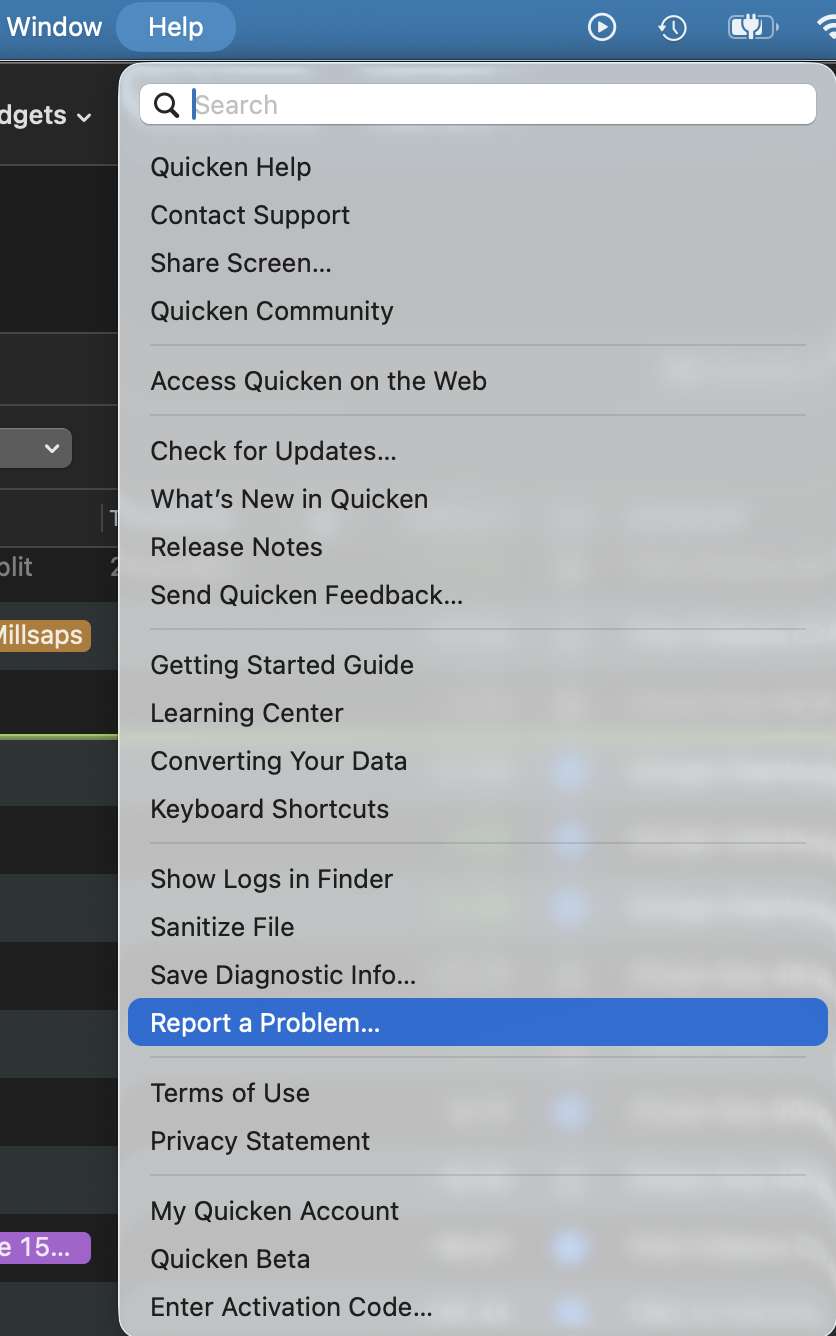
For those who are seeing this issues, please report the problem via Help: Report a Problem. The developers will be able to narrow down the problem in short order as the reports will have your system specifics:
2017 Macbook Pro 2.9 GHz Quad-Core Intel Core i7 running Ventura 13.7.8
this also worked for me! now just need to find my sunglasses….
In this thread, two people with this problem have identified that they are running Intel-powered (i7) Macs. It would be interesting to hear from @BLH and @zigangpan2002 about their Macs.
Hello All,
Thank you for taking the time to report this issue! We have forwarded this issue to the proper channels to have this further investigated. However, we request that you please navigate to Help > Report a problem within your Quicken program and submit a problem report with log files and screenshots attached in order to contribute to the investigation.
It would also aid the investigation to include a sanitized file when submitting the problem report. A sanitized file is a data file that removes personally identifiable information so you can comfortably share this file with the Quicken team.
While you will not receive a response through this submission, these reports will help our teams in further investigating the issue. The more problem reports we receive, the better.
Let us know once that is done, and we apologize for any inconvenience in the meantime! Thank you. (CBT-1124)
This issue seems to be addressed in the latest update:9.0.2 Fixes FIXED Register display in dark mode on macOS 13 now renders correctly FIXED Quicken no longer hangs when saving a scheduled transaction series FIXED Resolved an issue introduced in 9.0.0 where the amount-field calculator could produce incorrect results when multiplying by values with three or more decimal places, such as $100 * 0.015 = $1.50 FIXED Dashboard cards now display correctly after using Restore to default
@R1456 Yes, looks like this is included in 9.0.2.
Thanks for posting the update! Hopefully that clears it up for anyone still seeing it.