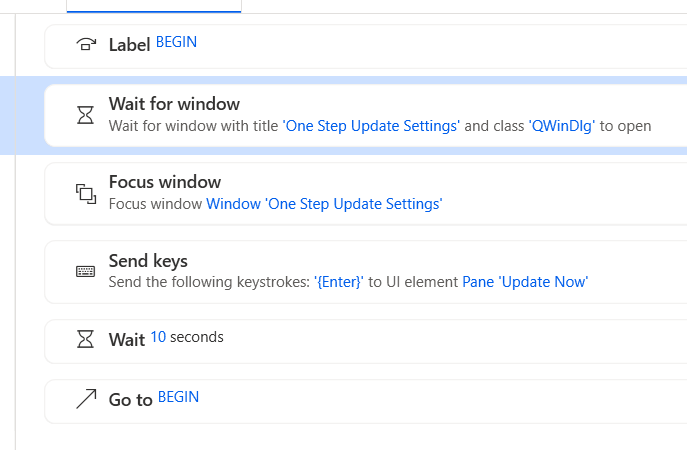
For most people they will be either be using the Password Vault with Direct Connect or not need to put in passwords for Express Web Connect/Express Web Connect +, and they will want to update all of the accounts they have previously set in the One Step Update Settings.
There isn't any need to prompt them with the One Step Update Settings dialog every time they run One Step Update.
There should a preference to turn off this prompting.
As an example, if I have only Express Web Connect/Express Web Connect + accounts then I should be able to start a One Step Update with Ctrl+1 or by clicking on the One Step Update icon, I shouldn't have to click through the One Step Update Settings dialog.
For people that using the Password Vault and Direct Connect, it should prompt only for that password (once per session).
For the rare case where the user is using Direct Connect, but not the Password Vault and therefore needs to enter the passwords, the One Step Update Settings dialog should be shown, no matter what the preference is set to.