Add Account fails - ... Select Sign-In churns

ncovitz
ncovitz Member ✭✭✭

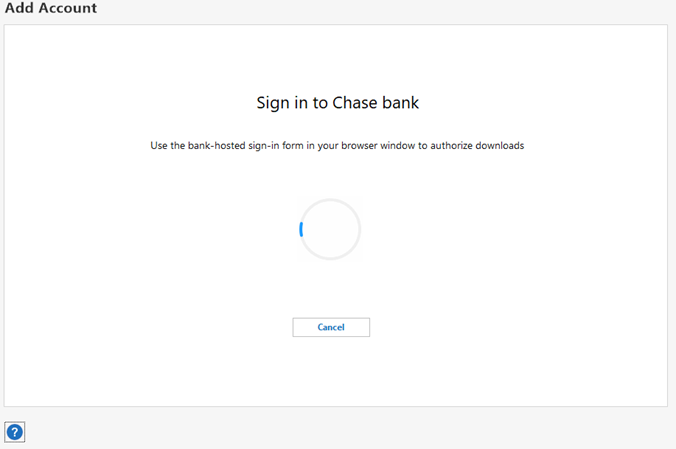
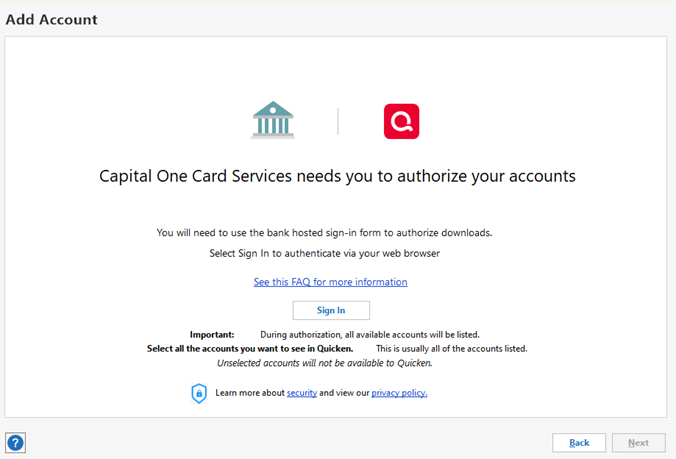
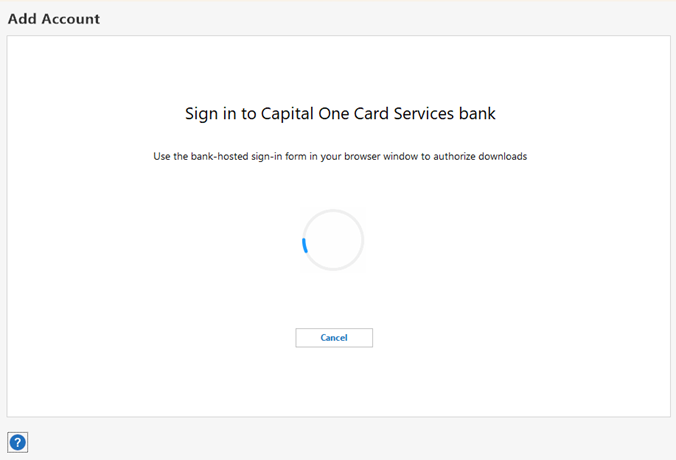
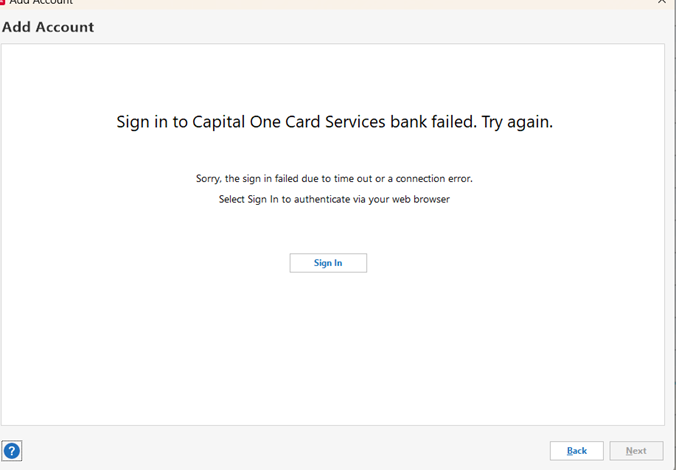
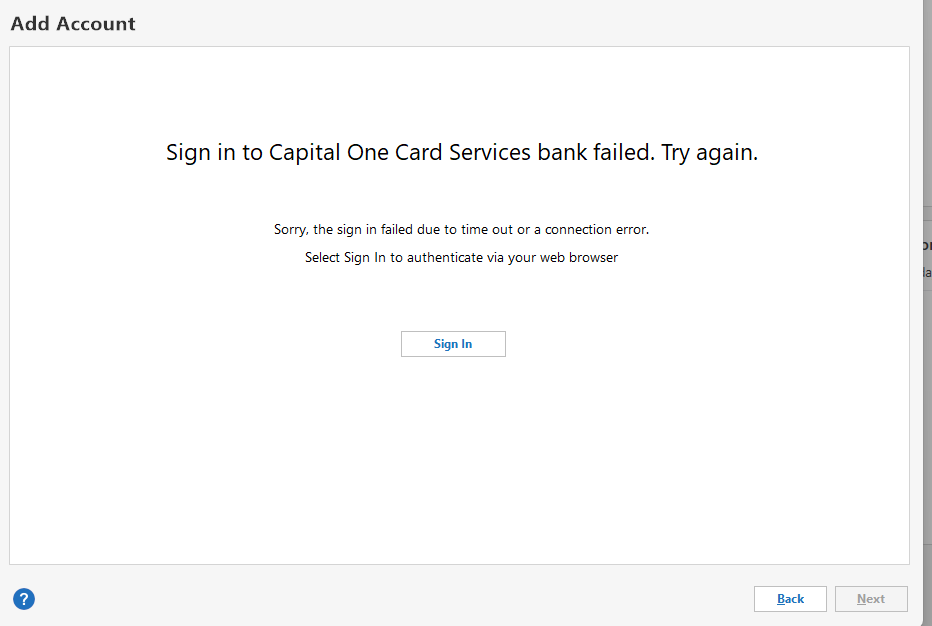
Long time user. R61.21 Quicken Classic Deluxe. I feel like multiple users are having similar issues but I can't find a specific reported issue to follow to monitor for a solution. In a long nutshell, Add Account (or reset, or anything that tries to use an improved connections) eventually gets to the infamous 'Quicken Classic uses Intuit to Connect we need your consent to access your data, Connecting with xxxcardnamexxx, You will need to use the bank hosted…., Select Sign-in to authenticate…' - then once Sign-In is selected, nada - churns for a while, eventually times out. Seems to go thru an internal browser?

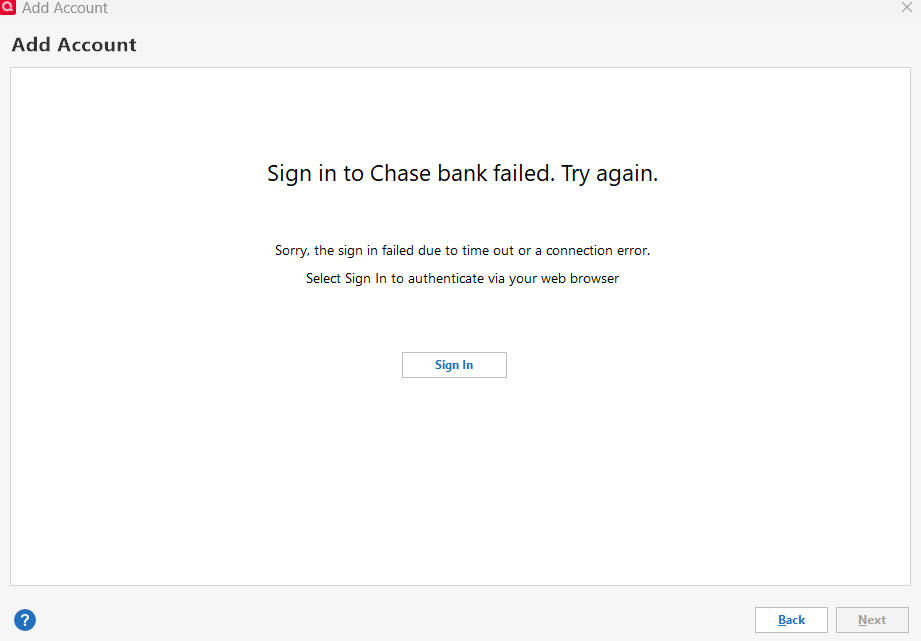
Originally had the issue trying to add my new Kohl's Capital One account (yes, it downloads fine directly from their web site, but Quicken can't seem to get there directly). Have then tried a variety of 'Add Accounts' to see what would happen with Chase, Citi, etc and it just fizzles - can't add, can't try from restores cause then quicken tries to reauthorize every account and many then die at the same sign-in spot. No idea which quicken update added the problem so no idea what I can revert to. Yes, have already tried file repairs etc. Tried turning off my system security software in case it was blocking something, nope. That's not it - tis a bug. Is anyone actually working on this? Skimming a pile of complaints that seem to boil down to the same issue - the sign in that previously worked fine a few weeks ago now hangs. Apologies if this is a duplicate


Best Answer

  • Boatnmaniac
    Boatnmaniac Quicken Windows Subscription SuperUser, Windows Beta ✭✭✭✭✭
    edited March 5 Answer ✓

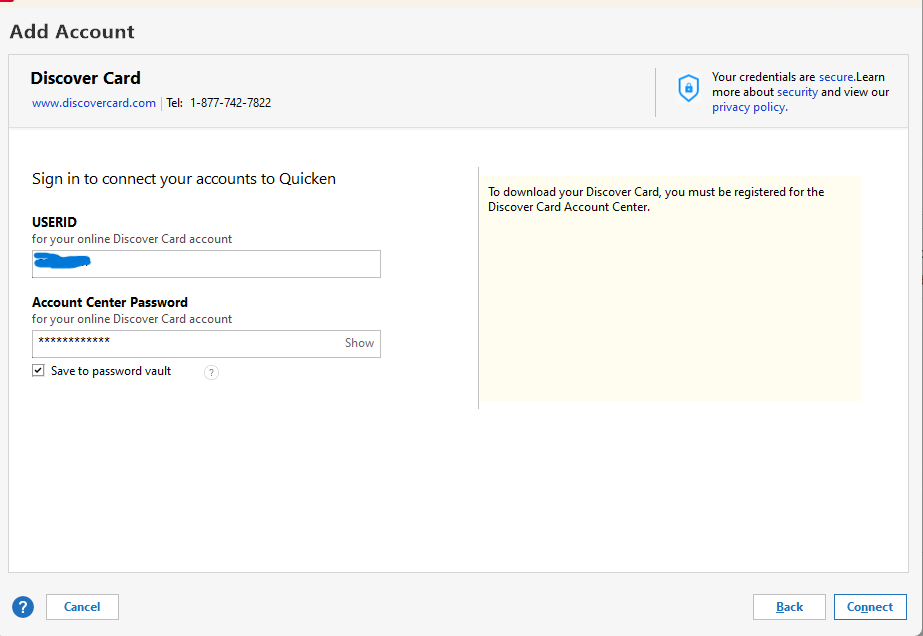
    The pictures shown (except for Discover) are for EWC+ download connections. The authorization/reauthorization process with some financial institutions works well but for others it fails.

    I and others have found that the failures are often caused by one or more browser extensions, especially those that are for anti-malware, VPN, ads blockers, cookies blockers/removers, etc. Temporarily disable all browser extensions and then try reauthorizing those accounts, again. For me, since I started doing this nearly a year ago I have had absolutely no issues reauthorizing any financial institution for downloading.

    I think I've seen a few other posts saying they also needed to disable their computer VPN and to enable cookies in their browser's privacy settings for the affected specific financial institution websites, as well.

    Once the reauthorizations are successfully completed, you can enable the browser extensions and VPN, again.

    Let us know if this resolved the issue for you.

    Quicken Classic Premier (US) Subscription: R65.15 on Windows 11 Home

Answers

  • Quicken Anja
    Quicken Anja Moderator mod

    Hello @ncovitz,

    Thank you for reaching out and providing these details! I’d like to gather some additional information to better understand and investigate this issue.

    1. When did you first start experiencing this issue? Did it begin after a recent Quicken update or any changes to your system?
    2. Are you encountering this issue with all financial institutions when trying to authorize accounts or just specific ones? You mentioned Kohl’s Capital One, Chase, and Citi—are there any others? I can see CP_ACCOUNT_NOT_FOUND errors for both Citi and Chase. However, Capital One does not appear to show up at all internally.
    3. When the sign-in attempt times out, do you receive any specific error messages on your end, or does it just stall indefinitely? Could you please provide a screenshot of what you are seeing? If needed, please refer to this Community FAQ for instructions on how to attach a screenshot. Alternatively, you can also drag and drop screenshots to your response if you are not given the option to add attachments.
    4. Could you confirm where your Quicken data file is stored? Is it on your local hard drive (C: Drive) or in a cloud-based/external drive (e.g.: OneDrive, Dropbox, USB, etc.)?
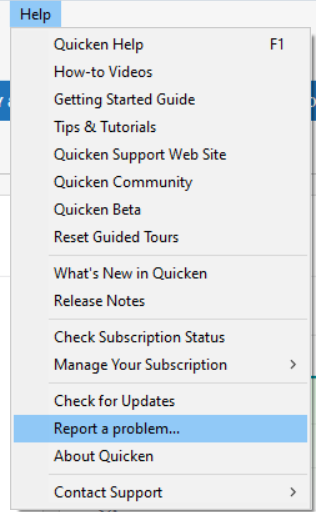
    5. Last, could you please submit your log files so we can investigate further? You can do this by navigating to Help > Report a Problem. image.png

    I understand how frustrating this must be, and I appreciate your patience as we work through this.

    Looking forward to your response!

    -Quicken Anja
    Make sure to sign up for the email digest to see a round up of your top posts.

  • ncovitz
    ncovitz Member ✭✭✭
    edited March 4

    Hi Anja! Thanks for trying to help.

    Data files are on my C drive. Working on getting a log file - will probably create a new file to replicate

    No changes to my system - Windows 11, 23H2, 2025-02 Cumulative Update for Windows 11 Version 23H2 for x64-based Systems (KB5051989) I noticed the problem on Feb 24th, because that was the day Kohl's changed their credit card to Capital One and I remembered I needed to Add it:) The Add fizzled, so tried again periodically over the next few days. I've tried to add screenshots of what I see below - basically, reaches sign in and churns eventually with timeout or connection issue

    My Citibank card had at some point been disconnected (no idea when, hardly use it so did not notice) so I tried toreconnect and it went thru a process similar to the Add, ending with the SIgn-In stall/death. I forget how my CHase got messed up - I was probably trying to see if anything would go thru sign in and managed only to kill the setup - can't readd or reset - have to go on to the chase site now to manually download

    I do not have any of the other accounts that list in the add account area, but Navy federal seems to try the same authorize screen

    image-4fb792503ab1-24e6.png image-7553f3a762264-12f9.png image-9238f4c18bb17-34da.png

    image-f932e6f631c02-fbeb.png
  • ncovitz
    ncovitz Member ✭✭✭

    ANja - I submitted logs as requested. Did so by creating a new file and trying add accounts for Chase (failed), Capital One (failed), and Discover (worked) - the method of connection seems to matter - works ok for some like discover and my credit union, but not others. Hope it helps. Was not sure if you also wanted screen shots from this along with the longs that were sent

    Screenshot 2025-03-04 155740.png Screenshot 2025-03-04 160603.png

    Discover worked fine -

    Screenshot 2025-03-04xxx161242.png
  • Boatnmaniac
    Boatnmaniac Quicken Windows Subscription SuperUser, Windows Beta ✭✭✭✭✭
    edited March 5 Answer ✓

    The pictures shown (except for Discover) are for EWC+ download connections. The authorization/reauthorization process with some financial institutions works well but for others it fails.

    I and others have found that the failures are often caused by one or more browser extensions, especially those that are for anti-malware, VPN, ads blockers, cookies blockers/removers, etc. Temporarily disable all browser extensions and then try reauthorizing those accounts, again. For me, since I started doing this nearly a year ago I have had absolutely no issues reauthorizing any financial institution for downloading.

    I think I've seen a few other posts saying they also needed to disable their computer VPN and to enable cookies in their browser's privacy settings for the affected specific financial institution websites, as well.

    Once the reauthorizations are successfully completed, you can enable the browser extensions and VPN, again.

    Let us know if this resolved the issue for you.

    Quicken Classic Premier (US) Subscription: R65.15 on Windows 11 Home

  • ncovitz
    ncovitz Member ✭✭✭

    That worked - yahoo!! Undid some security-ish extensions and also found I had to enable cookies for the financial institutions. No clue what changed to suddenly require my mods but I'm just happy it's fixed

    Many thanks!!!!!

  • Boatnmaniac
    Boatnmaniac Quicken Windows Subscription SuperUser, Windows Beta ✭✭✭✭✭

    I'm glad to hear that it worked for you.

    BTW, I've come to the conclusion that financial institutions approach the EWC+ reauthorization process a bit differently from each other and it is their security protocols that are sometimes causing our browser security settings and extensions to conflict with theirs. So, while reauthorization works smoothly with some financial institutions it is more problematic with others. I'm not sure what Quicken or Intuit can do level the playing field on this since it is our security settings and extensions that is causing the conflict with the financial institutions, not the Quicken software. Oh, well, I'm simply happy that we've found a solution that for me has had a 100% success rate for nearly a year now. So, I'm now one happy camper with regard to reauthorization..

    Quicken Classic Premier (US) Subscription: R65.15 on Windows 11 Home

This discussion has been closed.