I recently opened a Fidelity Crypto Account that was funded by a brokerage account. However, when I tried to set up the account in Quicken, Fidelity doesn't show the account for me to link it to the new account. What do I do?
Hello @Elmo Deek,
Thank you for reaching out to the Community with this question. To help troubleshoot, please provide more information. What kind of account is this (for instance, checking, savings, brokerage, retirement, etc.)? When you say that Fidelity doesn't show the account for you to link, are you referring to not seeing the option to authorize the account on Fidelity's website, or do you mean you're not seeing the option to link it in Quicken, on the Add/Link screen? If possible, please provide a screenshot of what you're seeing (with any personal information redacted). If needed, please refer to this Community FAQ for instructions on how to attach a screenshot. Alternatively, you can also drag and drop screenshots to your response if you are not given the option to add attachments.
I look forward to your response!
Hi Kristina,
Crypto Accounts are new for Fidelity. However, I suppose you would refer to it as a brokerage account in that gains and losses are taxable. As you know, when you reset an account, Quicken goes to Fidelity and displays a dialog box with the account found and options to link it to an existing account, ignore it or add it to make a new account in quicken. The problem I'm having is that Quicken is not finding the crypto account so I can create it in Quicken. I see all my other Fidelity accounts but not the new Crypto account. Is that a Fidelity problem or a Quicken issue. Thanks
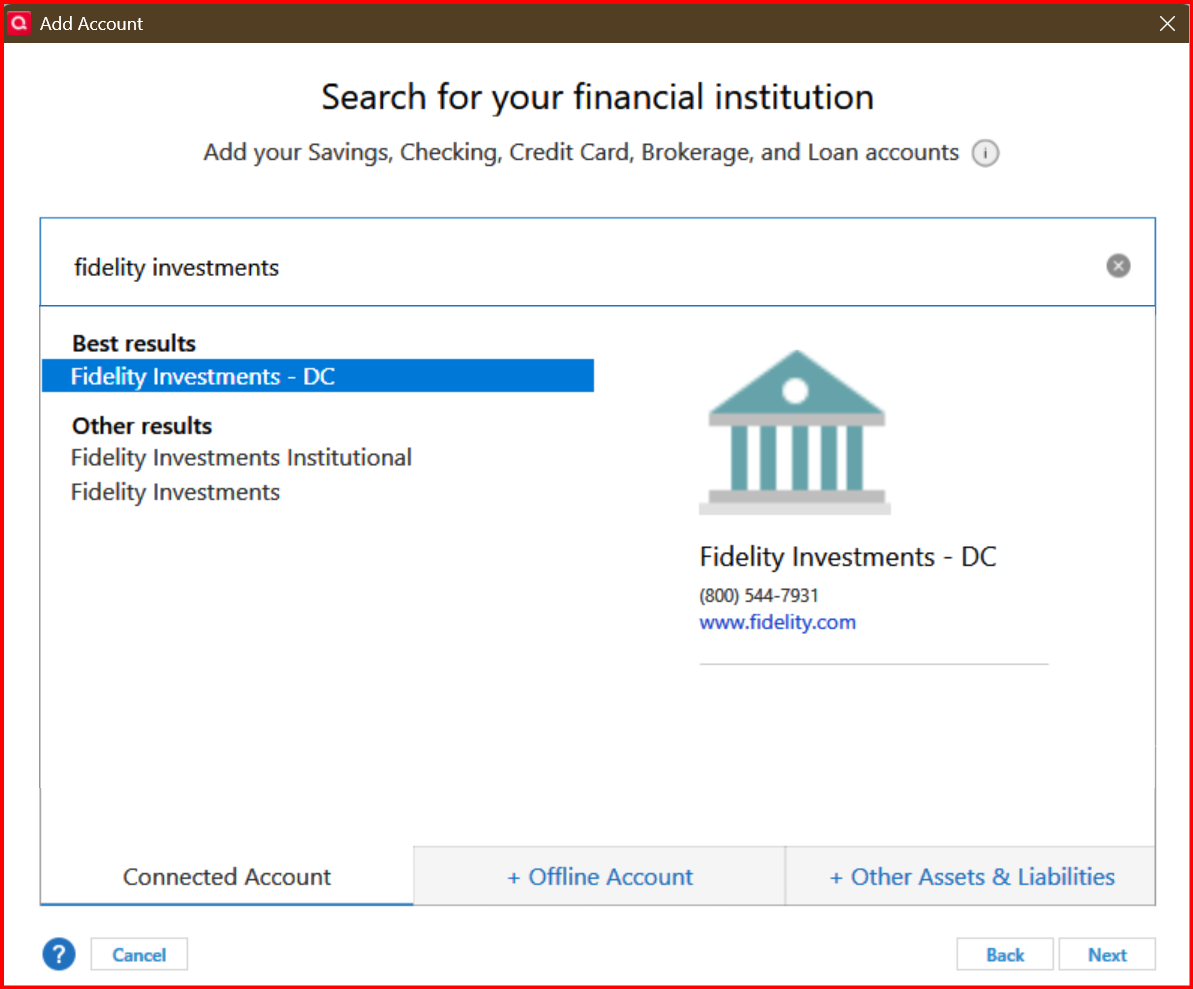
@Elmo Deek there seems to be two connection methods (DC and EWC+) for Fidelity Investments -
You don't mention which one you are currently using but have you tried the other connection for your crypto account to check if it connects?
Yes. I've tried both with the same result.
I've just learned from Fidelity that they don't support Crypto accounts for Quicken. So now the question is: how do I enter this account into Quicken?
@Quicken Kristina sorry that I jumped in. It seems like I interrupted a comment you were going to give to @Elmo Deek.
@Elmo Deek setting up a Crypto investment account in Quicken is a manual process since Quicken doesn’t directly integrate with most cryptocurrency exchanges. However, you can effectively track your crypto holdings by creating a custom investment account. Here’s how:
@Quicken Kristina I hope you don't mind me jumping in here.
@Elmo Deek here is a thread that you might find interesting and helpful -
Thanks