Feature Request: Saveable Forecast Views for Projected Balances Using Budgeted Expenses (Q Mac)

186kmph
186kmph Member ✭✭✭
edited August 25 in Budget and Planning Tools

Domain: Bills & Income [Projected Balances]

Use Case:
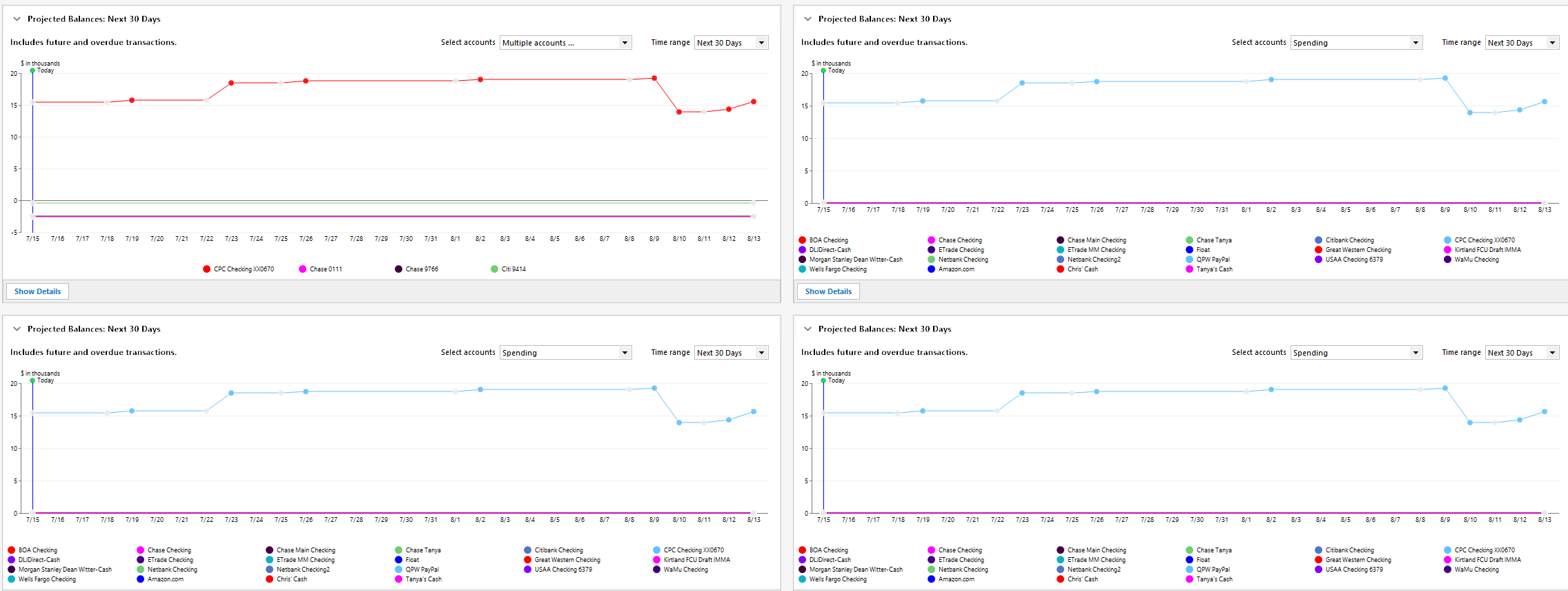
I would like the ability to look ahead and forecast end-of-year balances for a specific group of accounts—such as a set of rental property accounts—using the budgeted values for known expenses (e.g., taxes, insurance, and fees). This would help with proactive planning of withdrawals and other spending decisions based on anticipated cash flow.

Here is a sample of a forecast for a group of specific rental properties:
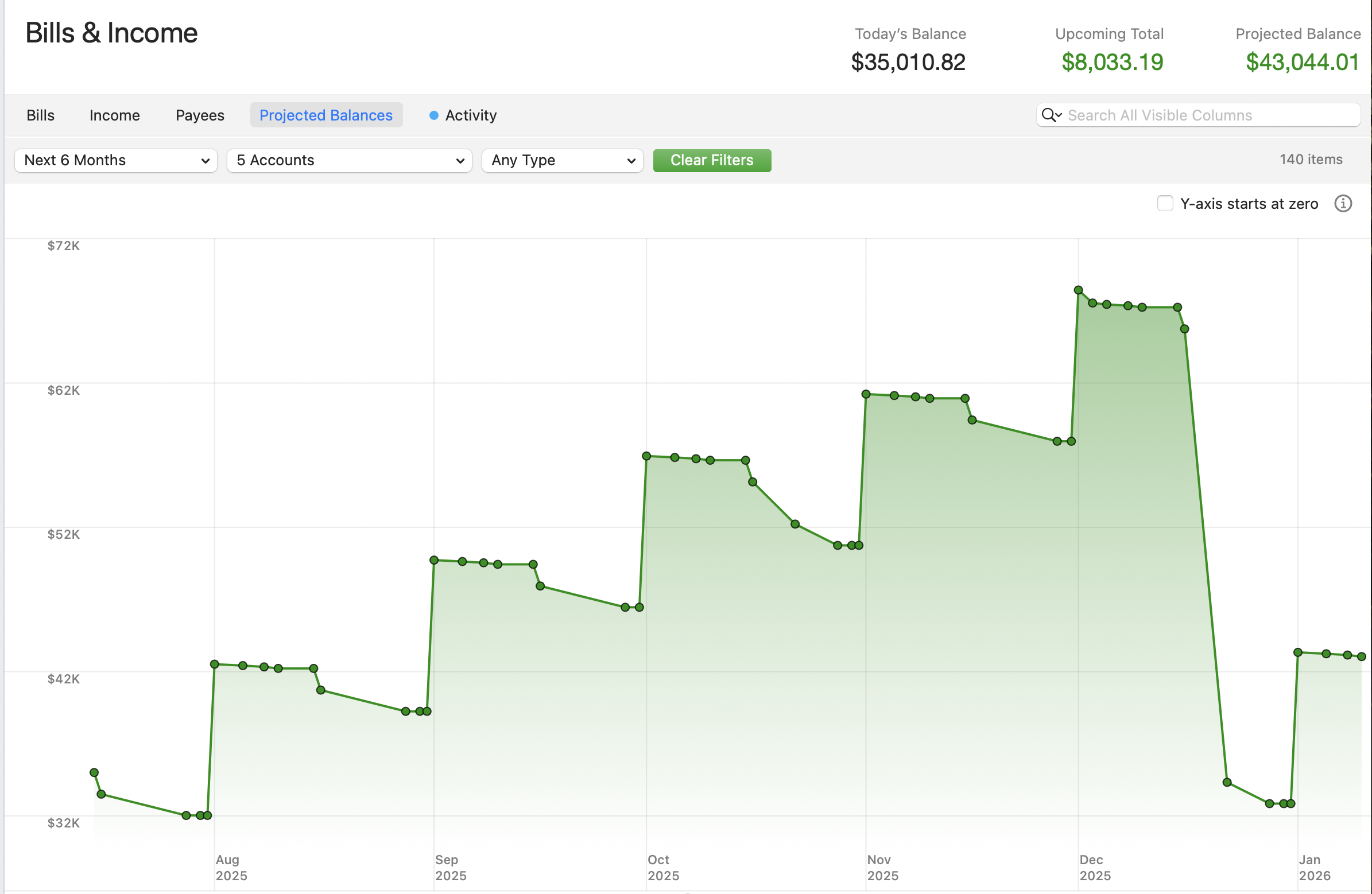
Screenshot 2025-07-15 at 8.19.39 AM.png

Current Challenge:
Currently, Quicken allows only a single account selection profile at a time. This means I must manually reselect the same 4–5 accounts (from dozens) every time I want to review that particular forecast. There's no support for saving or reusing custom groupings of accounts, and multi-selection is not retained. Once I finish the review, I also have to manually reset everything to return to my general forecast view. This repeated manual process is error-prone and inefficient, especially with a large number of accounts.

Here’s a visual example showing just a portion of my account list—managing this without filtering or saved views becomes tedious.

Screenshot 2025-07-15 at 8.25.06 AM.png

Suggested Enhancement:
Please allow users to save named account selection sets for use in the Projected Balances view. This would enable:

  • Quickly switching between different forecast scenarios (e.g., rental properties, personal spending, investment accounts)
  • Reusing customized account groupings without repeating the selection process
  • Reducing manual errors and improving the forecasting workflow

FYI, I found there was no category for General Quick Feature. (I use Quicken on Mac)

[Moved to QMac section of the Community]

2
2 votes

Reviewed · Last Updated

Comments

  • Chris_QPW
    Chris_QPW Quicken Windows Subscription Member ✭✭✭✭

    Use the Projected Balances on the Classic Dashboard instead.

    image.png

    Signature:
    This is my website (ImportQIF is free to use):

    http://www.quicknperlwiz.com/

  • 186kmph
    186kmph Member ✭✭✭

    Not sure you fully understand the feature requested Chris…. This is a feature for the Projected Balances behavior (I am using this). Once you set the feature up by taking the time to select what accounts you want in your report, you have no means to save it before starting the next set. There is also no multi-select option for the accounts to add during creation. If you have many accounts like me, this takes some scrolling and clicking and doing this each time is not desirable. It would be better to save the settings much like saving the accounts selected in the reports that I build.

  • Chris_QPW
    Chris_QPW Quicken Windows Subscription Member ✭✭✭✭

    You can't do what you want on the Bills & Income tab, but you can do it on the Home tab.

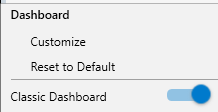
    On the Home tab select the gear icon and make sure Classic Dashboard is on:

    image.png

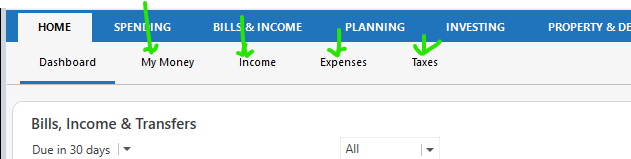
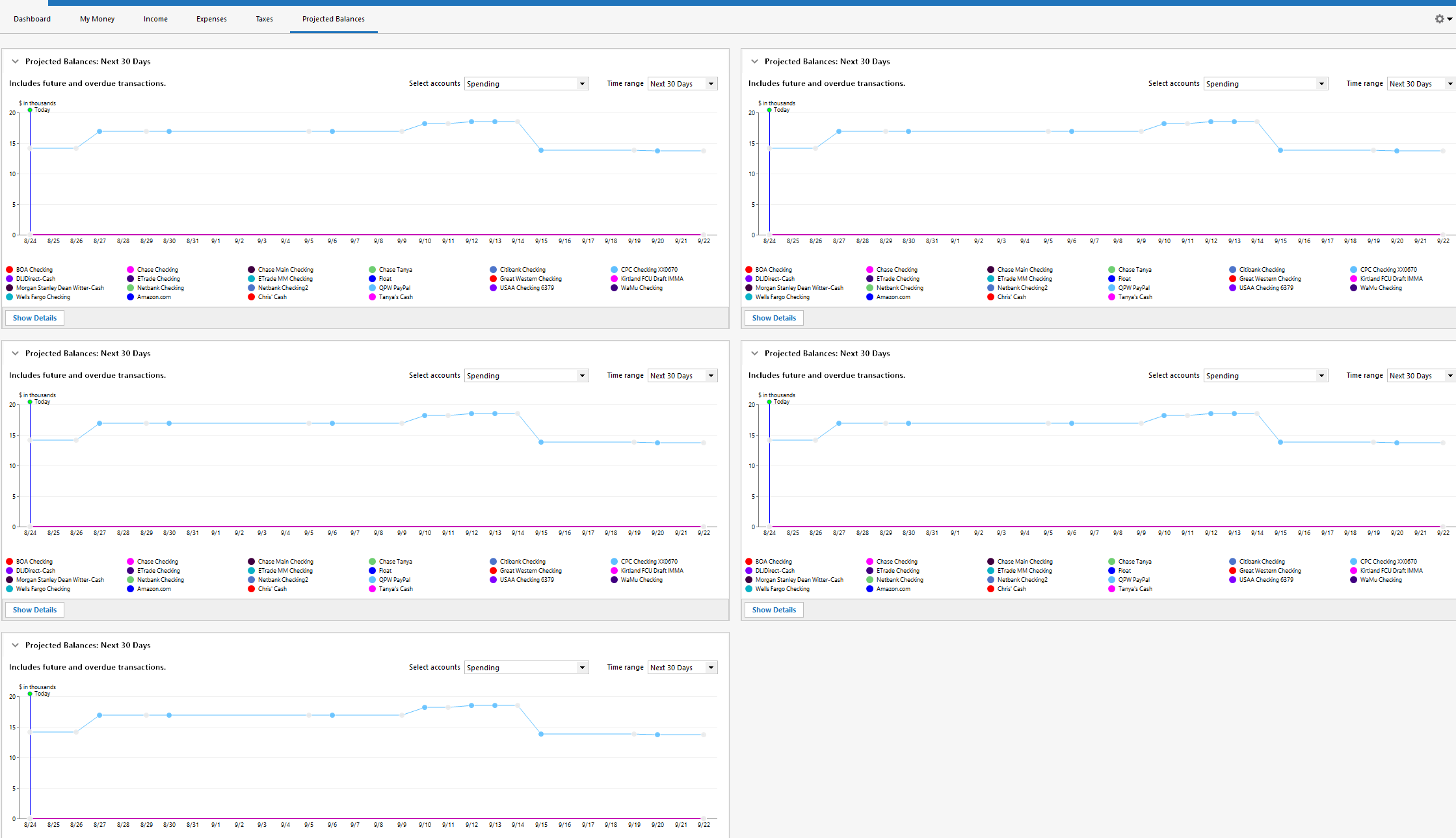
    This will allow you to create as many Classic Dashboard views as you like.

    image.png

    My Money is the default view for the Classic Dashboard, if you click on one of the Classic Dashboard views and then the gear icon:

    image.png

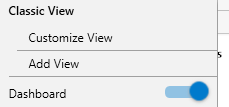
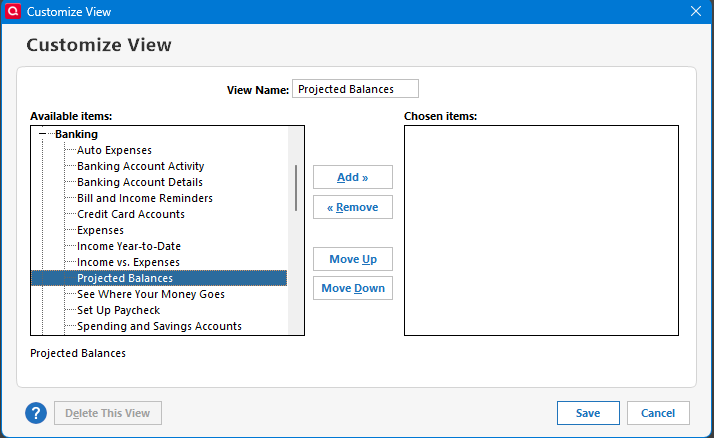
    Customize View is where you can add "widgets" to that view, and you can use Add View to create more views if you like. As an example, for you I selected Add View (renamed to Projected balances):

    image.png

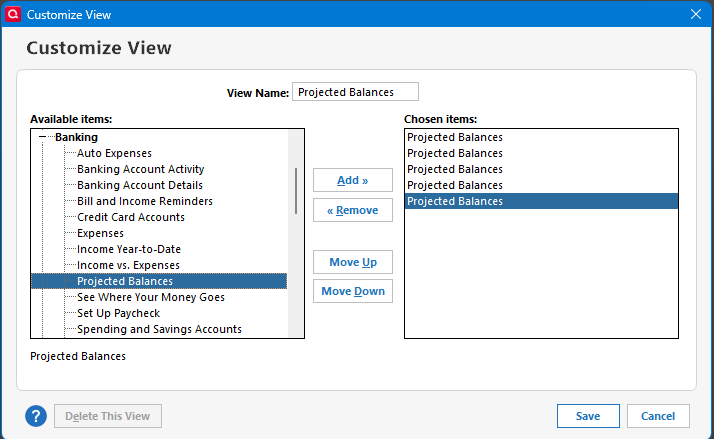
    Add as many as you like, and select Save:

    image.png

    image.png

    Each can have its own set of accounts and time range.

    Signature:
    This is my website (ImportQIF is free to use):

    http://www.quicknperlwiz.com/

  • Jon
    Jon Quicken Mac Subscription SuperUser, Mac Beta Beta

    @Chris_QPW You're posting about Quicken Windows, and the thread is tagged Windows, but this is in one of the Mac idea forums and @186kmph's screenshots look like a Mac.

  • jacobs
    jacobs Quicken Mac Subscription SuperUser, Mac Beta Beta

    @Chris_QPW Quicken Mac doesn't allow creating multiple instances of Dashboard cards or Customized Views which you've illustrated in Quicken Windows.

    Quicken Mac Subscription • Quicken user since 1993
  • Chris_QPW
    Chris_QPW Quicken Windows Subscription Member ✭✭✭✭

    I’m sorry folks I could have sworn that this was on a Windows thread.

    Signature:
    This is my website (ImportQIF is free to use):

    http://www.quicknperlwiz.com/

  • Jon
    Jon Quicken Mac Subscription SuperUser, Mac Beta Beta

    @Chris_QPW It's possible that it started on a Windows forum & got moved. That's happened to me a time or two in the opposite direction.