Merrill Lynch transitioning from Direct Connect to 'a new connection method' not working

I'm on a Mac, Sequoia 15.5.
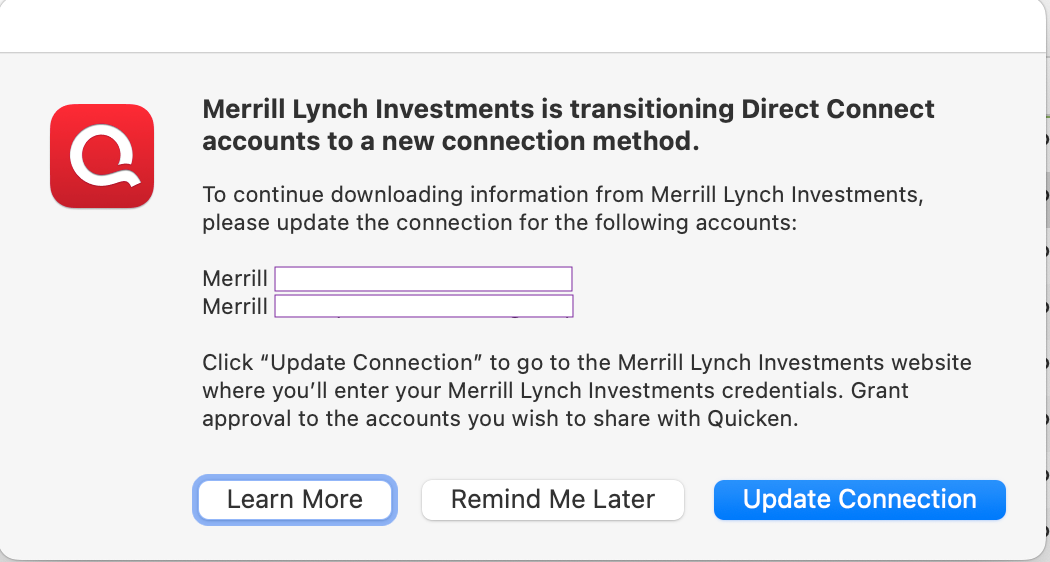
When I attempt to Update All Accounts, I get a Quicken pop up telling me Merrill Lynch Investments are transitioning… (1st screenshot).
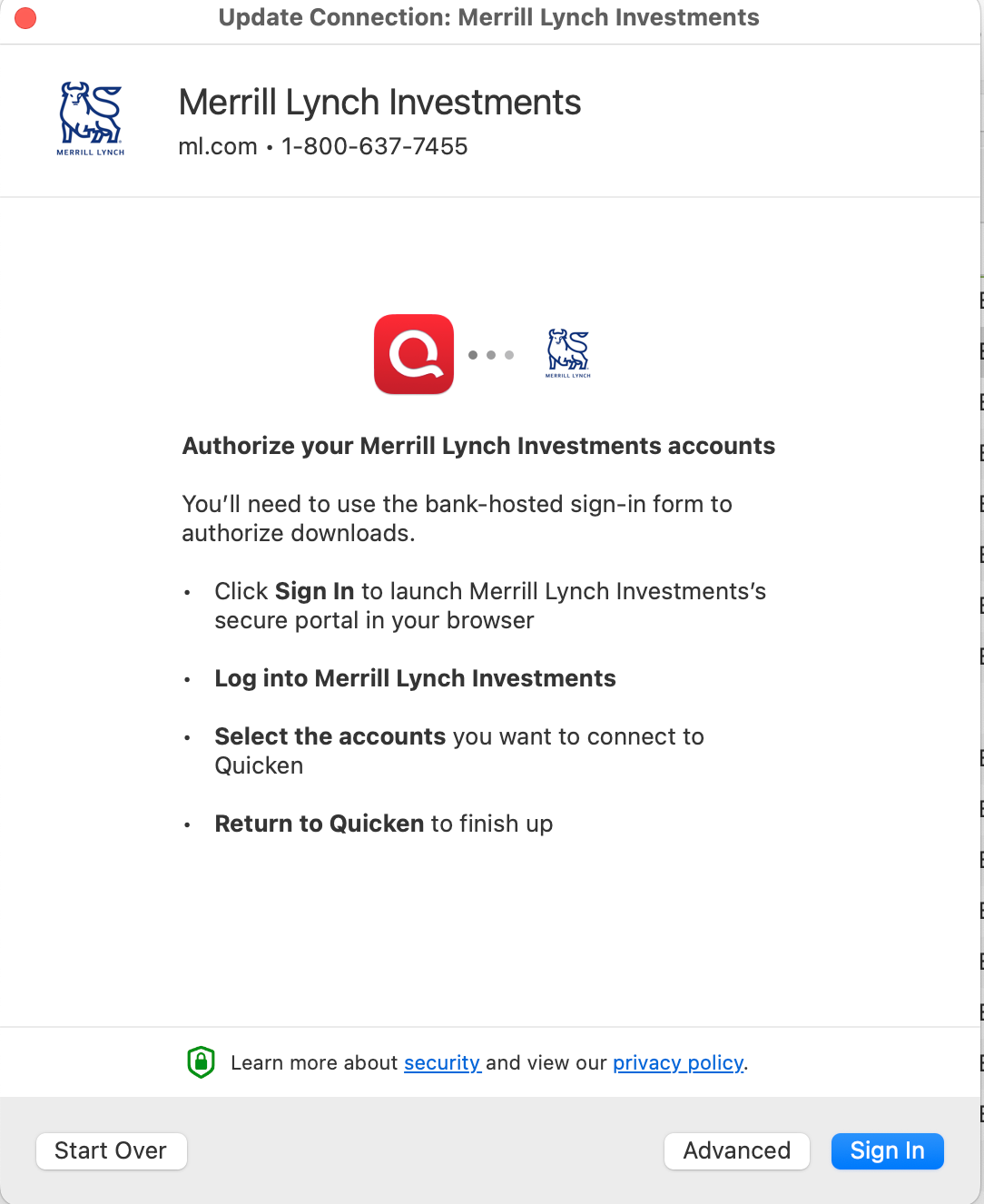
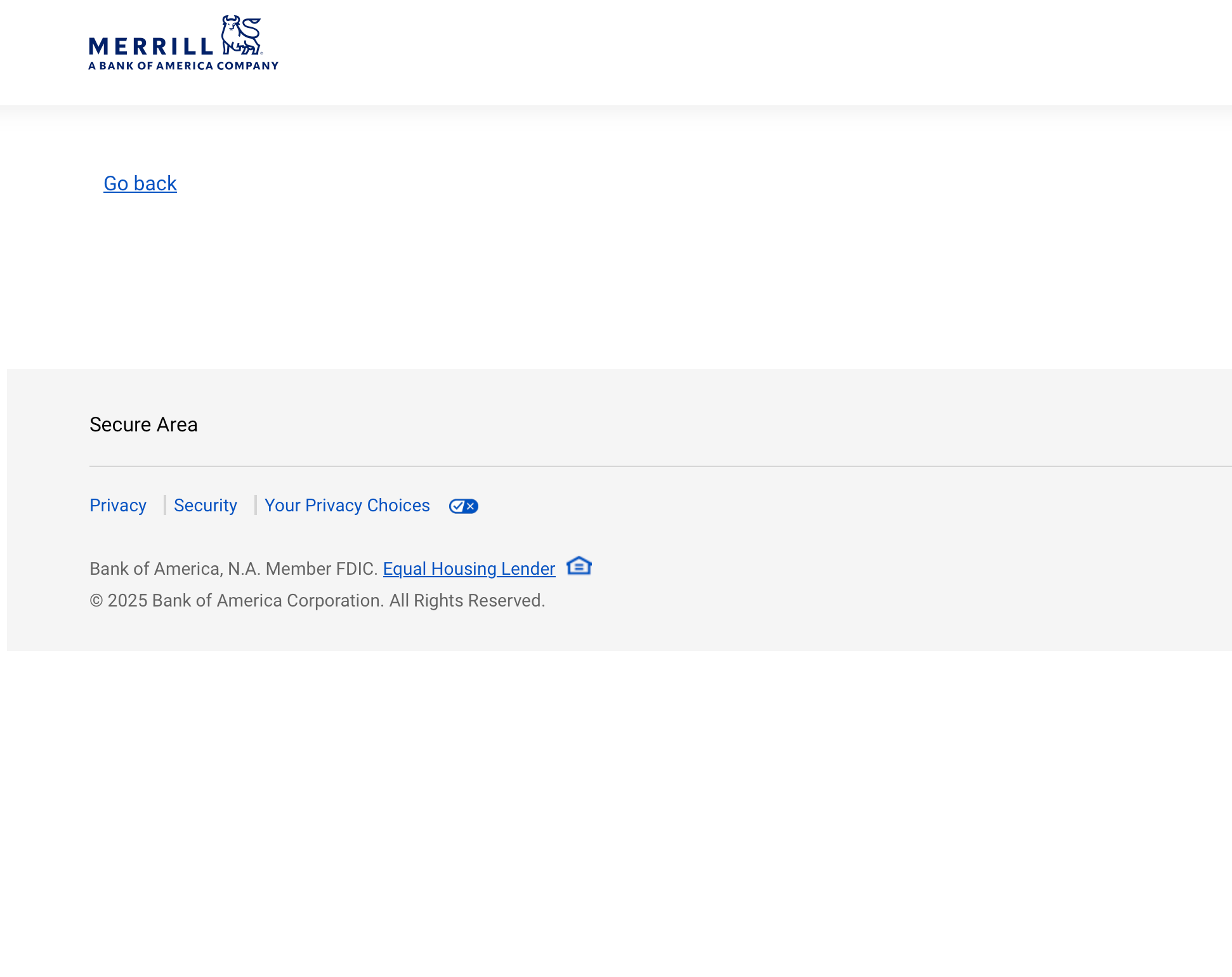
I click on the Update Connection button and I'm eventually (2nd screenshot) taken to a browser screen for Merrill Lynch but not to a login screen, so nothing happens. Even the 'Go back' button on the screen does nothing (3rd screenshot). I can't login to continue setting up the connection.
When I copy the 'Go back link', this is what it contains:
https://secure.fs.ml.com/sparta/auth/cust-auth-consent/obc-cust-auth/?pi=D4A4F72ED7046FAFA0B0DBE2F9ADA14D&accountBased%3Dtrue#
It appears that there is a communication error between Quicken and Merrill Lynch. This is a new problem, not related to recent reauthorization issues with Merrill Lynch.
This started around July 17, 2025.
Comments
-
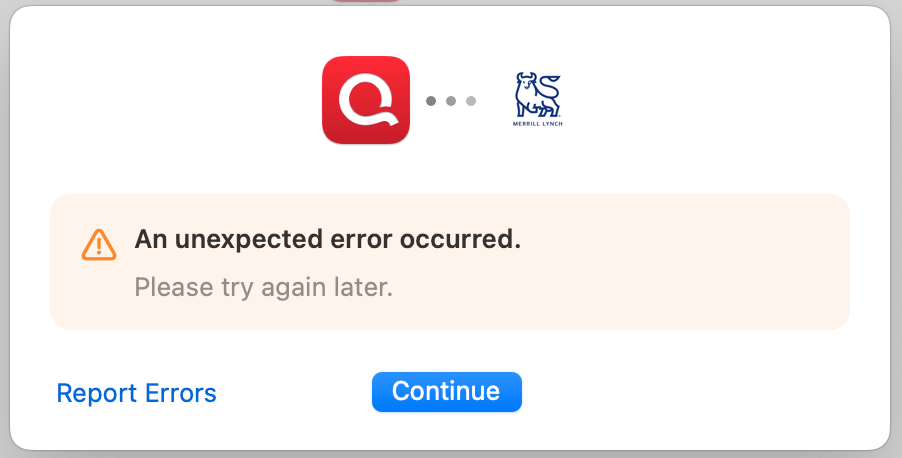
Quicken eventually times out and I get this message:
 0
0 -
Hello @paladin52,
Thank you for letting us know you're encountering this issue. I tested in my Quicken, and it brought me to the login screen on Merrill Lynch's website. Because of this, I suspect the issue you're encountering is likely being caused by a browser setting or extension.
Please try pausing any browser extensions you have, especially ad blockers and popup blockers. If that does not work, then please try temporarily setting a different browser as your default browser (avoid using Brave and DuckDuckGo, since those browsers are known to not work well with Quicken when going through the authorization process).
If you have a VPN active, please try turning it off while going through the authorization process. If you have an anti-virus with a safe banking feature, try pausing that feature (the feature often pulls banking sessions into a custom browser, which may have settings that block communication with Quicken).
Please let me know how it goes!
Quicken Kristina
Make sure to sign up for the email digest to see a round up of your top posts.
0 -
Hi Kristina,
I'm using Safari and I changed my settings for the ML website to Allow pop-up windows and also Reload Without Content Blockers. At first, I got the same 'dead' webpage with no login but I did a Reload and Show IP Address and it went to the login screen! I was able to authorize OK after that and it appears all is well. I quit Quicken, reopened it and when I clicked to Update All Accounts, everything was fine.
Thanks for your quick and detailed response!
0 -
Thank you for the follow-up,
I'm glad to hear the issue is resolved!
If you need further assistance, please feel free to reach out!
Quicken Kristina
Make sure to sign up for the email digest to see a round up of your top posts.
0
